As the school year comes to an end, there are some specific steps you can take to prepare your RideIQ account for a smooth start to the coming school year. Completing each of these tasks will set your organization up for efficient ride scheduling as the next school year starts.
We suggest the following steps to prepare your account:
Deactivate unneeded Riders
Review your account and deactivate any Riders who will not need transportation in the following school year. This will reduce clutter on your Riders page and make it easier to find the correct Rider when scheduling rides. If circumstances change, you can always reactivate a Rider if needed.
Learn more about deactivating Riders in this article.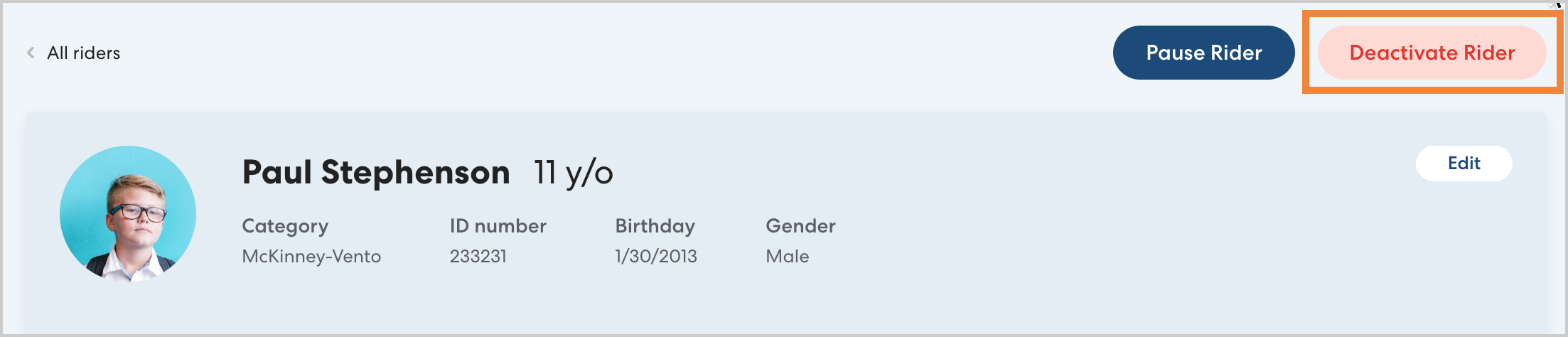
Update your Calendars
In RideIQ, Calendars run on a rolling 365-day year so you can continue to update and use all your existing calendars as long as they are needed. Take a moment to add any breaks and days off that apply to any summer programs to the applicable Calendars and to add the breaks and days off for the coming school year once the schedule is set.
Learn more about updating your calendars in this article.
Review and confirm location Calendar assignments
The calendar feature is most powerful when locations have appropriate calendars assigned to them. While residences do not typically need assigned calendars, it is generally best practice to assign calendars to schools. Review your organization's School locations to confirm they have appropriate calendars assigned. Learn more about associating calendars and locations in this article.
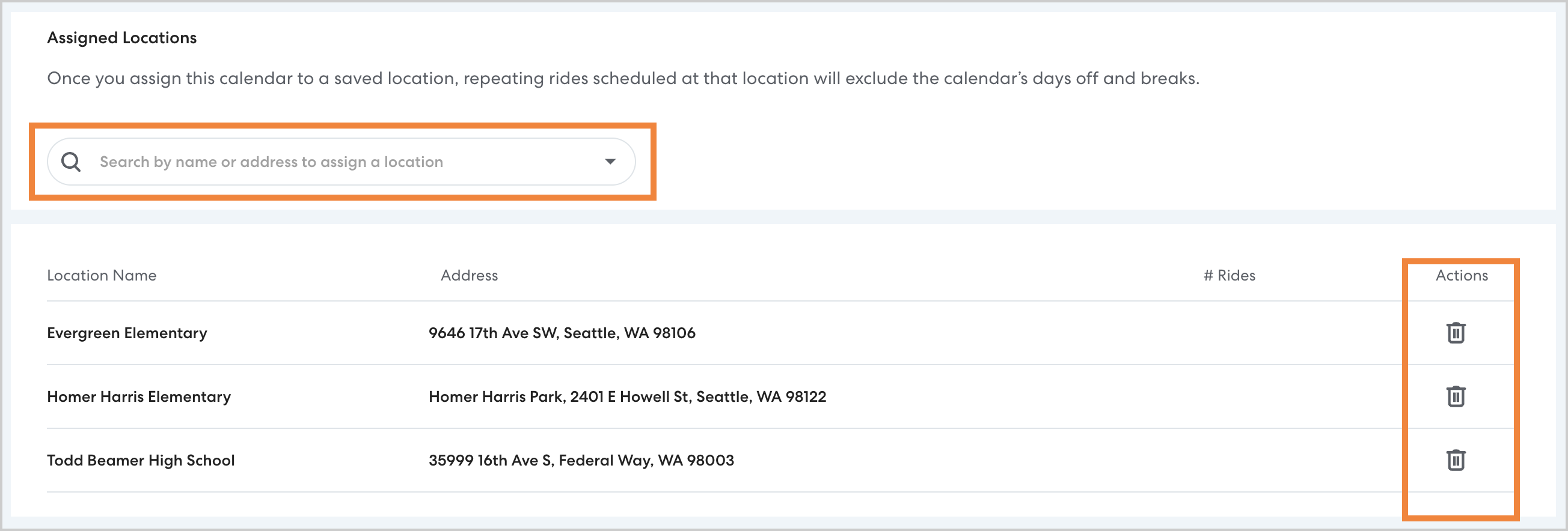
To confirm that the correct locations are assigned to a calendar, open the desired calendar and click Assigned Locations.
From there, use the search field to find and add new assigned locations, or click the trash can icon to remove an assigned location.