
Caregivers and emergency contacts are added to rider profiles. You can add up to five contacts total and manage permissions and settings in Account Settings. 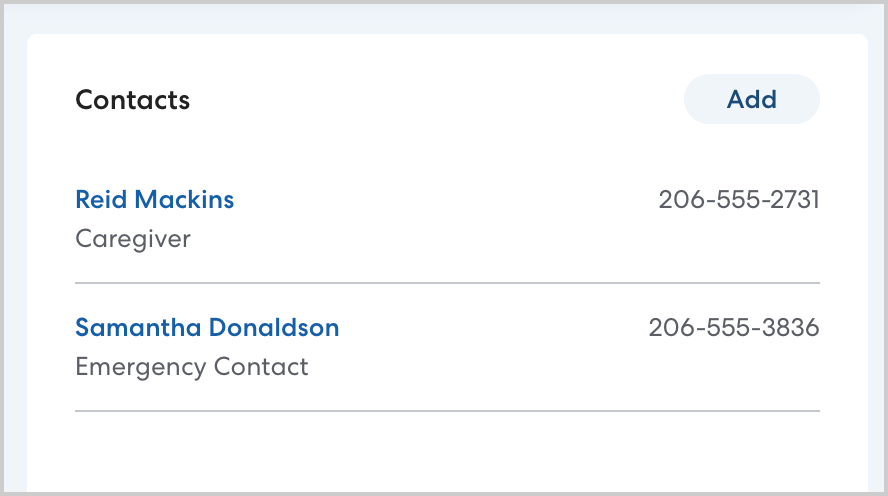
Caregivers
Caregivers are generally the rider's parent or guardian. Caregivers receive text message updates about their rider's rides, and can download the HopSkipDrive app to monitor rides in real time.
- Learn more about information caregivers receive here.
Caregivers may also be contacted by CareDrivers or HopSkipDrive support if there is difficulty finding the rider at pickup or similar issues with a ride.
Caregivers can be allowed to cancel or make changes to rides. Your organization controls these settings. Learn more about permissions settings here. 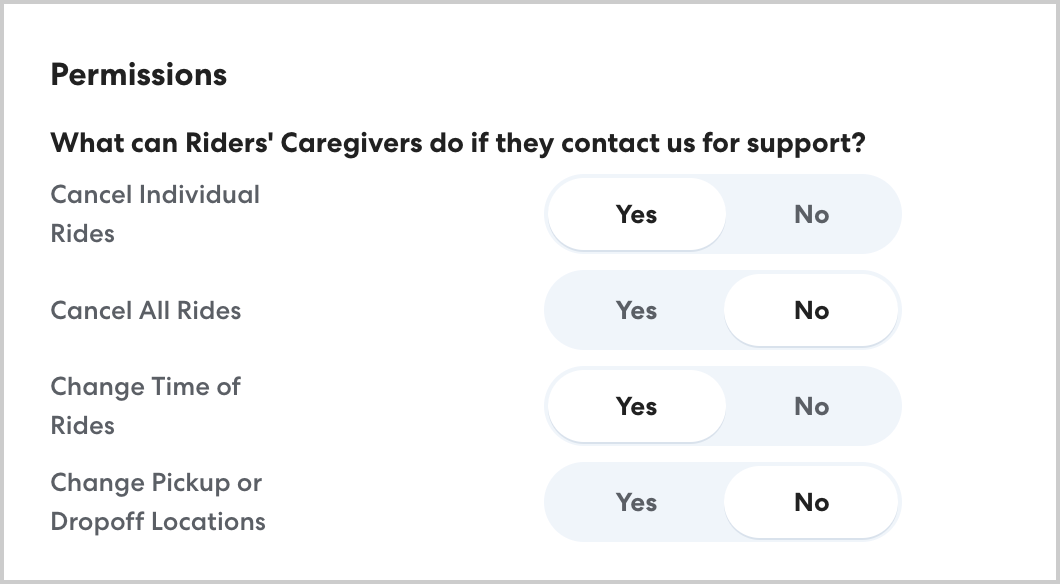
Emergency contacts
Emergency contacts are additional contacts for the rider who do not need to be informed about the rider's schedule but may be contacted by HopSkipDrive support if no one else can be reached. Emergency contacts do not receive text message updates and are not able to monitor rides using the HopSkipDrive app. Contact information for emergency contacts is not provided to CareDrivers.
How to add a caregiver or emergency contact
To add an additional contact, follow the steps below:
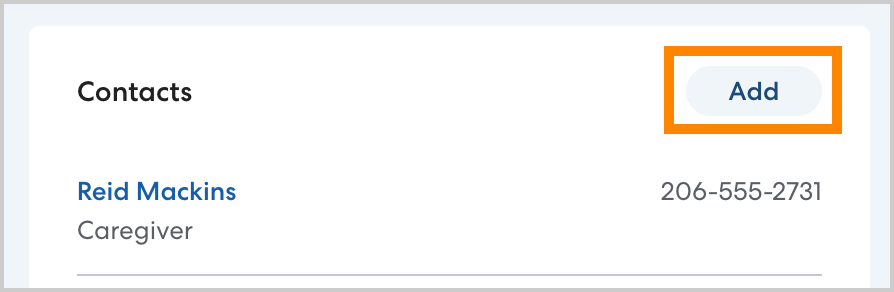
- Navigate to the rider's profile. In Contacts, click Add.
- Enter the contact's first and last name.
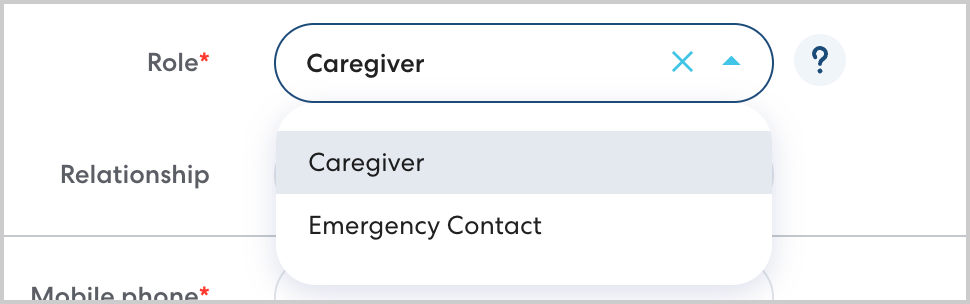
- In role, select Caregiver or Emergency Contact.
- Enter the contact's phone number.
- Optionally, you may enter an email address for caregivers.
- Click Save.