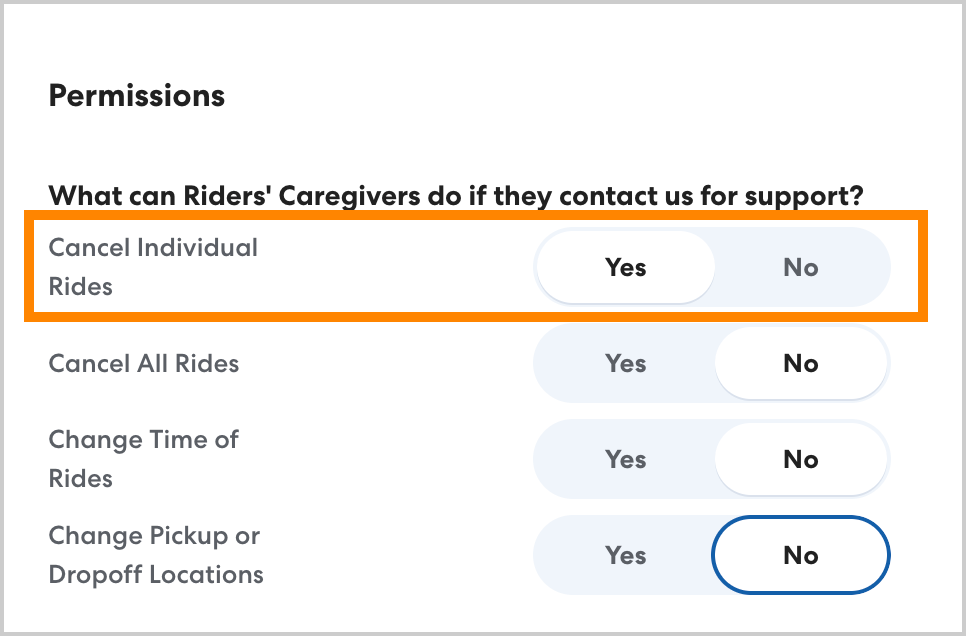
To avoid cancellation charges, it is best to cancel unneeded rides as far in advance as possible. Often caregivers are the first to know that a rider will not need transportation on a given day, whether that is due to illness, vacation, or an appointment. By enabling caregivers to cancel individual rides, you can limit last-minute cancellations and associated charges.
When you enable caregivers to cancel individual rides, they can:
- Cancel using the HopSkipDrive app
- Cancel via automated text message
- Cancel by calling HopSkipDrive support
You can confirm that a caregiver canceled a ride by checking the cancellation reason listed on the ride.
How to enable caregiver cancellations
Caregiver cancellation permissions are managed at the Account level. To adjust these permissions, you must have Account Admin permissions. The settings you choose will apply to caregivers for all riders.
To allow caregivers to cancel individual rides, follow the steps below:
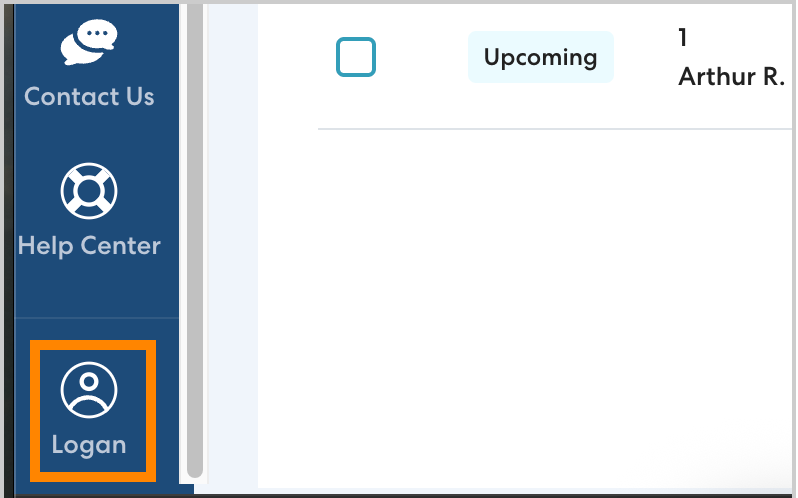
- In the lower left, click your profile.
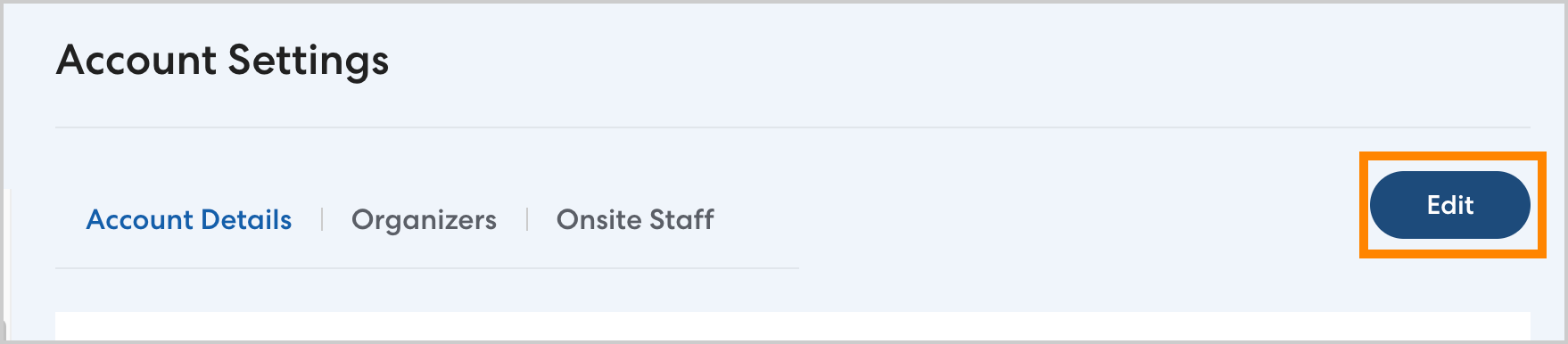
- Click Account Settings, then click Edit.
- Under Permissions, ensure that Cancel Individual Rides is toggled to Yes. Click Save to confirm your changes.