
You can make edits to just one ride in a series, or change all rides going forward if the riders' needs change.
| Note: You can make changes to a ride series at any time, as long as there are more than two hours remaining before the next upcoming ride. Within two hours of the ride you can only cancel the ride or remove a rider. |
Follow these steps to make changes to a Ride Series:
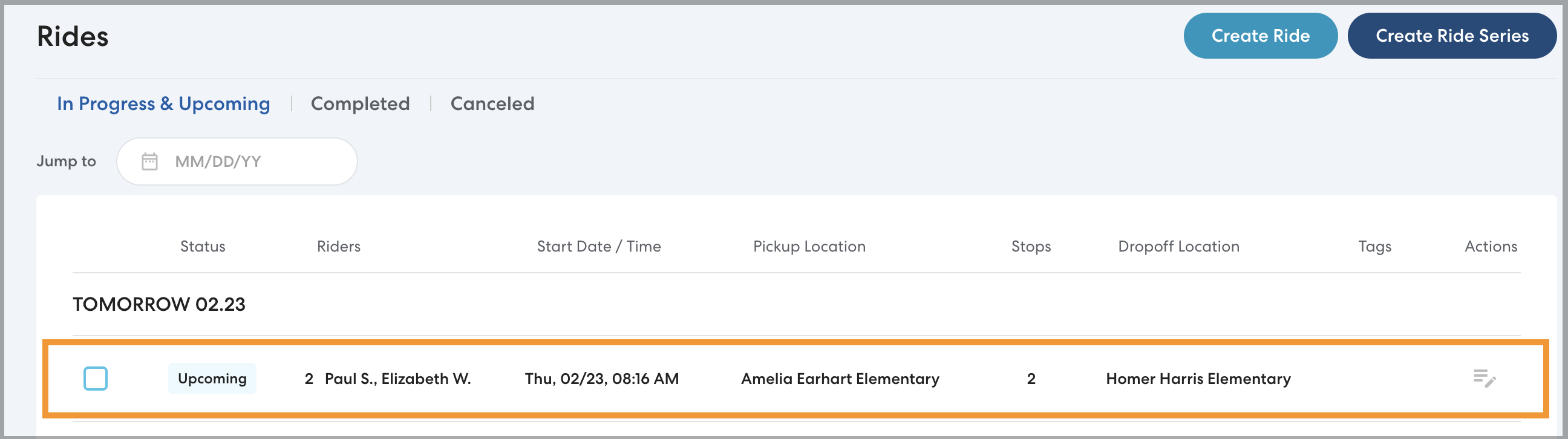
- On the main Rides page or the ride list on the rider's profile, select the ride you want to edit.
- If you're editing a single ride, select that ride.
- If you're making changes that will apply to the series going forward, select the first ride you'd like the changes to apply to.
- Click Edit.
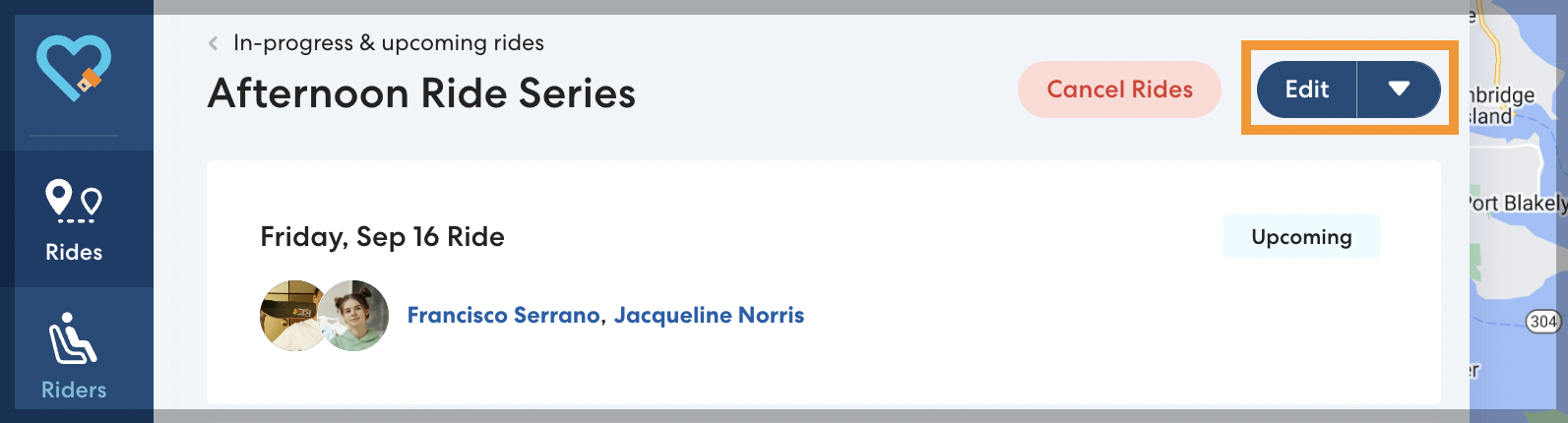
- Make the desired changes. You can:
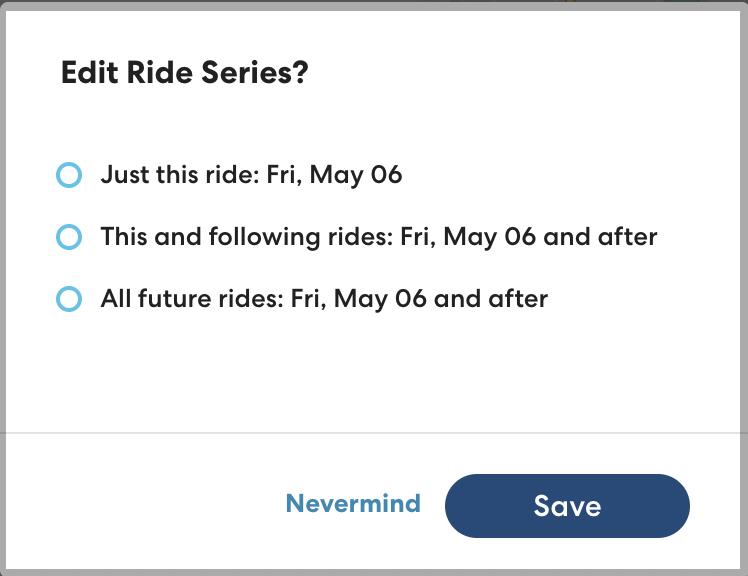
- When you have made your changes, click Save. Choose which rides your changes will apply to. You can choose:
- Just this ride: apply the changes just to the ride you selected.
- This and following rides: apply the changes to the selected ride and all following rides in the series.
-
All future rides: apply the changes to all future rides in the series, regardless of which ride you selected.
- Click Save.