
You can edit the pickup or drop-off time for a ride or Ride Series up to two hours before the next scheduled ride. If the ride will start within the next two hours, you can only cancel the ride or remove a Rider from it.
Follow the steps below to change the time of a ride.
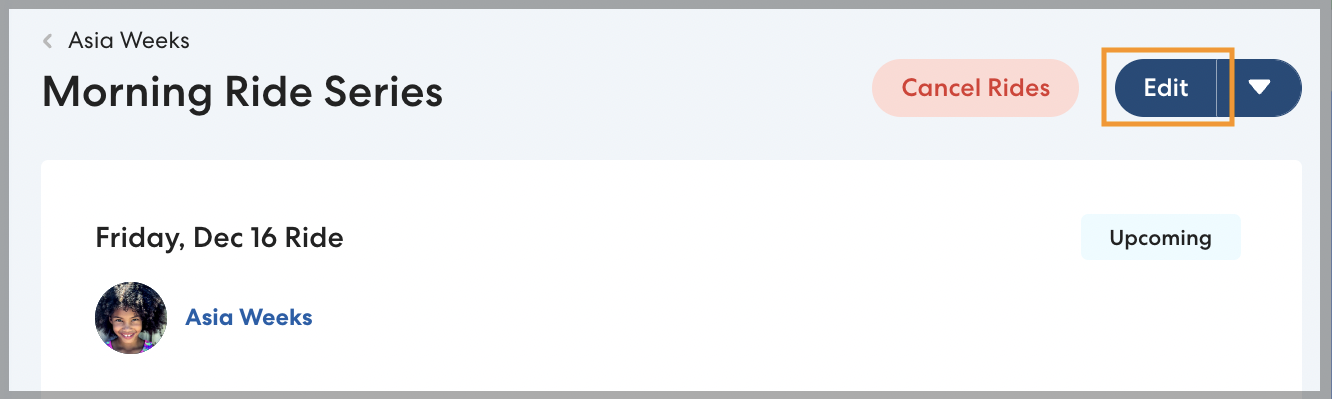
- Select the desired ride. If you're editing a ride in a Ride Series, choose the first ride you want the changes to apply to.
- Click Edit.
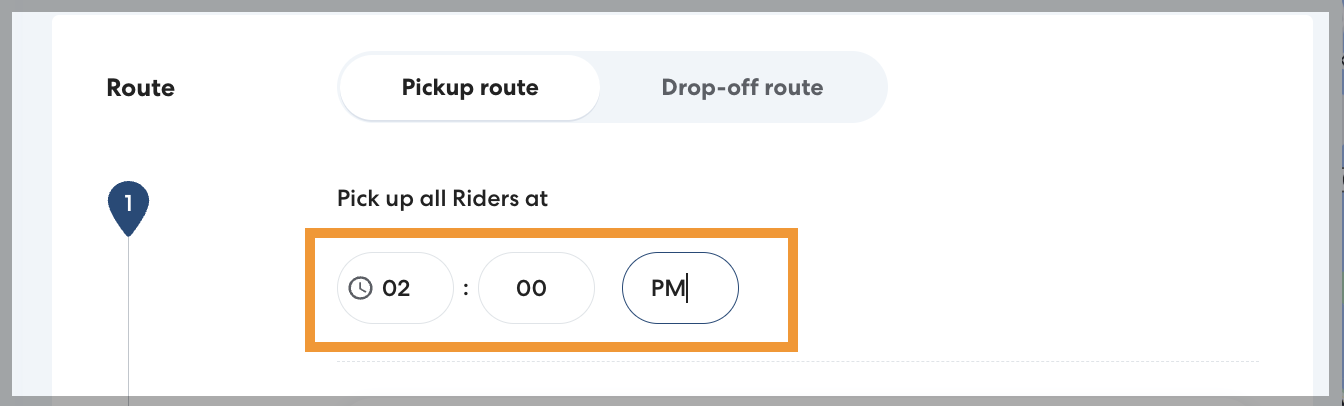
- Enter the desired pickup or drop-off time. When setting the time, don't forget to include some buffer time for the Rider to get to or from the car (for example, if the last class of the day ends at 2:50, set the pickup time to 3:00).
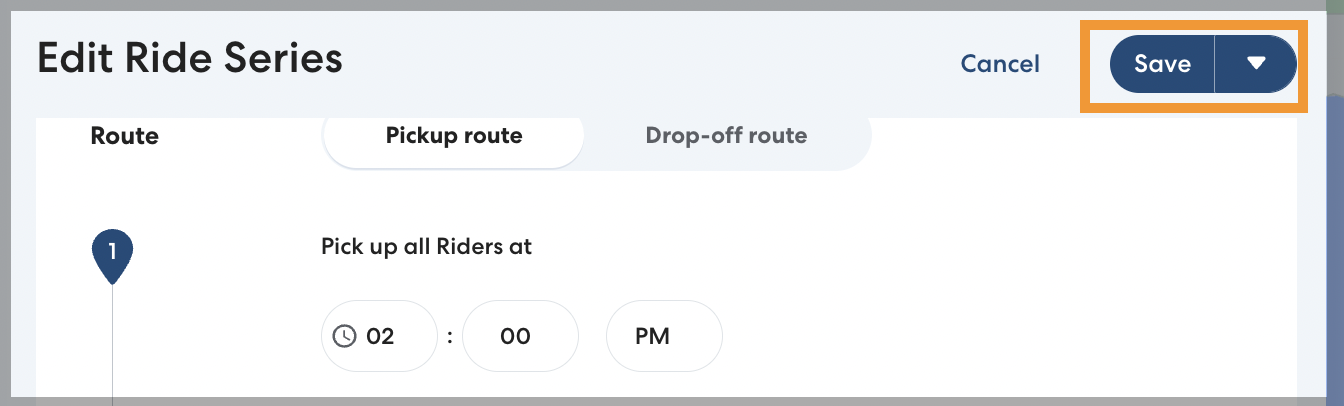
- Click Save.
-
If you're editing a Ride Series, select which rides to apply your changes to. You can choose:
- Just this ride: Only the selected ride will be scheduled for the new time.
- This and following rides: The selected ride and any rides after it in the series will be scheduled for the new time.
-
All future rides: All remaining rides in the series will be scheduled for the new time.
-
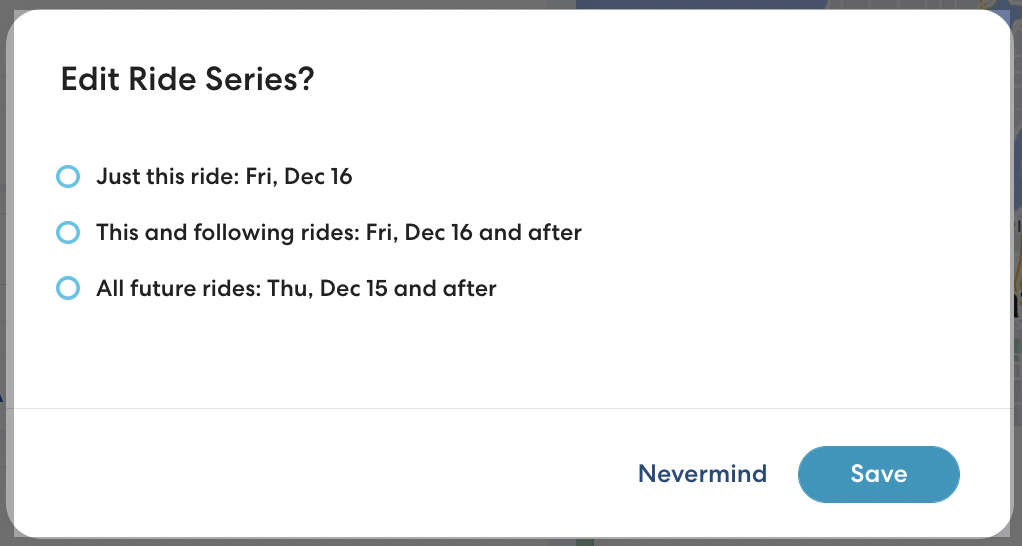
Click Save to confirm your changes. If the ride has already been claimed by a CareDriver, they will be notified of the change in schedule.