
You can edit the pickup or drop-off Locations for a ride or ride series until two hours before the next ride is scheduled to start. Keep in mind that if a CareDriver has already claimed the ride, they will be notified of the change and may unclaim it if they are unable to drive the new route. Because of this, we recommend making changes as far in advance as possible.
Follow the steps below to edit a ride's Locations:
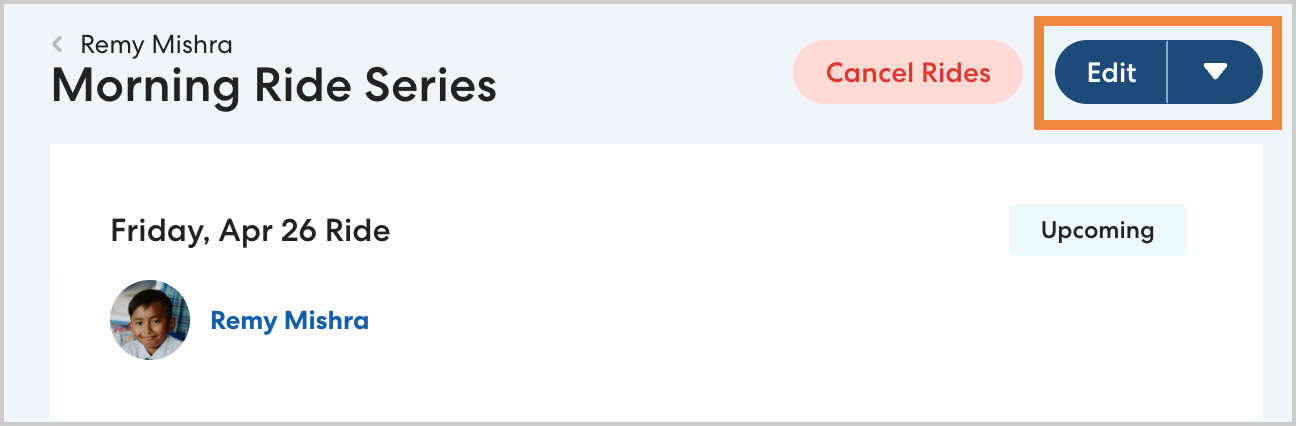
- From the Rides page or the Rides section of a Rider Profile, select the desired ride. If you are editing a ride series, select the first ride you want the changes to apply to.
- Click Edit.
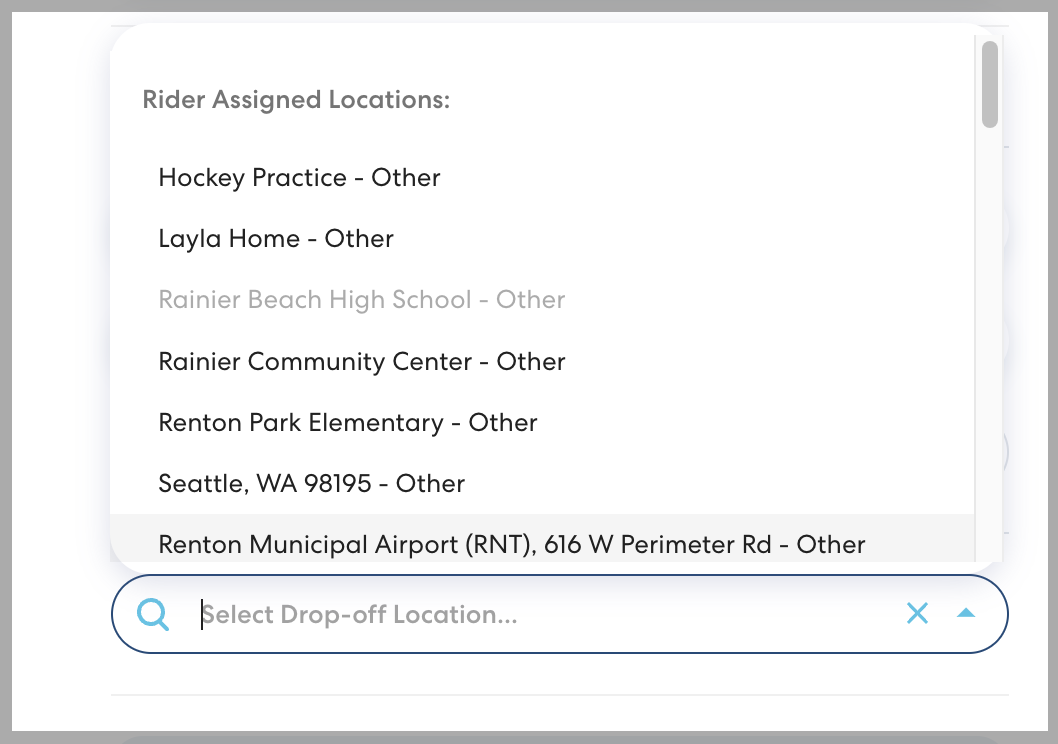
- For any Location you want to change, click the gray X.

- Begin typing the location you want to add, then select from the list.
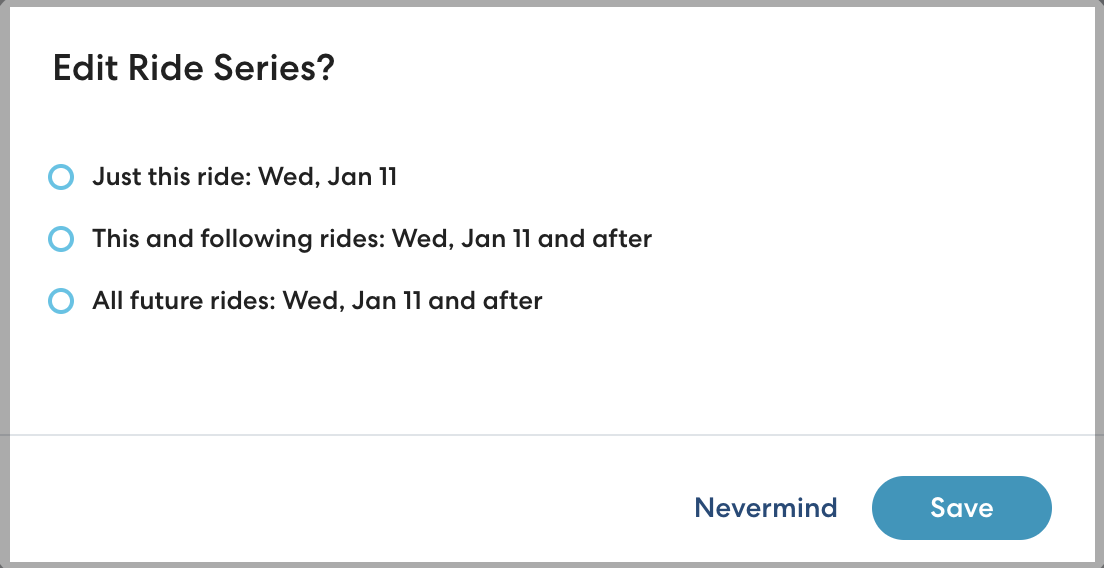
- Click Save to confirm your changes. If you are editing a ride series, choose which rides to apply the changes to. You can choose:
- Just this ride: apply the changes just to the ride you selected.
- This and following rides: apply the changes to the selected ride and all following rides in the series.
-
All future rides: apply the changes to all future rides in the series, regardless of which ride you selected.
Click Save.