When creating or editing a ride in RideIQ, you may need to include additional Riders who need their own pickup or drop-off locations. You can add stops to a ride or ride series if desired, but keep in mind the following restrictions by ride type:
-
Multiple pickup locations can only be added to drop-off rides.
For example: pick up two students at their homes and drop them off at the same school.
-
Multiple drop-off locations can only be added to pickup rides.
For example: pick up two students at school and drop them off at their homes.
Adding multiple pickup or drop-off locations to a ride
Follow the steps below to add stops to a ride or ride series.
- Select the desired ride and click Edit. If you are editing a Ride Series, select the first ride you want the changes to apply to.

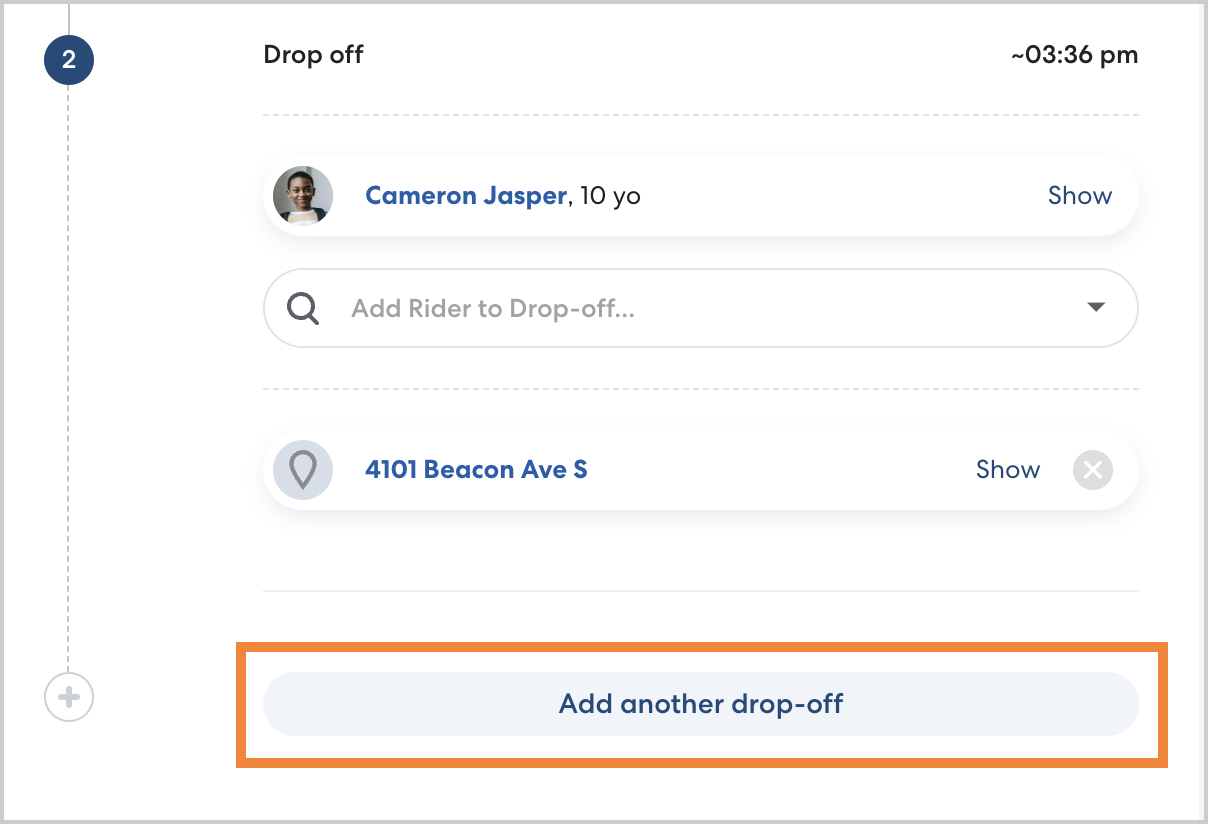
- Below the existing stop, click Add another pickup/ drop-off, as applicable.
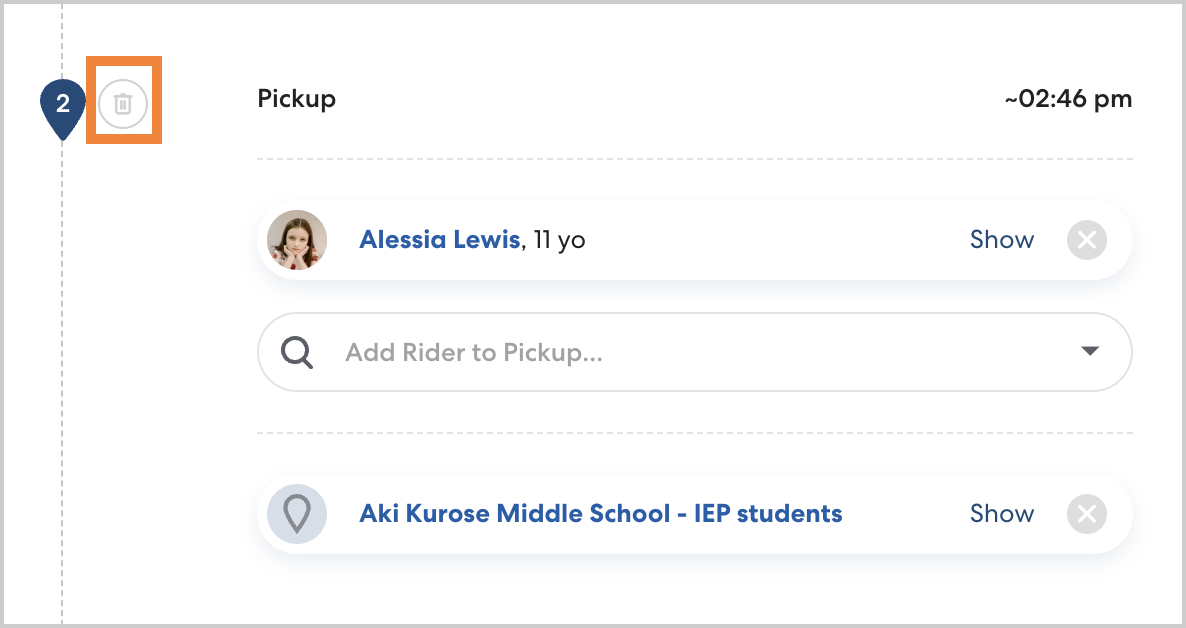
- Select the desired rider(s) and location. For most rides, you may add up to four riders. To remove a stop, click the trash can icon.
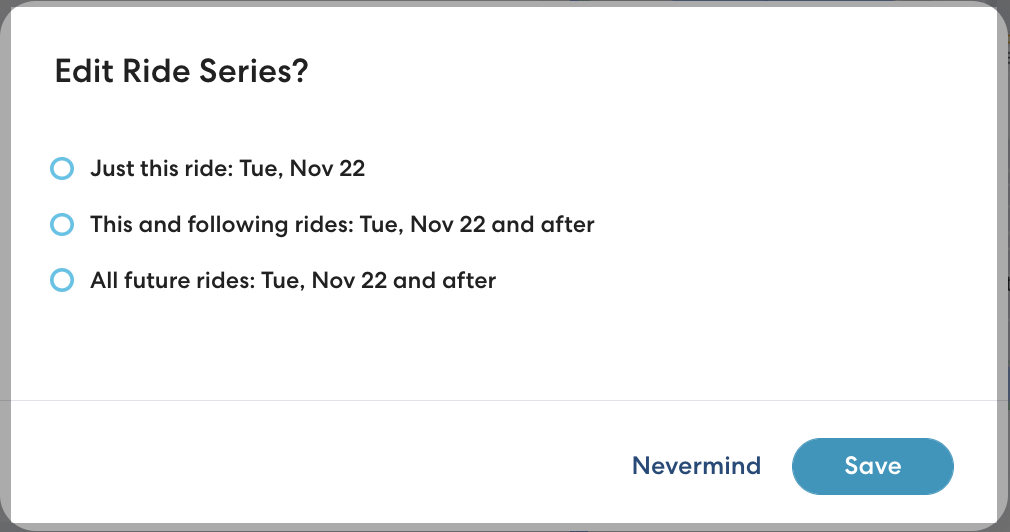
- Repeat as needed for any additional riders and locations, then click Save. If you are making changes to a Ride Series, select whether to apply changes to all rides in the series, all rides after the selected ride, or just the selected ride, then click Save.