You can see detailed information about charges incurred for canceled rides in RideIQ. Follow the steps below to review canceled rides that incurred charges:
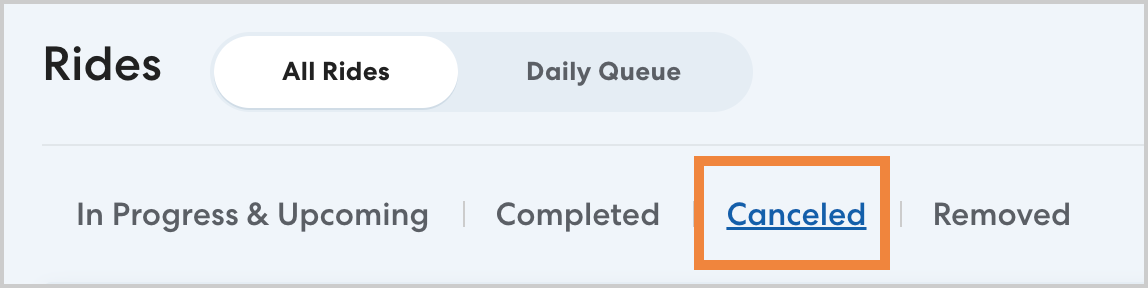
- On the main Rides page or the Rides section of a rider's profile, click Canceled.
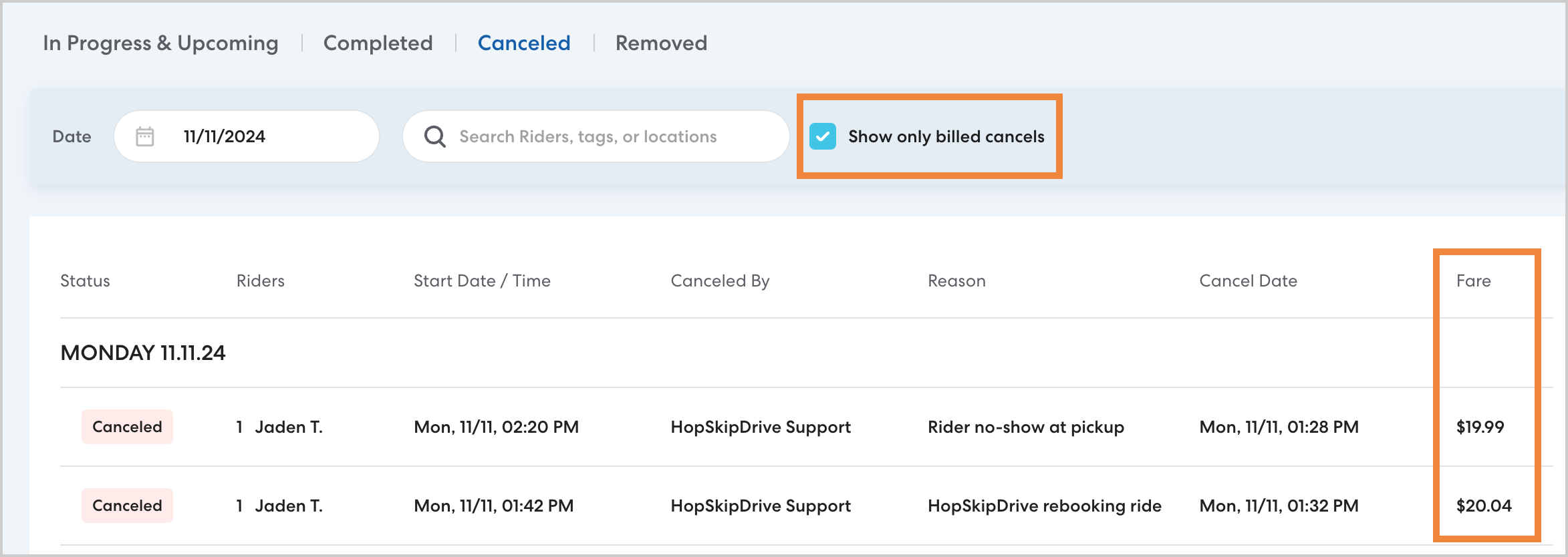
- On the Canceled rides list, you'll see all canceled rides that your organization will be billed for. To see all canceled rides, including those that incurred no charges, clear Show only billed cancels.
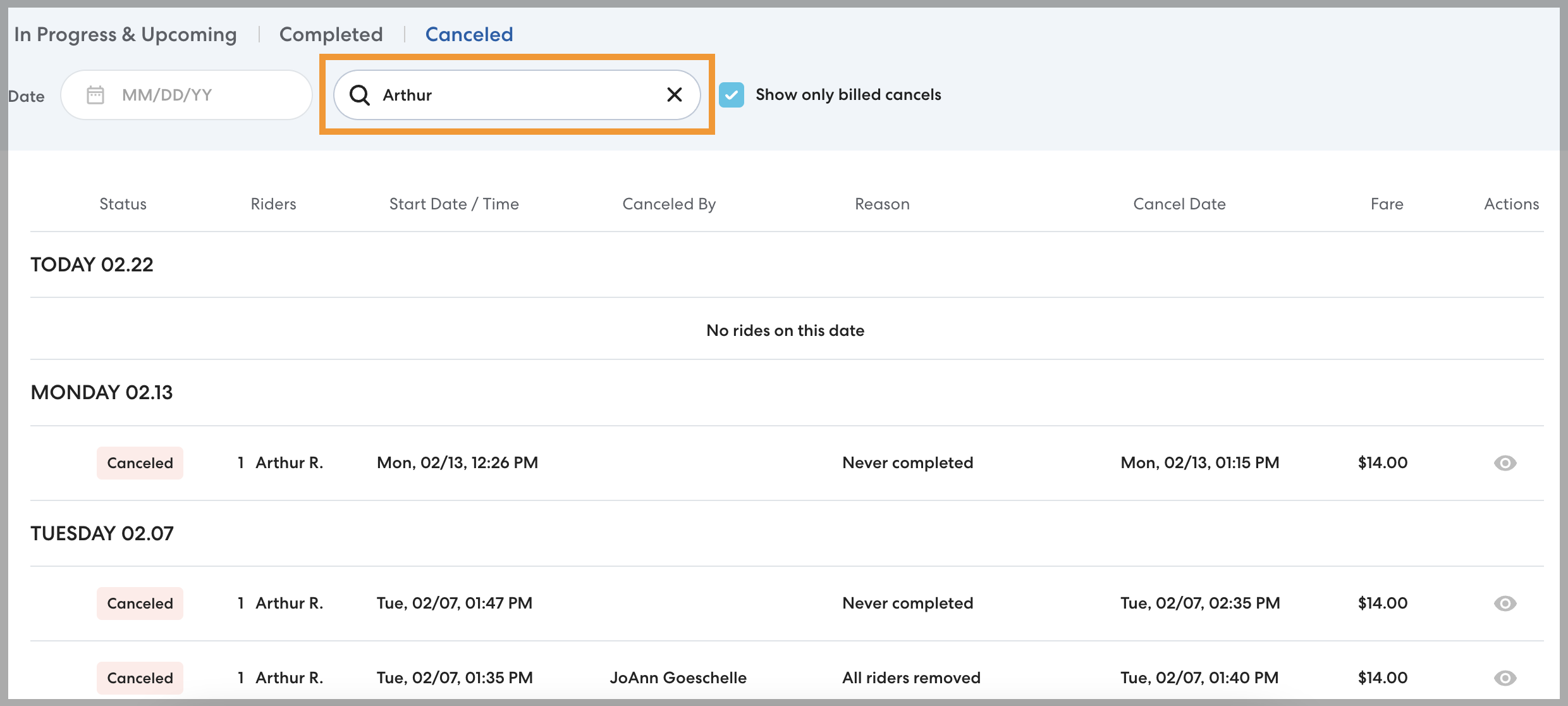
- To see canceled rides for a specific rider, type the rider's name in Search Riders, or navigate to their rider profile.
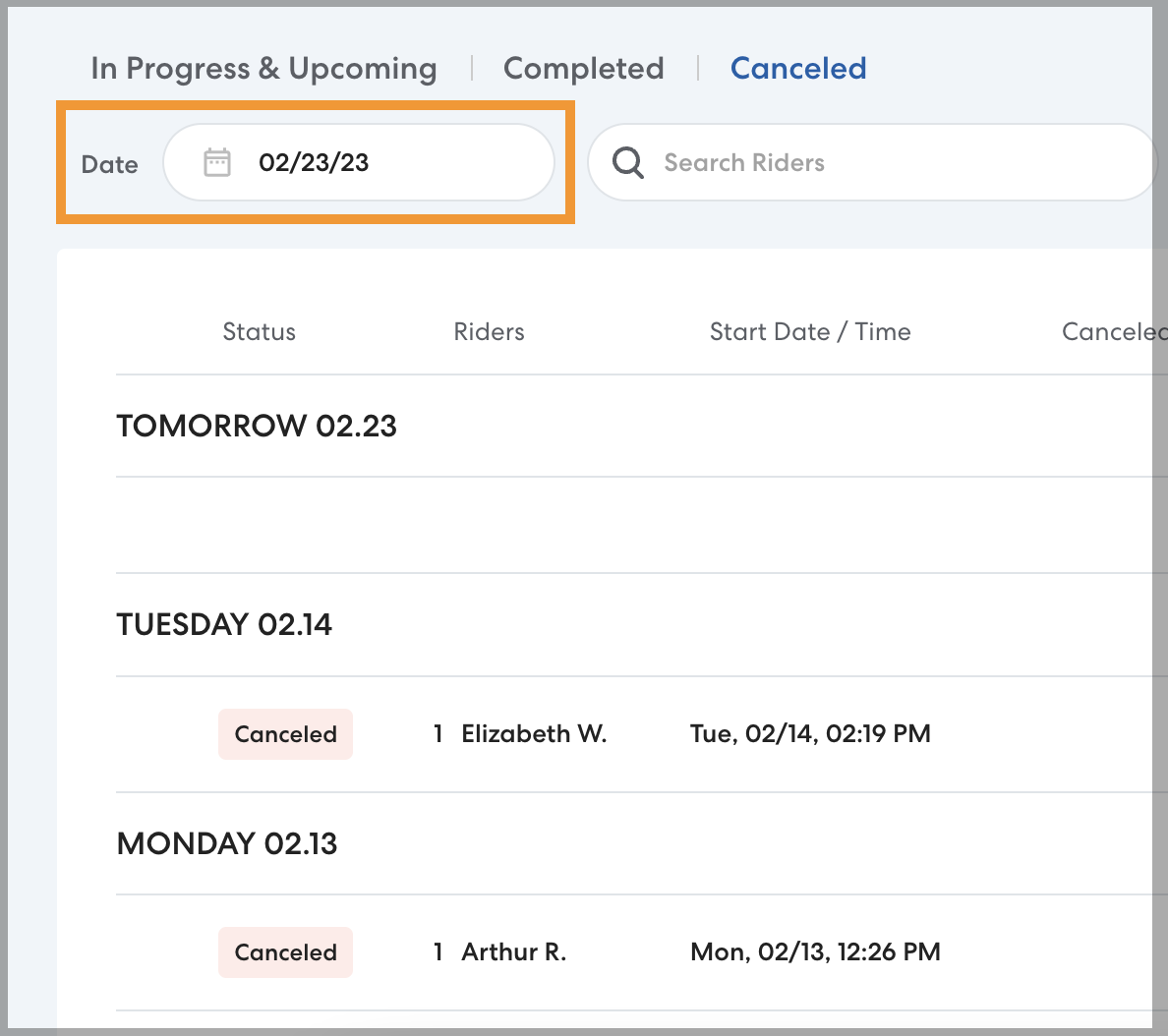
- In Date, enter or select a date to see rides on a specific day. When you select a date, you'll also see canceled rides from before the selected date.