To update your account settings, click the profile icon in the lower left corner of the screen, then click Edit to make changes.
| Note: Only Account Admins and Trip Organizers-- Full Access can make changes to account settings. If you do not see an Edit button, contact your organization's Account Admin to make any desired changes. |
You can manage the following settings:
General Settings
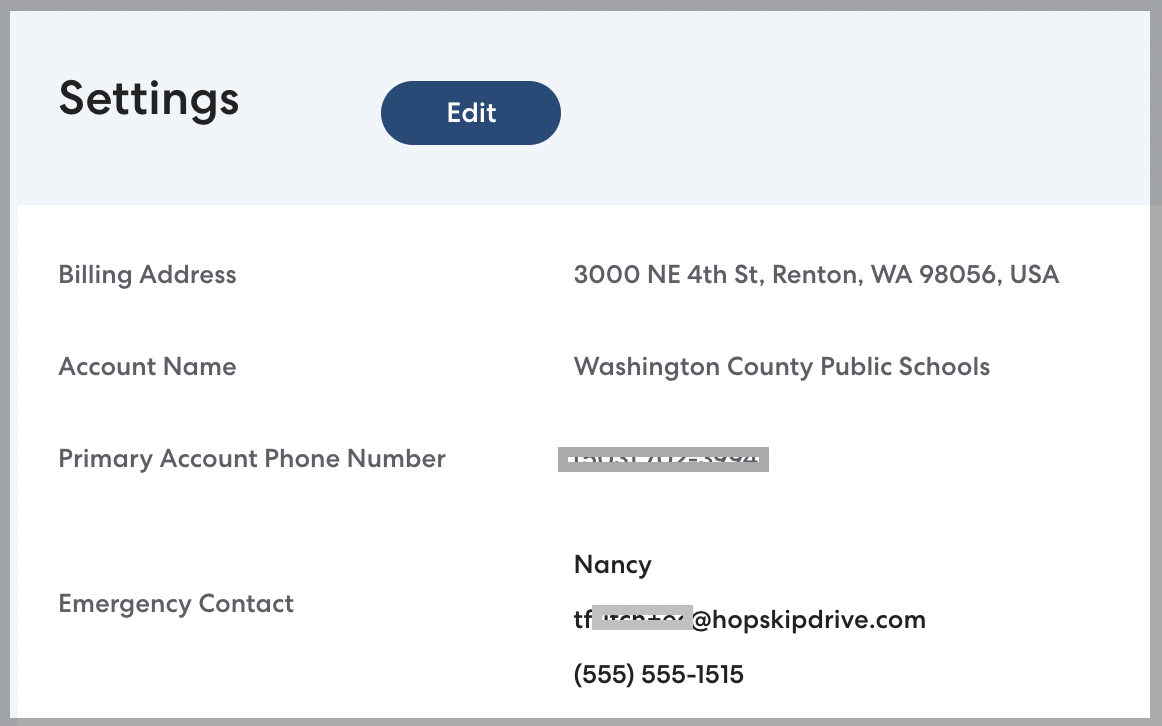
This basic contact information for your organization is only visible to HopSkipDrive's internal support teams and is not displayed to CareDrivers or families. Note that the emergency contact applies to your organization, not to families or Caregivers.
Ride preferences
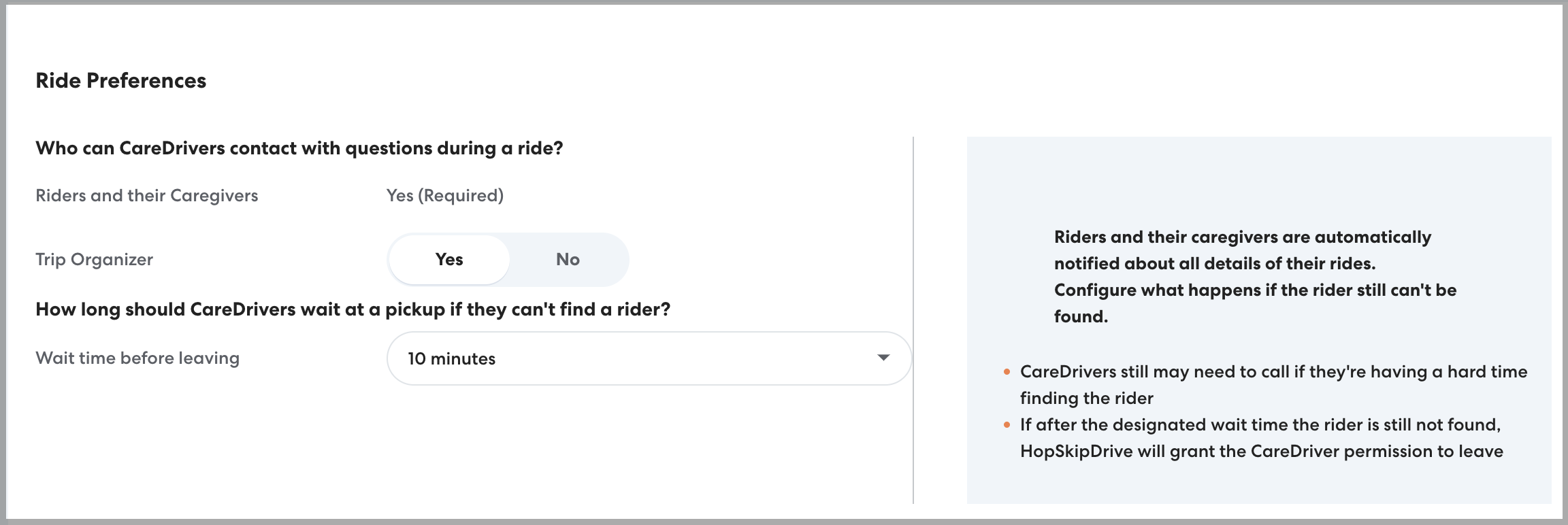
Here you can set who CareDrivers are able to contact through the app and how long they will be required to wait if a rider isn't at the pickup location.
Who can CareDrivers contact with questions during a ride?
Control what contact information is available to CareDrivers in the app while they are performing a ride.
- CareDrivers can always contact Caregivers and Riders who have a phone number listed with ride questions.
- Toggle Trip Organizer to Yes to allow CareDrivers to contact the Trip Organizer with questions or if they are having trouble finding a rider. The Trip Organizer is the user who created the ride.
How long should CareDrivers wait at a pickup if they can't find a rider?
- CareDrivers are required to follow a series of steps if they can't find a rider at pickup, including waiting for a set amount of time. Use this setting to determine how long they will wait before leaving. You can choose five, ten, or fifteen minutes.
All calls and texts take place through the CareDriver app. Phone numbers are anonymized so they can only be used during the applicable active ride.
Permissions
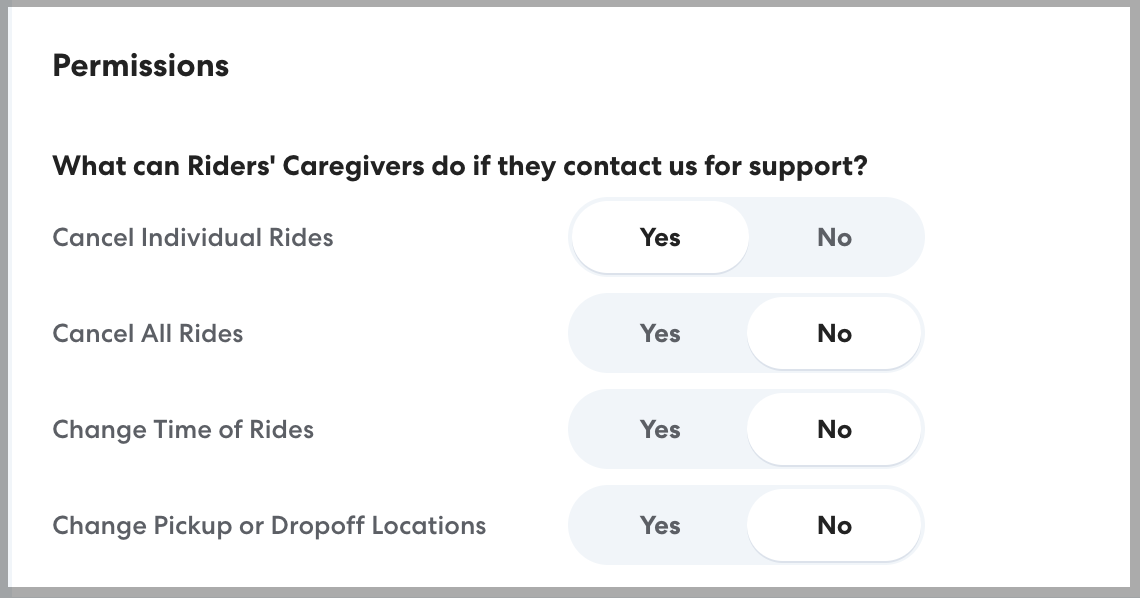
These settings control what a rider's Caregiver can manage.
- When you select Yes, Caregivers can make that change directly in the Caregiver app or by calling HopSkipDrive support. Caregivers are required to verify their relationship to the Rider before the change will be made.
- When you select No, only your organization can make that change. Caregivers who contact HopSkipDrive to make the change will be directed to contact your organization directly.
| Best Practice: We recommend allowing Caregivers to cancel individual rides to reduce costs from last-minute cancellations. Caregivers are often in the best position to know when an individual ride will not be needed. |
Notification Preferences
Control notifications for account users, caregivers, and riders.
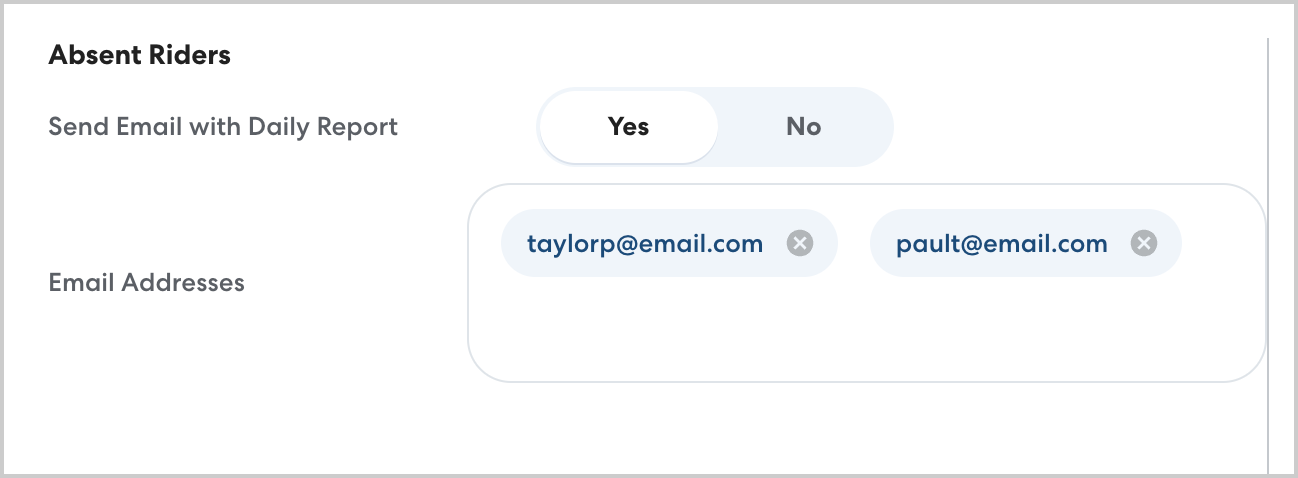
Absent riders
Enable this notification to receive a daily email with a CSV report of all riders who have missed their scheduled transportation over the last 7 days. You can enter as many email addresses as desired to receive the report, including people who do not have RideIQ accounts. Learn more about the Daily Absent Rider email here.
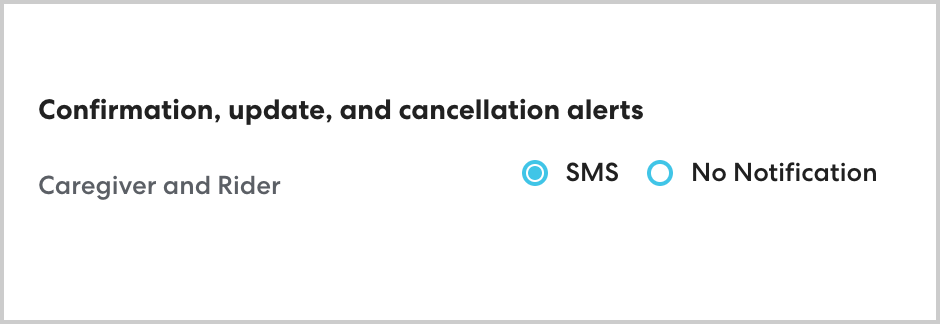
Confirmation, update, and cancellation alerts
Control whether caregivers and riders with a phone number listed on their profile receive SMS updates about their rides. Read more about what information caregivers receive here.