
Users with Admin or Trip Organizer- Full Access permissions can deactivate users in your organization's RideIQ account. Once deactivated, users can no longer log in to RideIQ.
Follow the steps below to deactivate a user:
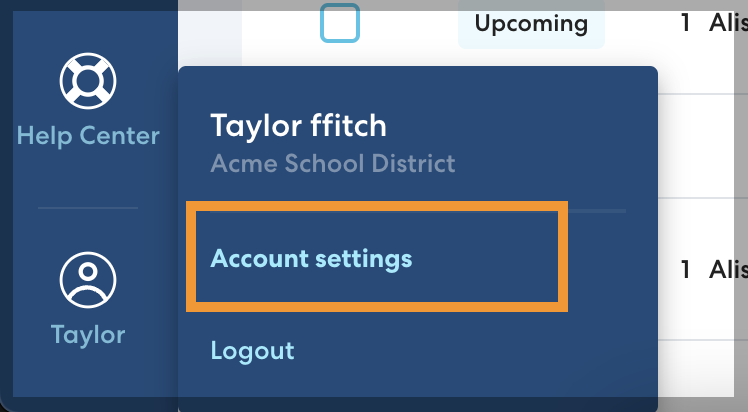
- In the lower left, click your name, then click Account Settings.
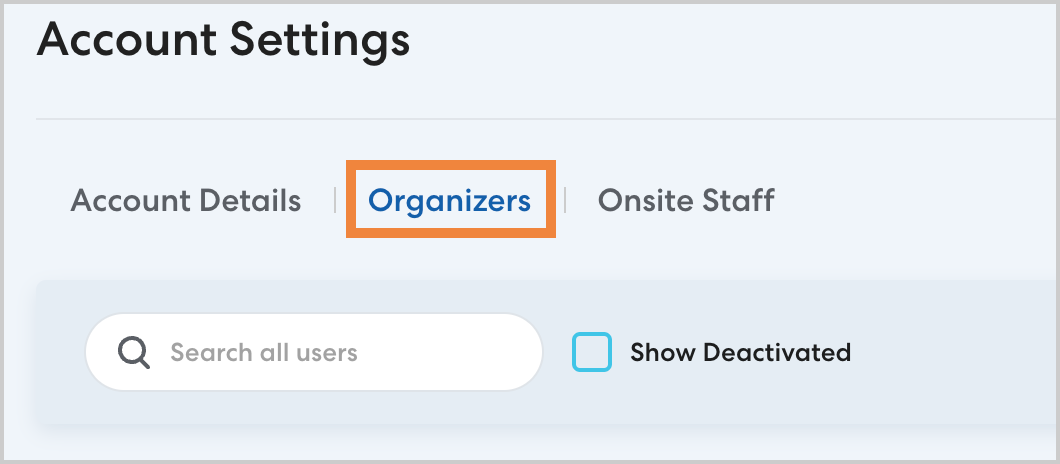
- On the Organizers tab, select the user you want to deactivate.
- Click Deactivate, then click Confirm when prompted.

The user will be deactivated. Refresh the page to see the user listed with the Deactivated status.