Users with Account Admin or Trip Organizer-Full Access permissions can reset passwords for other users in their organization. If you do not have these permissions, you can reset your own password from the login page as explained here, or contact an Account Admin or Trip Organizer- Full Access for help.
How to reset a user's password
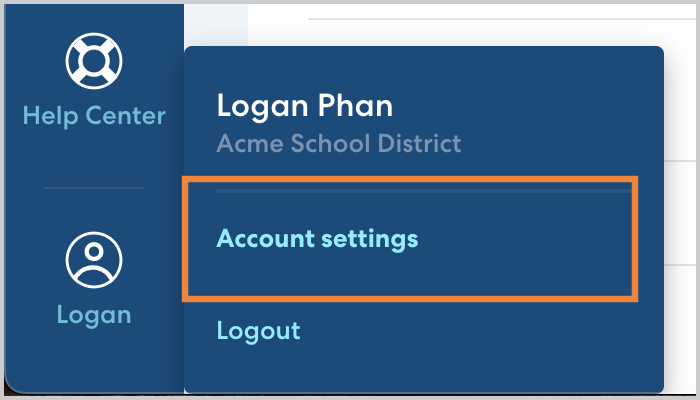
- In the lower left, click your name, then click Account Settings.
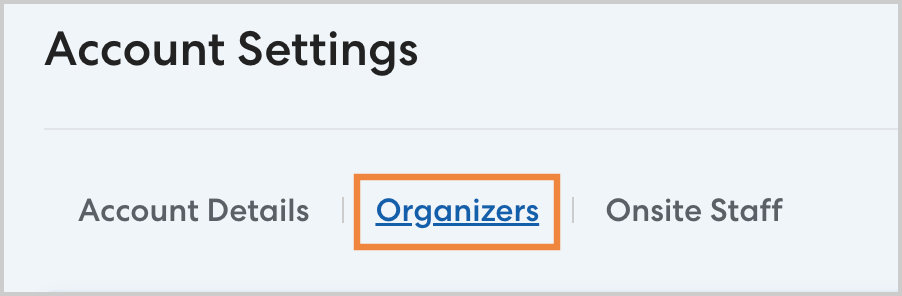
- Click the Organizers tab and select the desired user.
- Click Reset Password to send a password reset email to the selected user.