If you have forgotten your password or would like to update it you can:
- Contact an Account Admin or Trip Organizer-Full Access from your organization to reset your password.
- Request a password reset from the RideIQ Login page.
How to reset your password from the login page
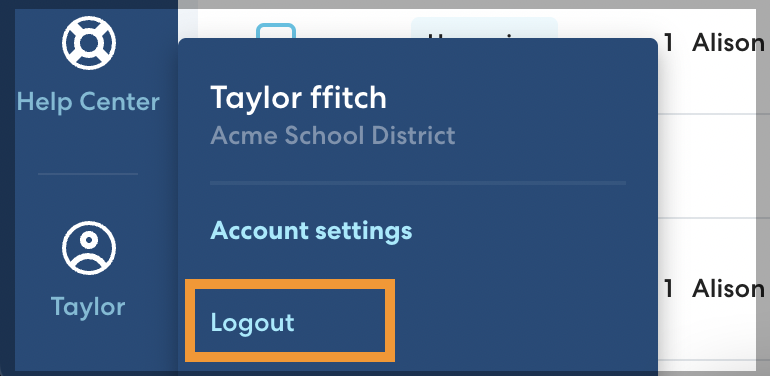
- Log out of RideIQ.
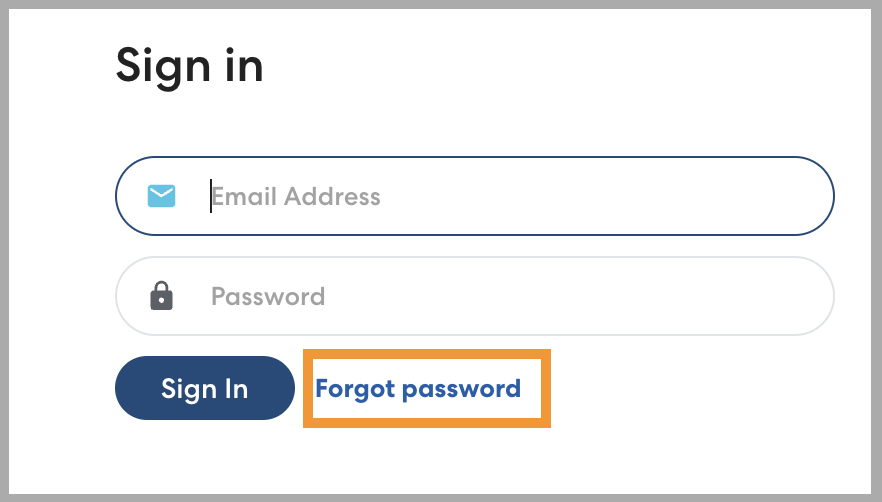
- On the Sign in page, click Forgot password.
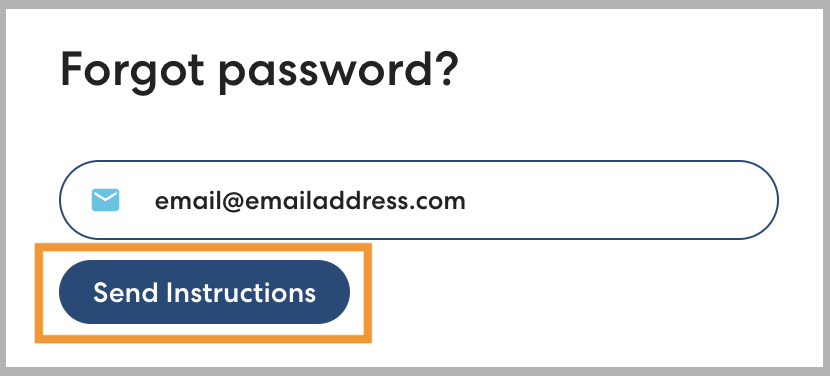
- Enter the email address you use to sign in to RideIQ and click Send instructions. You'll receive an email with instructions for resetting your password shortly.