
Rather than editing an address, in RideIQ you can change how and where a saved Location is used.
To understand how this works, it may help to consider a saved school Location as an example. When you create a new school Location, you add a name and an address, as shown below: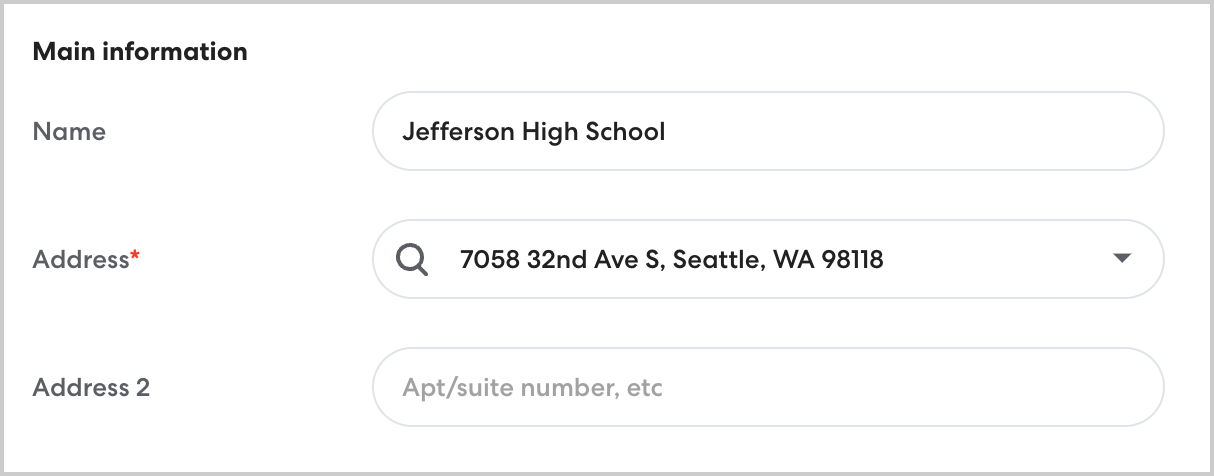
If a rider changes schools, you wouldn't change the street address for Jefferson High School. You would simply edit their rides to go to the new school, saved as a separate Location.
This is how RideIQ treats all Locations, including residences. Rather than editing a street address, try the following:
-
If a Rider moves to a new residence, use Find and Replace to create a new Location and automatically add it to existing rides. Learn how to schedule an address change here.
-
If a Location is no longer needed (such as an outdated residence) delete it.
-
If there is a typo or other mistake in the street address for a Location, use Find and Replace to create a correct version of the address and automatically add it to existing rides, then delete the Location with the mistake.
- If you need to change the Location name, assigned Calendar, or pickup and drop-off notes, edit the Location.
- If you need to move the map pin to a more accurate location, add a precise PU/DO location.