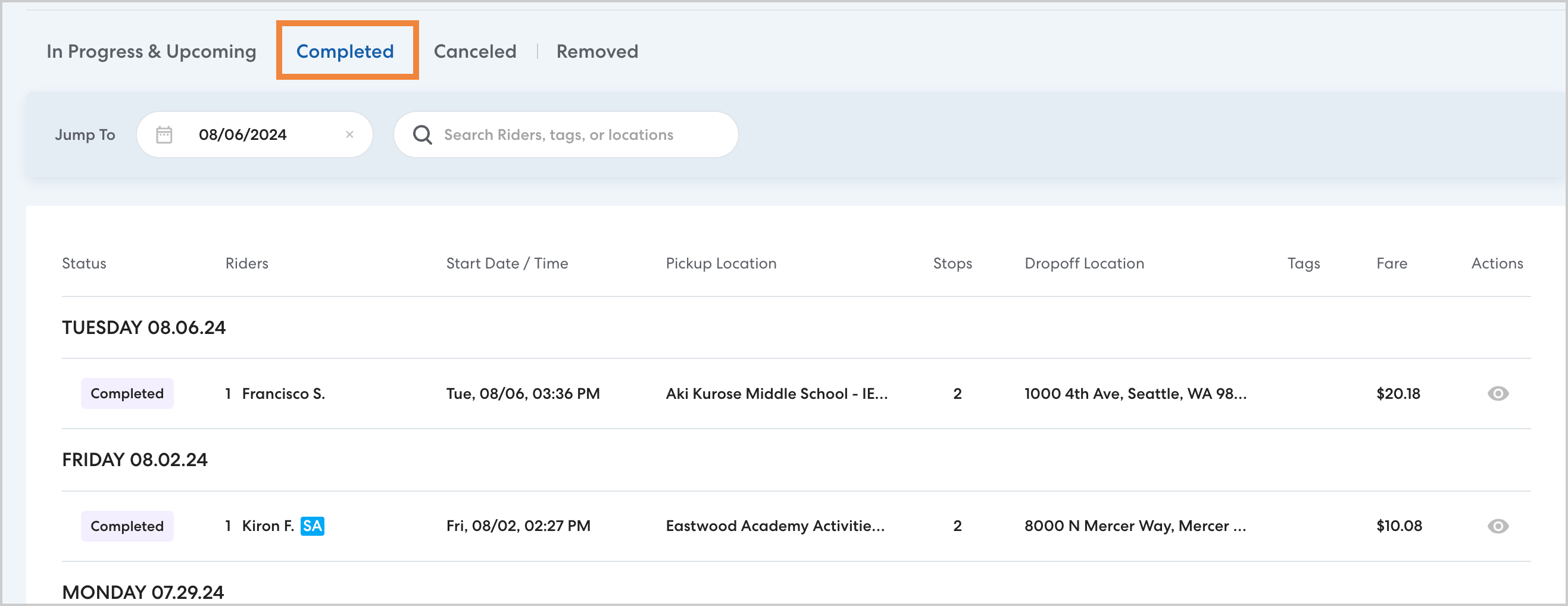
To see all rides scheduled on a specific date, type the date in the Jump to field on the Rides page or Rides section of a rider's profile.

You can also use the Daily Queue to see an actionable dashboard of rides by day and location for effective management of rides in progress. Learn more about the Daily Queue here.
View upcoming rides by date
Enter a future date to see the rides currently scheduled on that day.
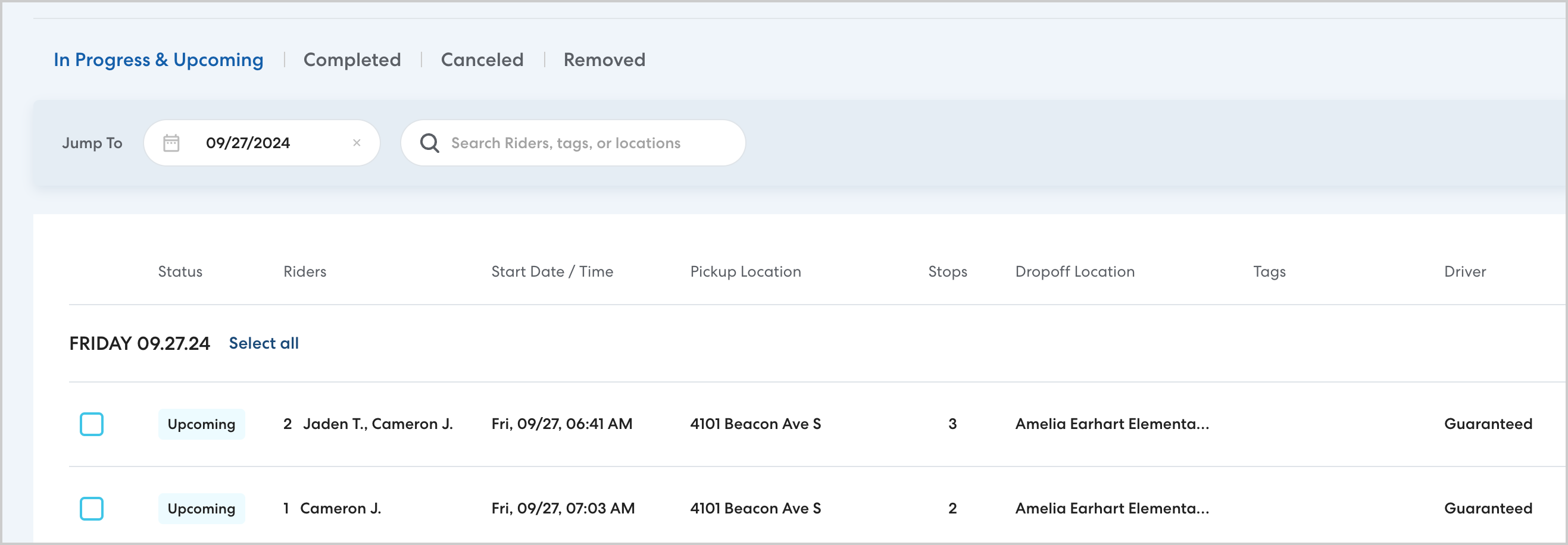
You'll see rides for the date you searched for and going forward from that date.
View past rides by date
To see completed or canceled rides on a date in the past, select the Completed or Canceled tab, then enter the desired date.
You can further refine your results by searching for a name as well. You'll see rides scheduled for the selected date as well as previous dates.