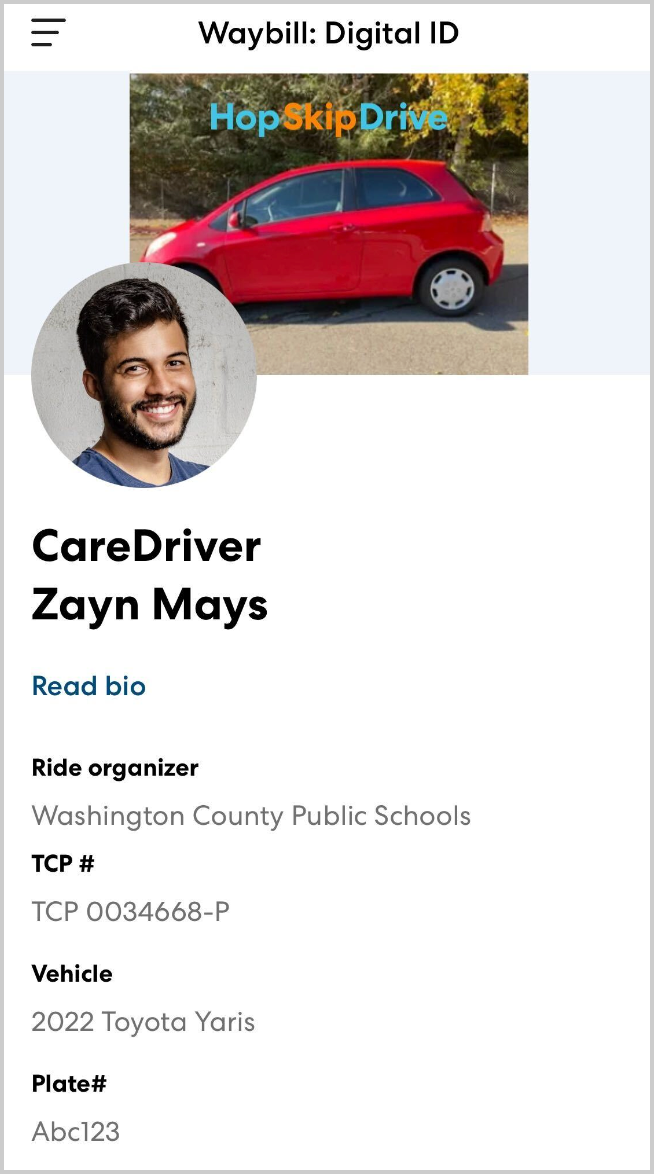
At pickup, there are several steps that help the CareDriver confirm they have found the correct rider and help the rider confirm they are with the correct CareDriver.
Rider photo
A clear, recent photo of each rider helps CareDrivers quickly find the rider they are looking for. Learn more about adding a rider photo in this article. 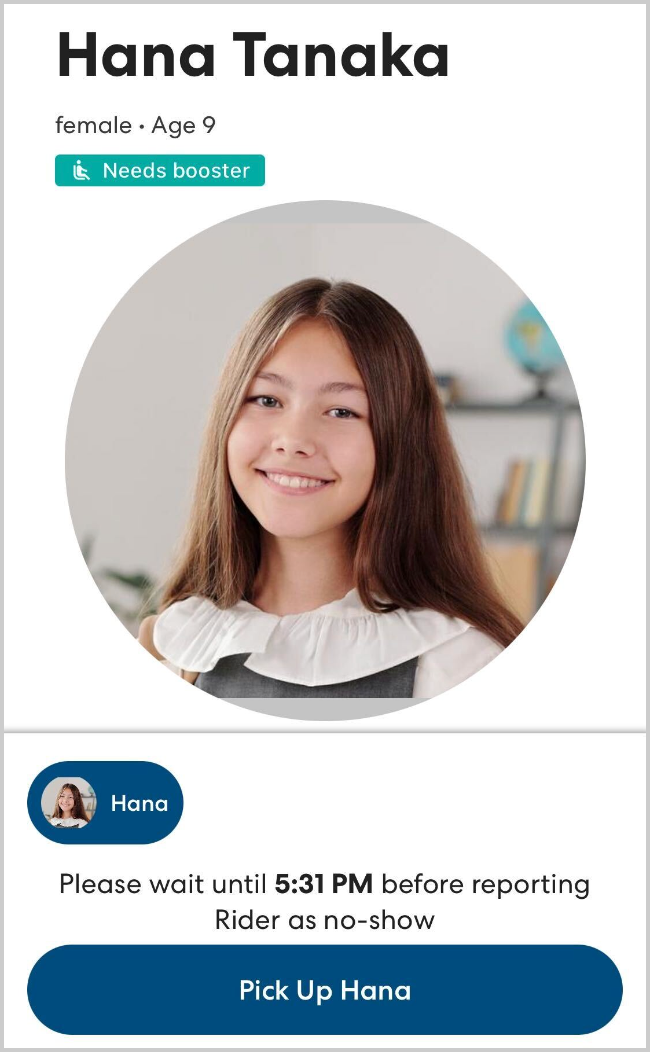
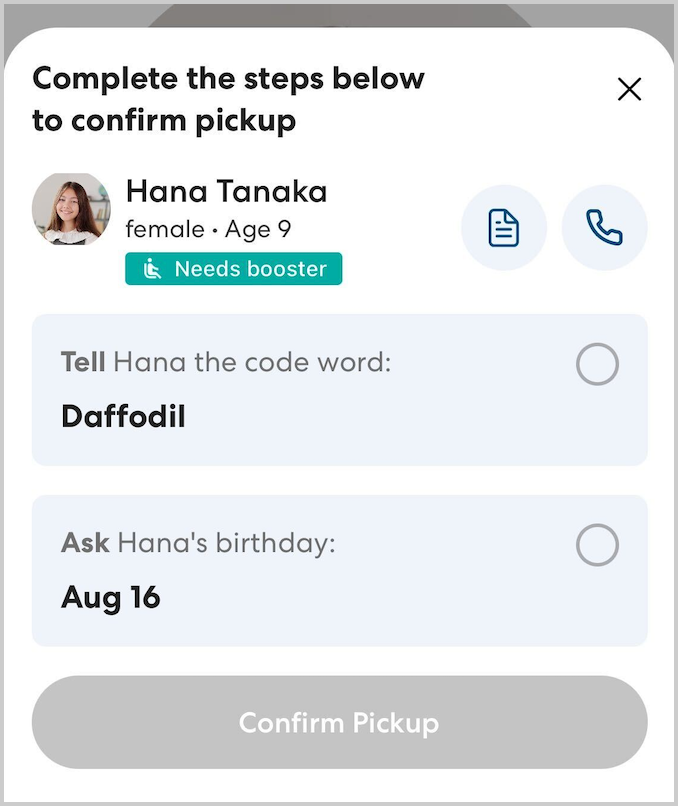
Code word and birthday
When the CareDriver arrives at pickup, they are required to tell the rider the code word displayed in the app. This allows the rider to confirm the identity of the CareDriver.
To further confirm, the CareDriver must then ask for the rider's birthday (month and day). The CareDriver only proceeds with the pickup if both the code word and birthday match.
Waybill: Digital ID
If necessary, onsite staff may ask to see the CareDriver's Waybill. This is a digital ID listing detailed information about the CareDriver. Showing the Waybill is not a required part of the pickup process, but an individual school site or organization may choose to use it. Learn more about the Waybill: Digital ID in this article.