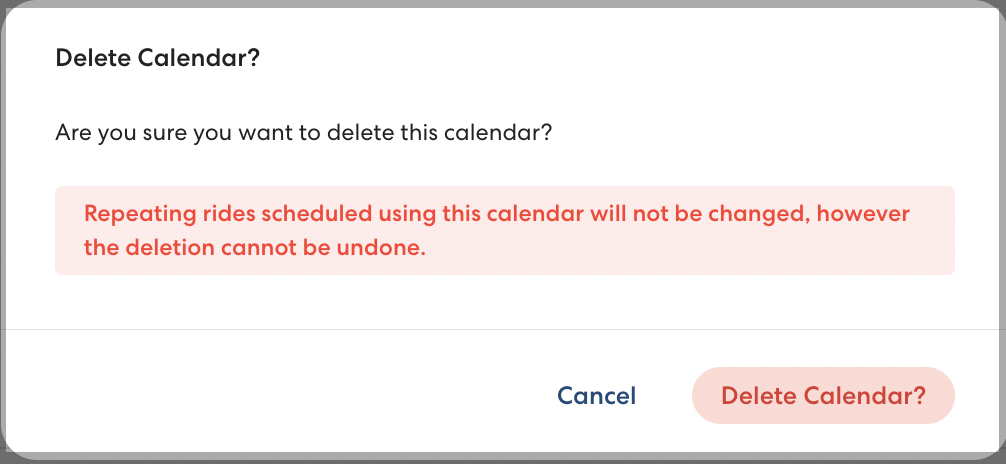
When you delete a Calendar in RideIQ, it will be removed from all associated Locations and Ride Series. No existing rides will be canceled, but new rides will be scheduled on days that were designated as time off on the deleted Calendar.
Considerations when deleting a calendar
In general, Calendars should only be deleted when they are no longer needed for any Locations or Riders and will not be needed in the future. For example, you might delete the Calendar associated with an alternative schooling program that is no longer operating. In most other cases, editing the Calendar or removing it from a Location or specific Ride Series will be the best option.
Deleting a calendar cannot be undone. If you accidentally delete a Calendar, you will need to create it again from scratch.
How to delete a calendar
Follow the steps below to delete a Calendar:
- In Calendars, select the calendar you want to delete.
- Click Delete.

- Click Delete Calendar? to confirm you want to delete.