If you need multiple calendars that are largely the same but have some variations, you can quickly set this up by cloning an existing calendar. When you clone a calendar, RideIQ creates a copy that includes all upcoming breaks and days off. You can then rename, edit, and assign the copy of the calendar to locations as desired.
Follow the steps below to clone a calendar:
- In Calendars, select the calendar you want to make a copy of.
- Click Clone.

- Click Edit to rename the calendar as desired, then click Save.

- Add or remove any time off as needed. Your changes save automatically.
Note: If you do not need to make any changes to the cloned calendar, you can delete the clone and use the original calendar. A single calendar can be assigned to as many locations or rides as needed.
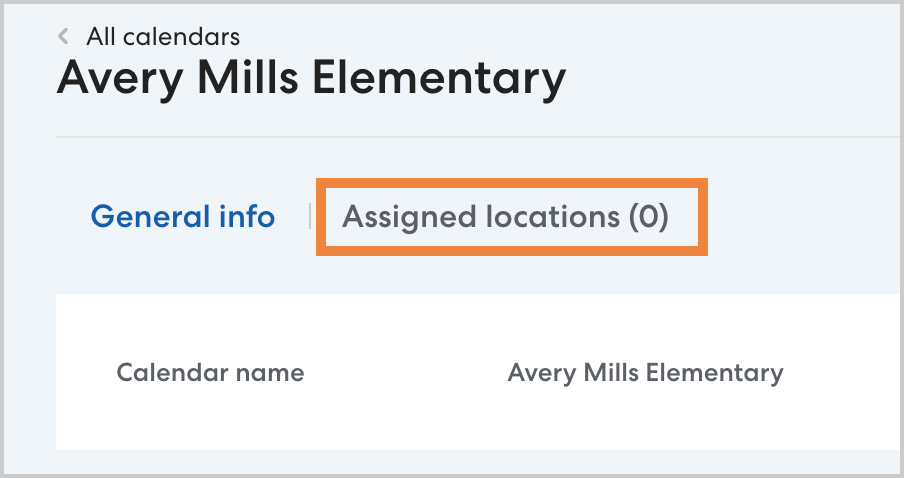
- If desired, click Assigned Locations to associate the calendar with the appropriate locations. Once assigned, any rides scheduled with the assigned location as the anchor point will adjust for time off on the calendar. If there are rides scheduled for that location using another calendar, the newly assigned calendar will override the previous calendar. Learn more about assigning locations to a calendar in this article.