
When reviewing rides, it can be helpful to understand how a calendar may have impacted whether a ride was scheduled on a given day. This article explains how to view days off and breaks that occurred in the past as well as breaks and days off that have since been removed from a calendar.
View breaks and days off in the past
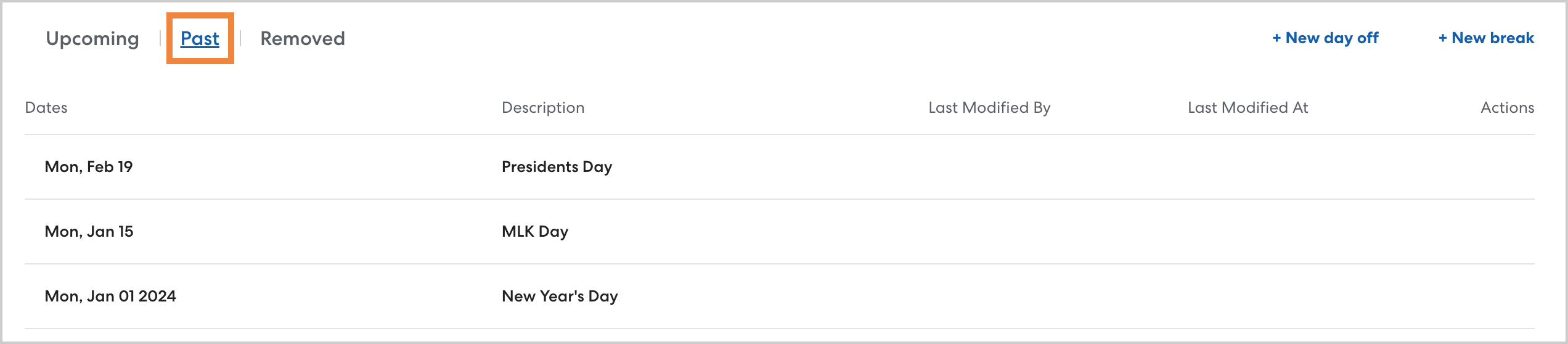
To see breaks and days off in the past, navigate to the desired calendar and select Past. Use this list to confirm whether a given day was designated as time off. You can also see the date any time off was modified and who made the changes.
View breaks and days off that have been deleted
If a break or day off was scheduled and later deleted, it will appear on the Removed list. Use this list to trace changes made to the calendar. You can also review the user who most recently made changes to the removed time off and when the changes were made.
