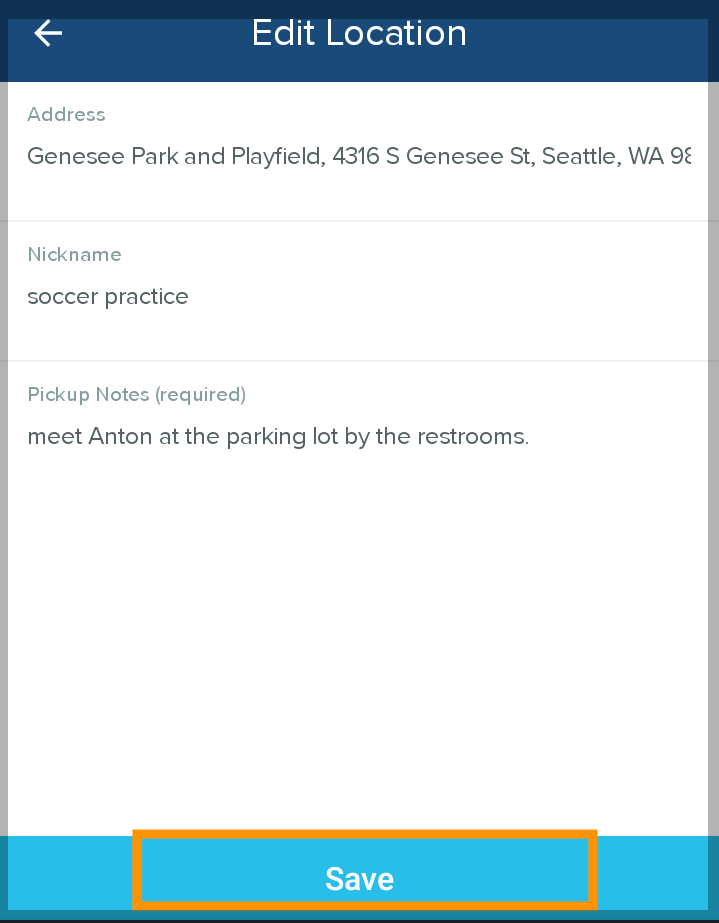
Once you have created and saved a location in the HopSkipDrive app, you can edit the Nickname and Pickup Notes. You cannot edit the location address. If you need to make changes to an address, we recommend creating a new location with the correct address and changing the old address Nickname to "Do Not Use".
Follow the steps below to edit a location Nickname and Pickup Notes:
- Tap Schedule a ride.
- Select the day, time, and rider(s) for the ride. If you don't currently need to schedule a ride, select any day, time and Rider(s) to advance through the screens.
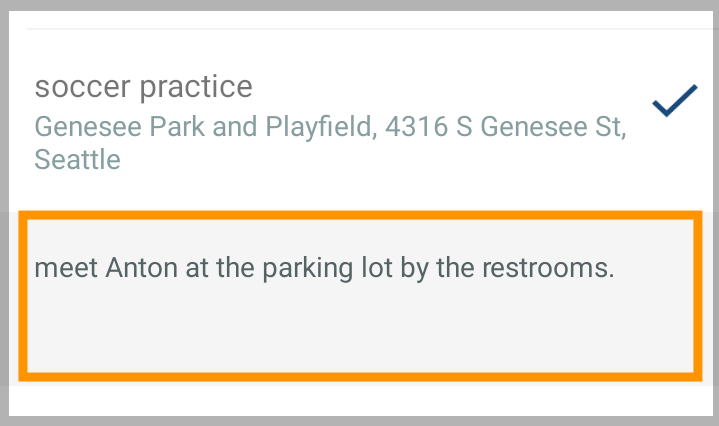
- Tap the location you want to edit to open the Pickup Note, then tap the Pickup Note to edit.
- Make any desired edits, then tap Save.