|
Note: This article is for Caregivers who schedule rides for their Riders. If a school district or other organization manages rides for your Rider, contact the organization to make any needed ride changes. |
Often, Riders need rides to and from the same locations at the same times, but not always on a regular schedule that would allow you to set up a repeating ride. To make it easy to schedule these types of ride, you can create a copy of a past ride. To duplicate a completed ride, follow the steps below:
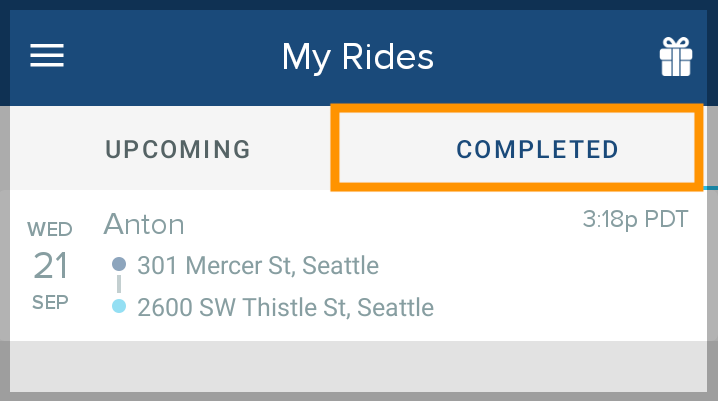
- On the My Rides screen, select the Completed tab and tap the ride you want to copy.
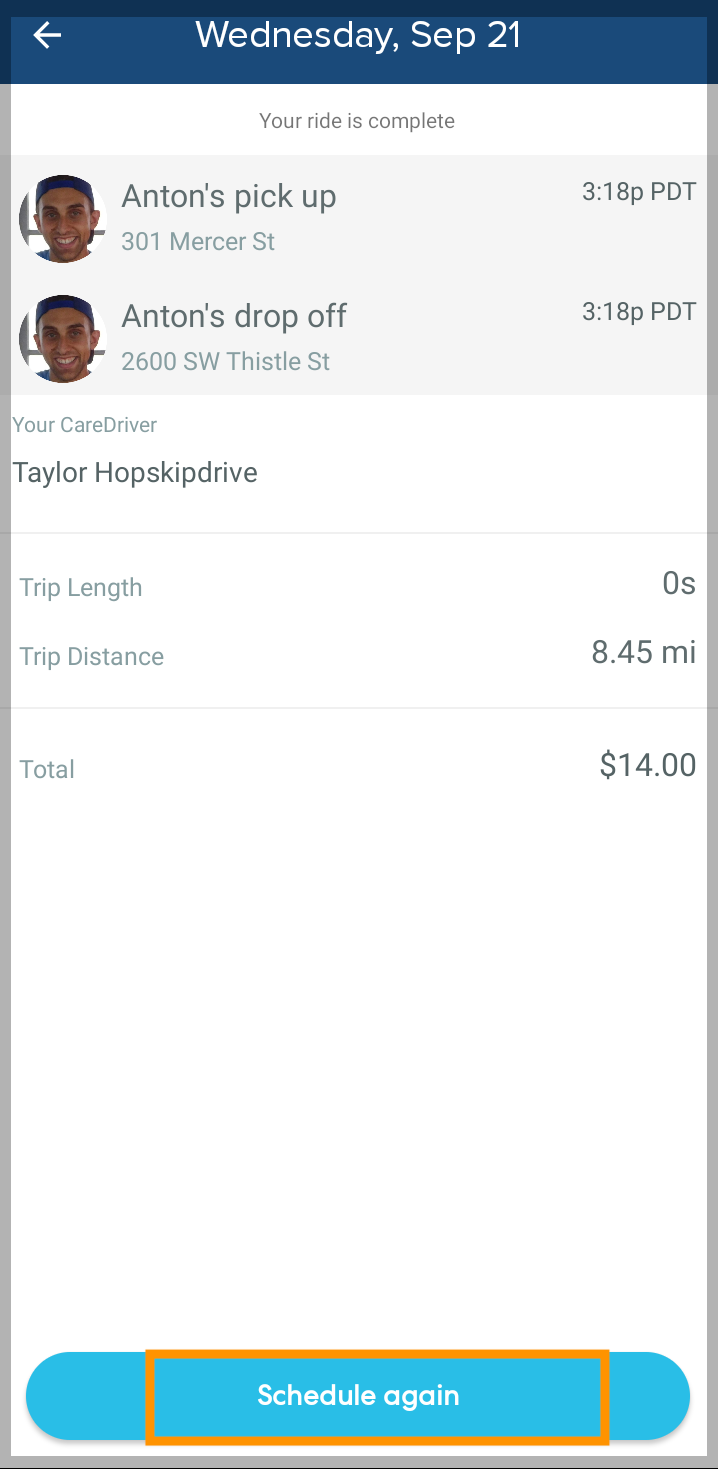
- Tap Schedule Again.
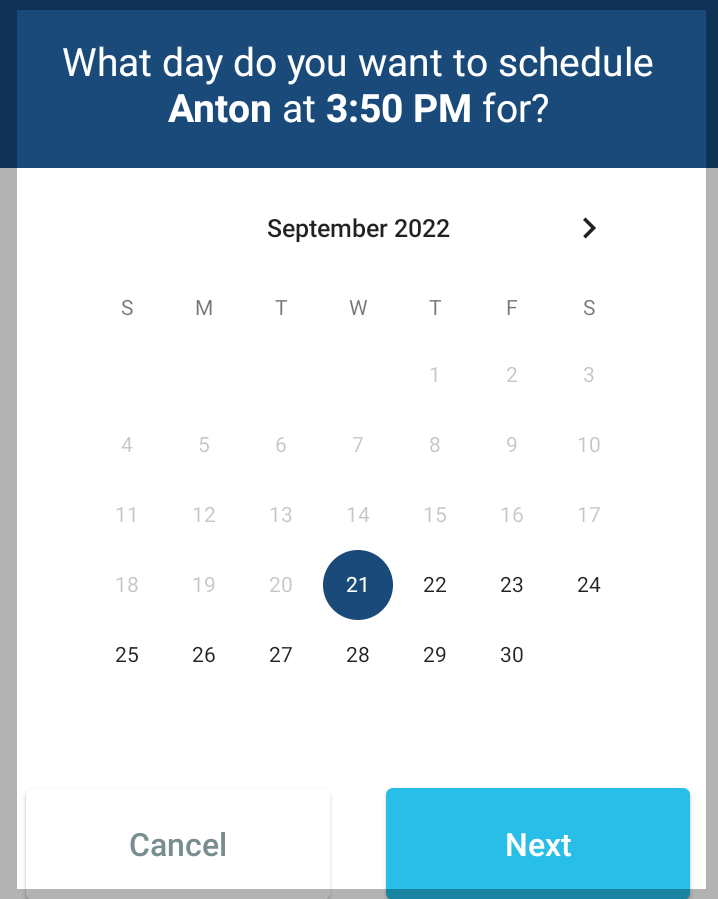
- Select the day you want to schedule the duplicate ride, then tap Next.
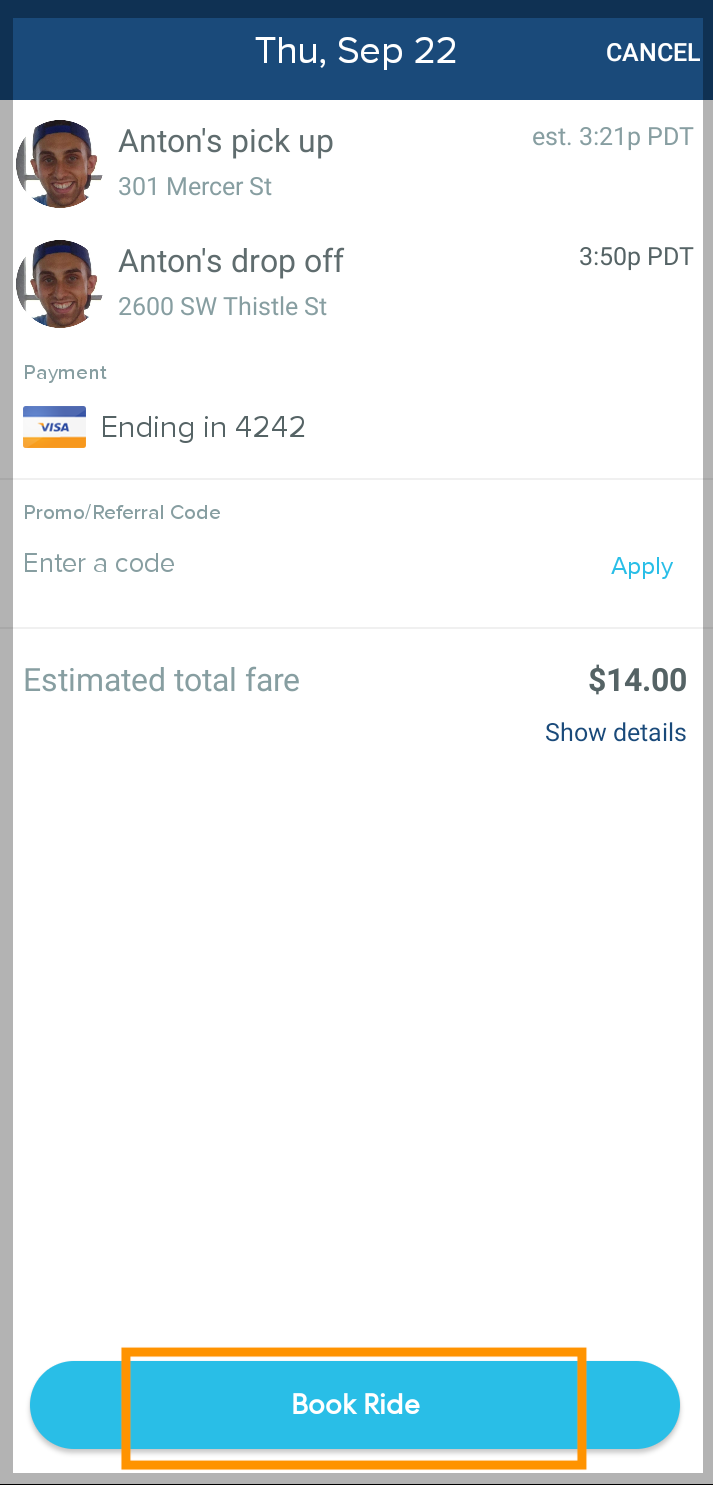
- Review the ride details and tap Book Ride to confirm.