
When you add a new Location to your account, the address and location notes are saved and can be added to any ride you schedule.
Follow the steps below to create a new Location:
- While scheduling a ride, select the day, time, and Riders.
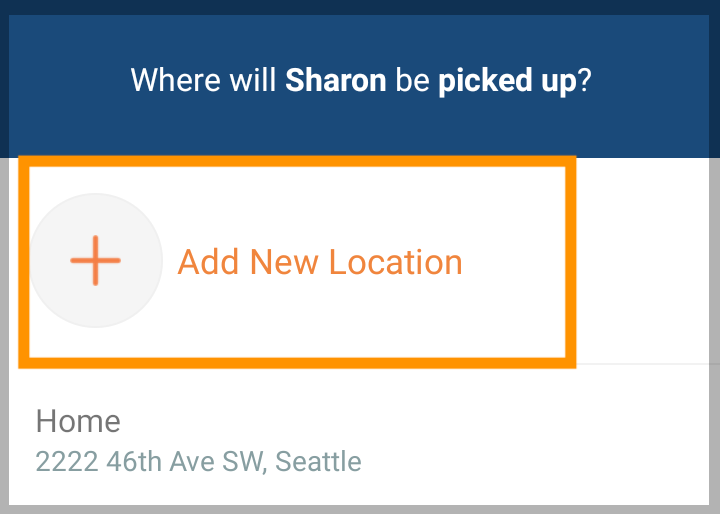
- On the locations page, tap Add New Location.
- Begin typing the address for the Location, then select from the list.
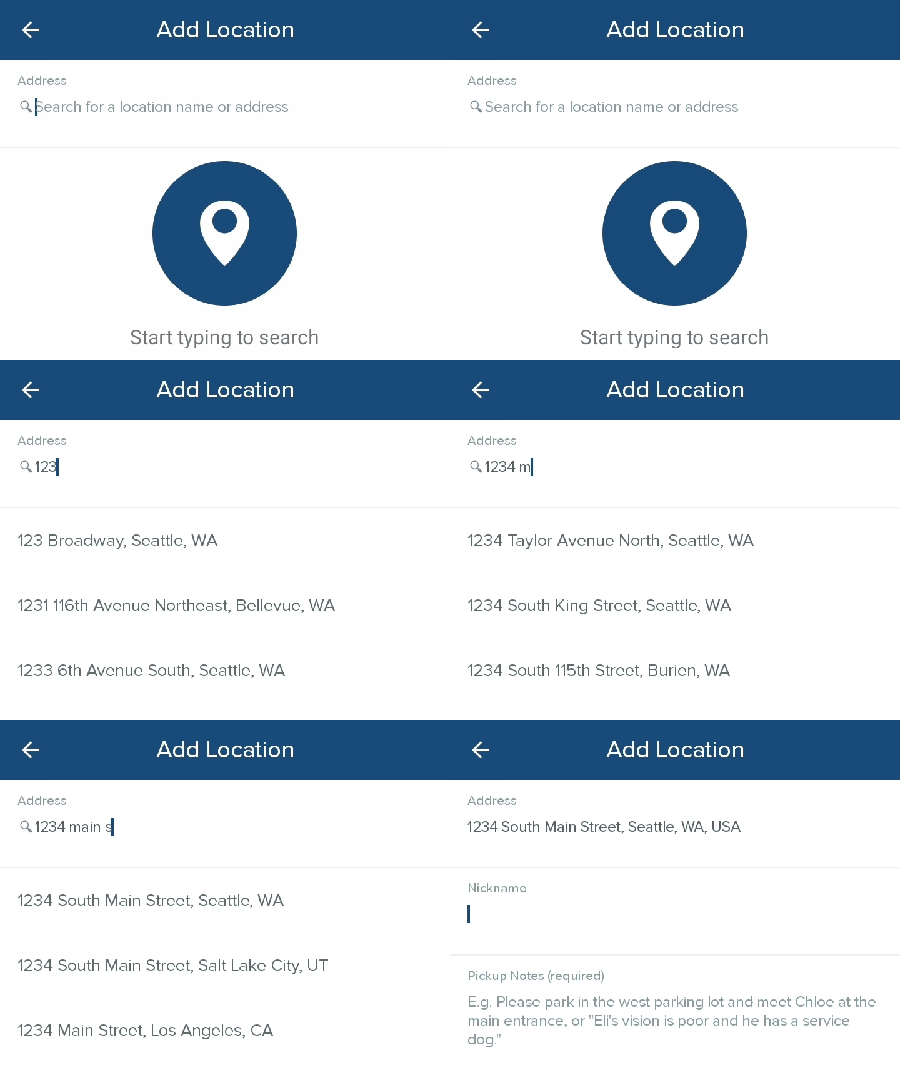
- In Nickname, give the Location a descriptive name. This will only be visible to you.
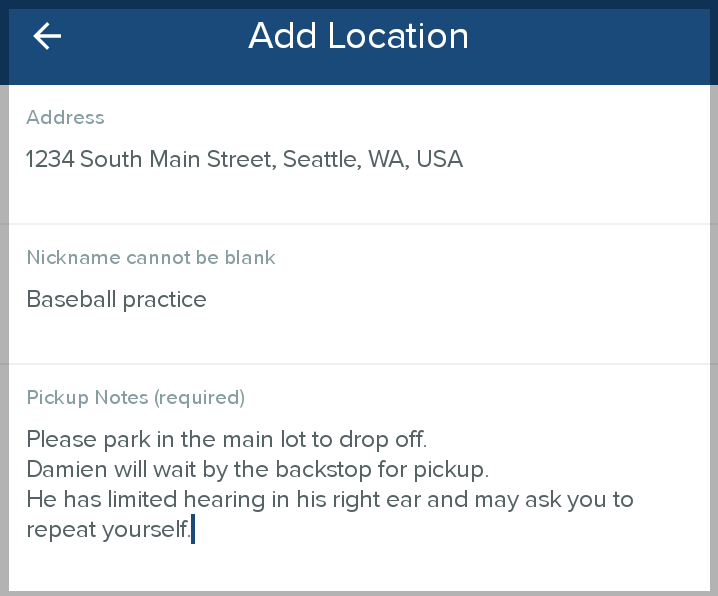
- In Pickup Notes, add any information that will help the CareDriver find the location or successfully transport your Rider. The CareDriver will see these notes when they claim the ride.
- Tap Save. The new Location will now appear in the Location list to be added to any ride. You can edit the Location nickname or notes anytime.