
You can schedule rides with more than one stop using the hopSkipDrive Caregiver app. However, keep in mind that all Riders on a multi-stop ride must have at least one location in common. In other words, they must either all be picked up in the same place or all be dropped off in one place.
Scheduling a Multi-Stop Ride
Follow the steps below to create a ride with more than one pickup location or more than one drop-off location:
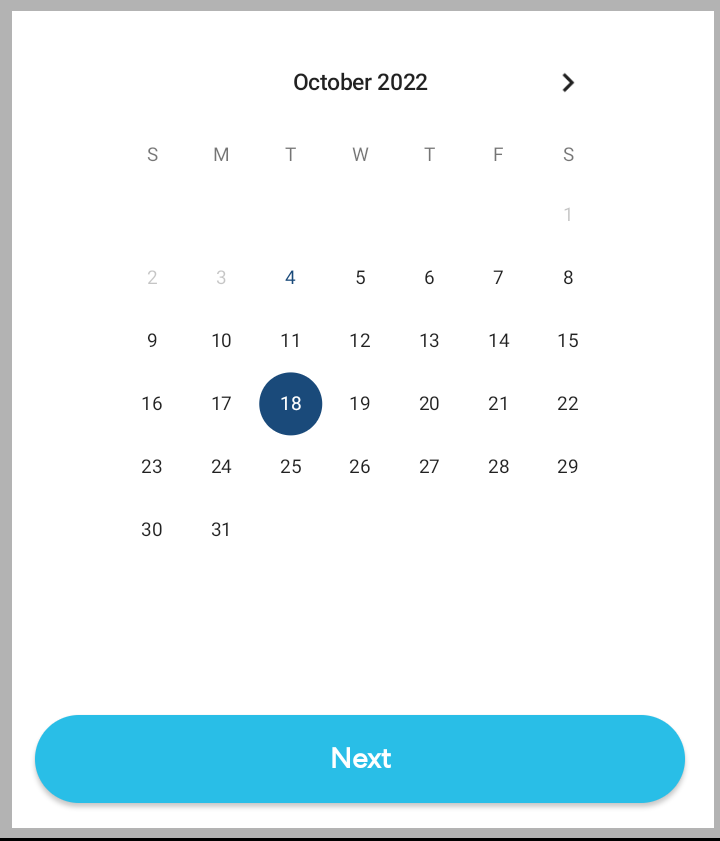
- Tap Schedule a Ride and select the day for the ride.
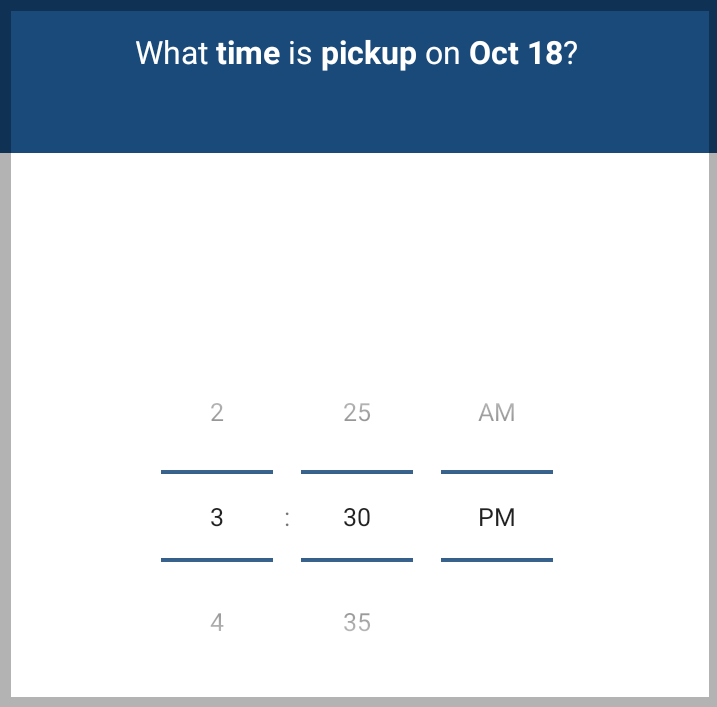
- Select the pickup time for the ride.
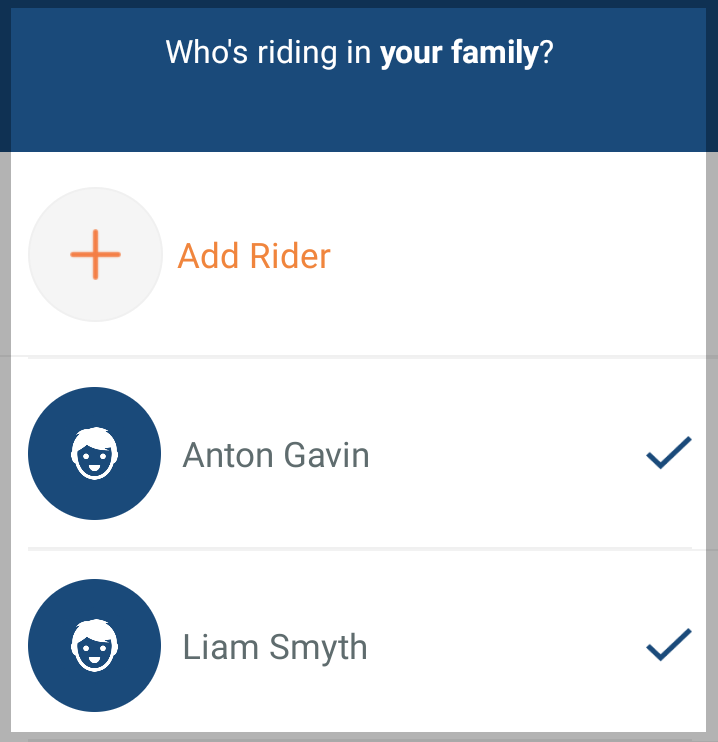
- Select the Riders you want to add to the ride. If necessary, you can also create a new Rider.
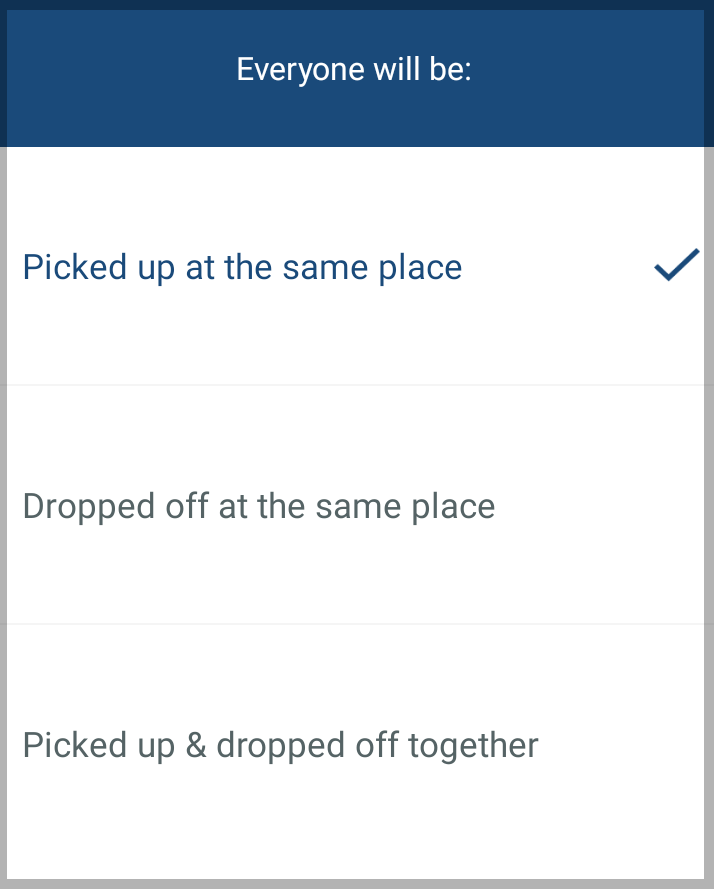
- Select the option that applies:
-
Everyone will be picked up at the same place: for example, Riders may be picked up at school and dropped off at their homes.
-
Everyone will be dropped off at the same place: for example, Riders may be picked up at their homes and dropped off at school.
-
Everyone will be picked up and dropped off in the same place: for example, two Riders from the same household are picked up and dropped off together.
-
Everyone will be picked up at the same place: for example, Riders may be picked up at school and dropped off at their homes.
- If you chose to have all Riders picked up at the same place, select the location for them to be picked up.
If you chose to have all Riders dropped off at the same place, you'll be asked to choose a time for the drop-off, then follow the steps below in the reverse order.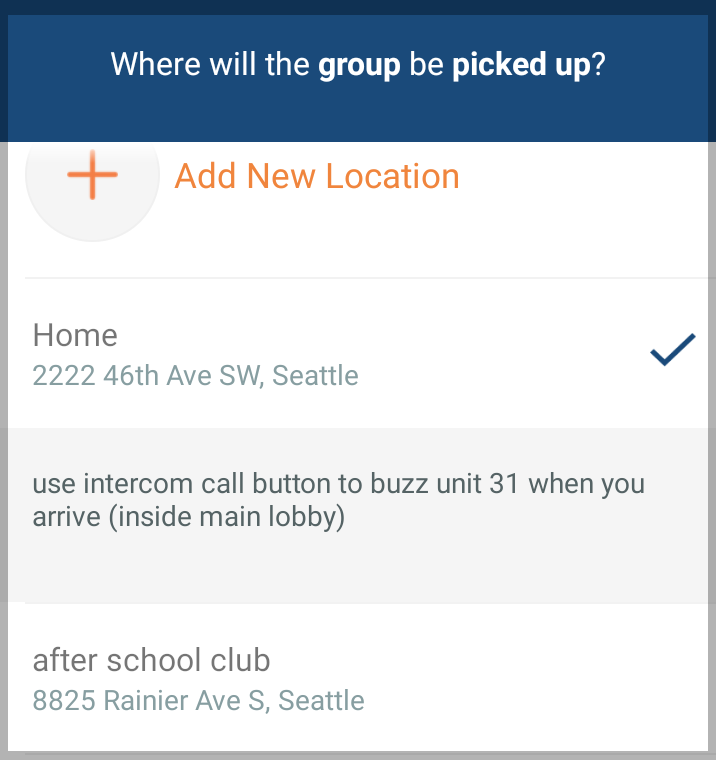
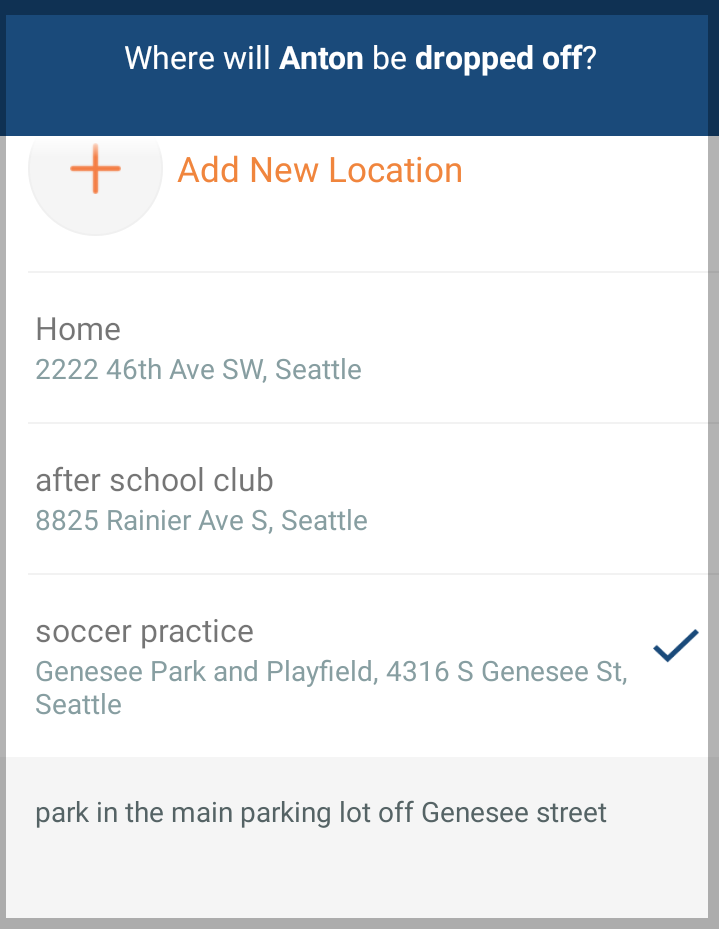
- Choose the drop-off (or pickup) location for each of the Riders.
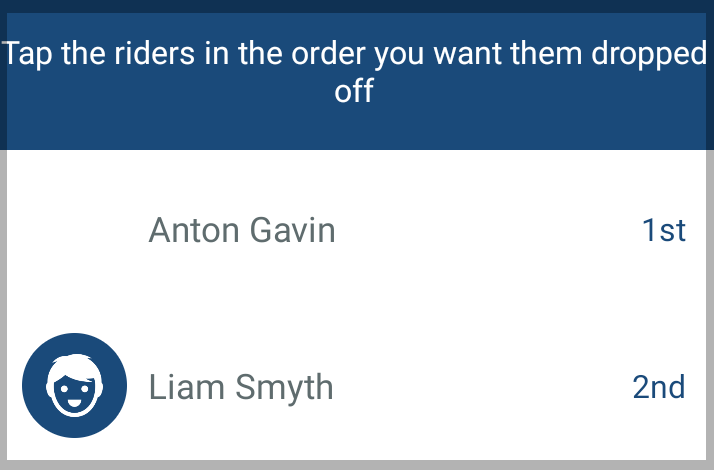
- Select the order for the Riders to be dropped off (or picked up).
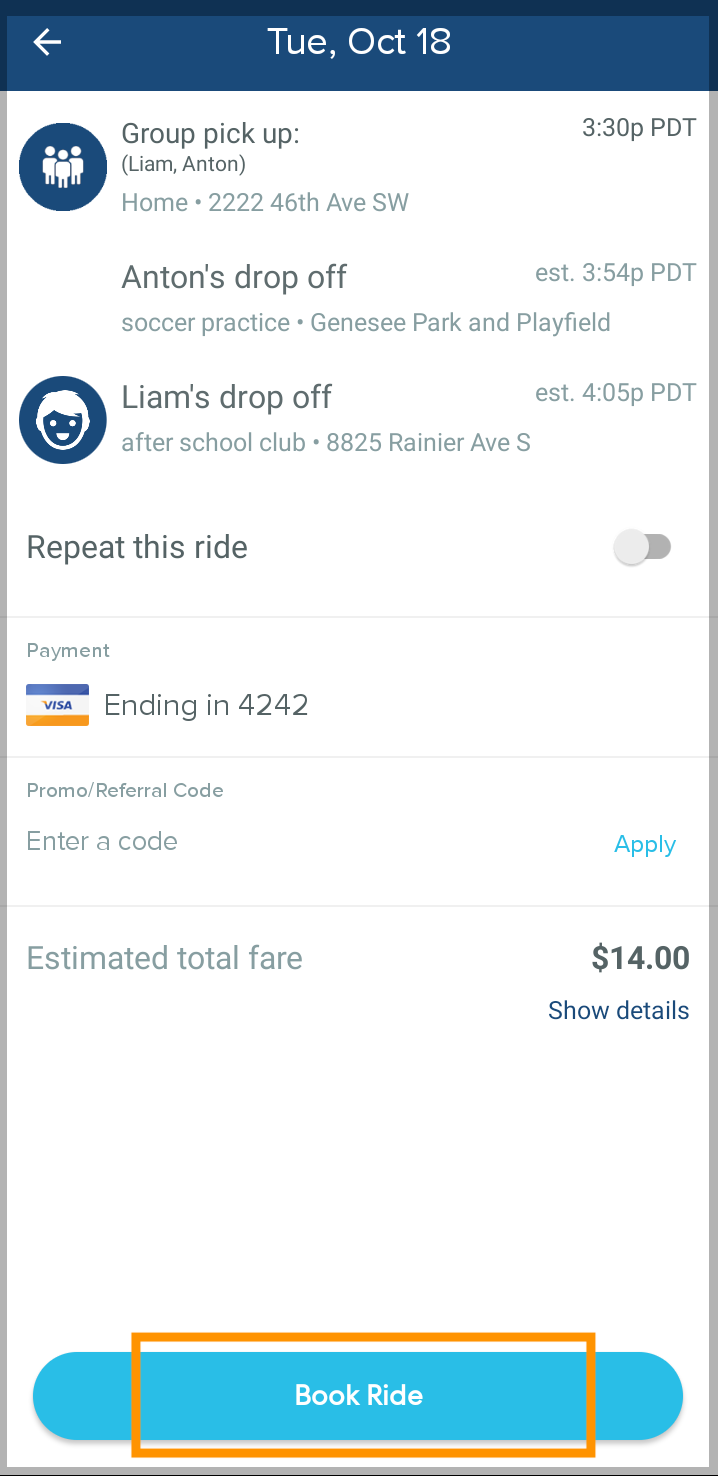
- Tap Book Ride to confirm.
Learn More:
Search terms: multiple rider, two Riders, three Riders, another family