
If you schedule and manage rides yourself, you can edit any part of a scheduled ride up until two hours before the scheduled pickup time.
If a school district or other organization schedules rides for your rider, contact the organization directly to make changes to a ride.
Considerations when editing a ride
If a CareDriver has already claimed the ride, they will be notified of any changes. If the changes cause a conflict for the CareDriver, they will be removed from the ride and we will begin looking for a replacement.
However, we cannot guarantee that we will be able to find a new CareDriver if this happens. If no new CareDriver has been assigned by 8:00 PM the night before and/or 9:00 AM the day of the ride, we will notify you.
| Note: If you need assistance with a ride that is currently in progress, contact our Safe Ride Support Team at 844-467-7547. |
How to edit a ride
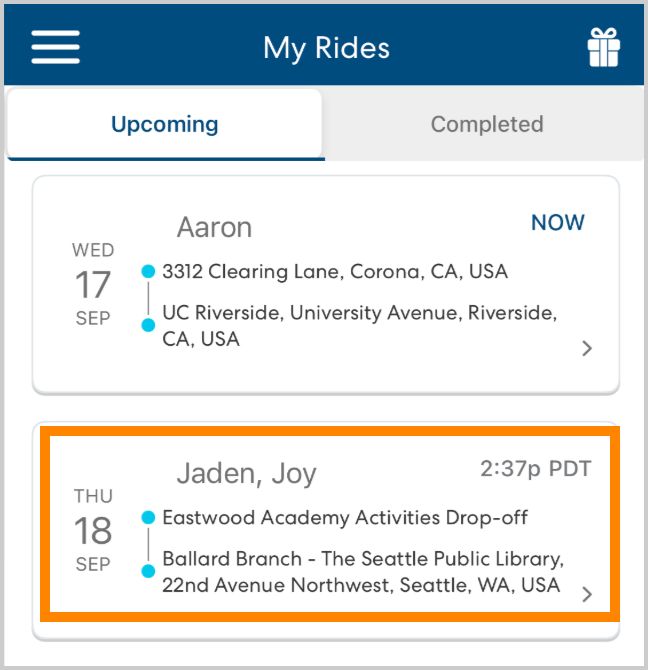
On the My Rides page, select the ride you want to edit.
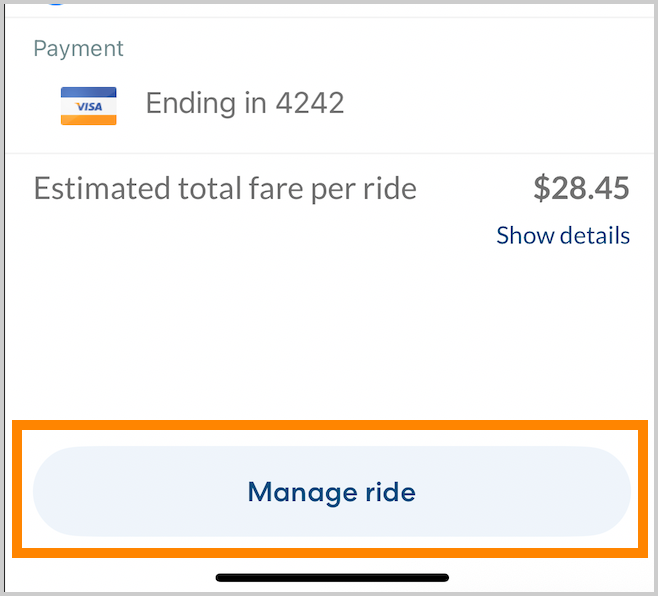
Tap Manage ride.
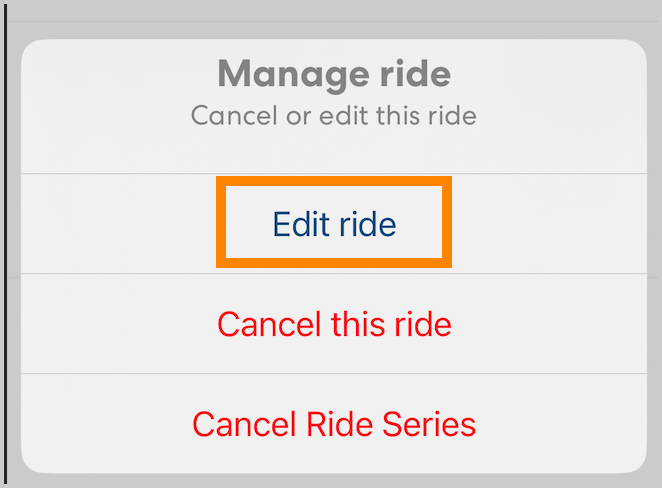
Tap Edit.
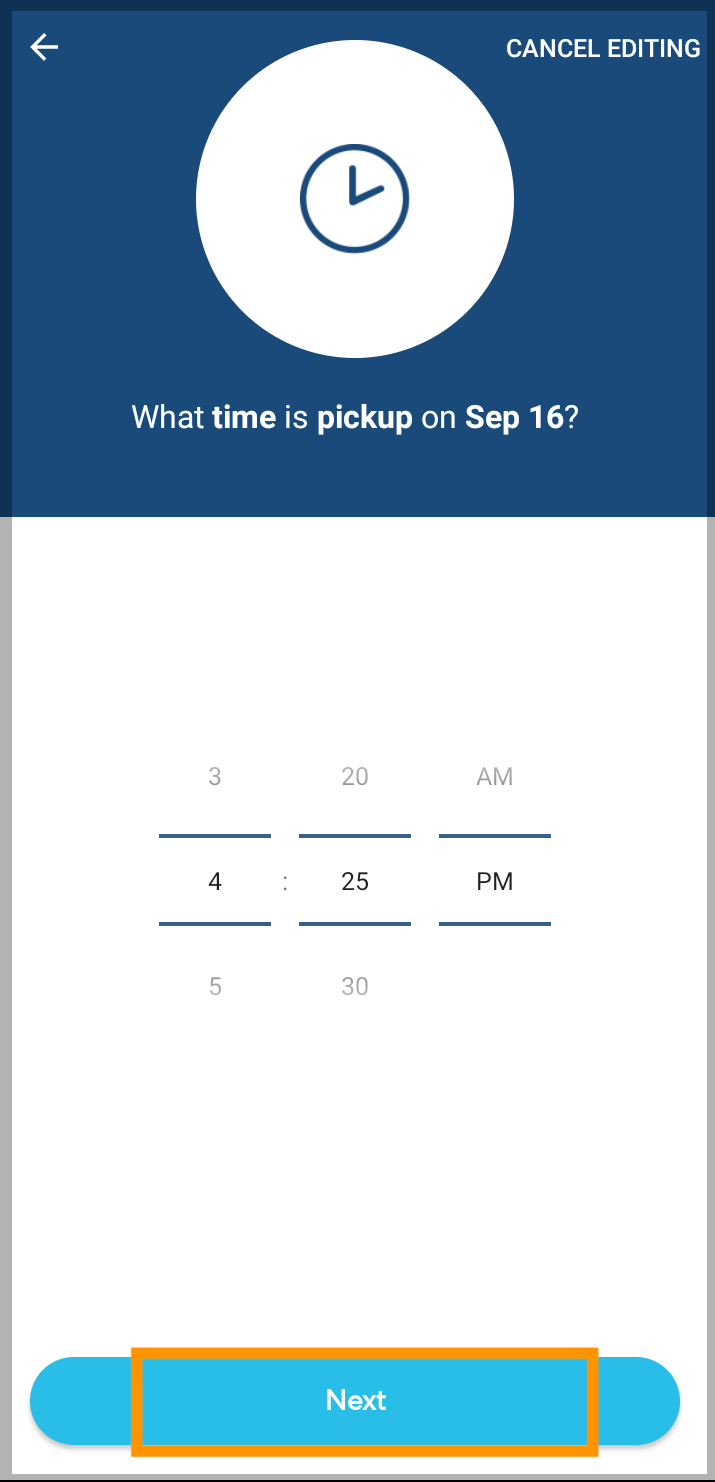
You have the option to edit the day, time, riders, and locations for the ride, just as you would when scheduling the ride. If you do not want to make a change on a screen, tap Next to advance to the next screen.
- When you're satisfied with your changes, tap Save.