If you need rides on a consistent schedule, you can set up repeating rides, called a Ride Series. In addition to allowing you to efficiently set up a large number of rides at once, scheduling a Ride Series allows a CareDriver to claim up to 21 of your rides at a time, giving your rider(s) a more consistent experience.
If you are scheduling round-trip transportation, you will need to schedule two Ride Series. For example, you might schedule a morning series to drive your child to school, and a second afternoon series to pick them up and drive them home.
Follow the steps below to schedule a Ride Series using the HopSkipDrive app:
Scheduling a Ride Series
- Schedule a new ride, adding the riders, times, and locations until you reach the final review screen. See this article for additional information.
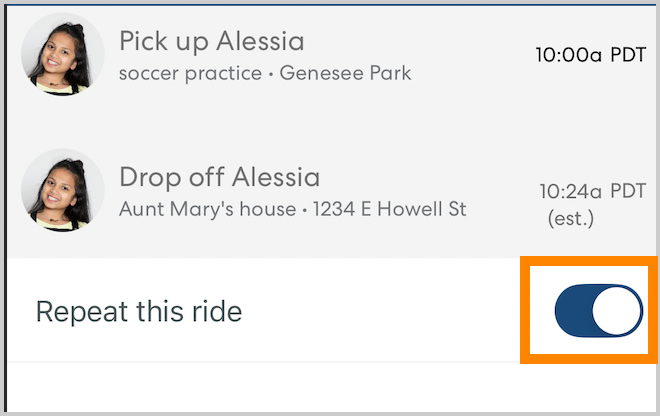
- Before booking the ride, toggle Repeat this ride on.
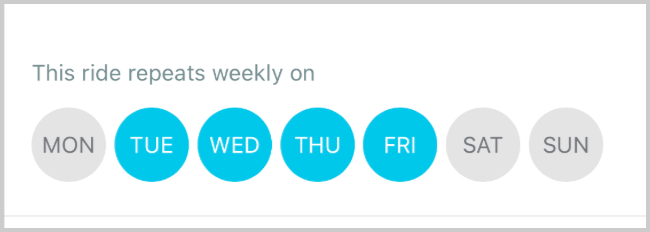
- Select the days of the week you would like the ride to repeat.
- Select a date for the repeating rides to end. Tap the date to edit.

- Tap Book Ride to confirm.