
You can add a rider to your HopSkipDrive account using the HopSkipDrive app.
| Note: If you monitor rides managed by a school district or other organization, you do not need to add a rider. However, if desired, you can add a rider in the app. You would then schedule, manage, and pay for that rider's rides. If you need to add another rider to be managed by the organization, contact the organization. |
Add a new rider
You can add a new rider on the fly while scheduling a ride, or follow the steps below:
-
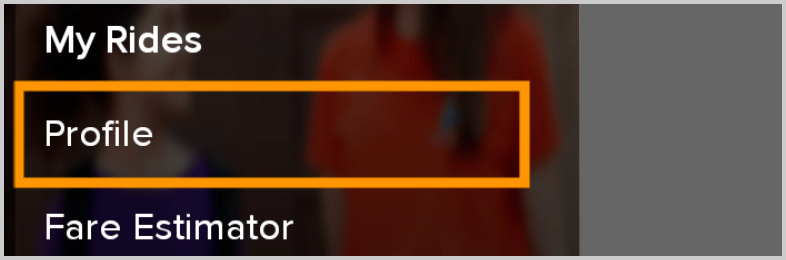
On the side menu, tap Profile.
-
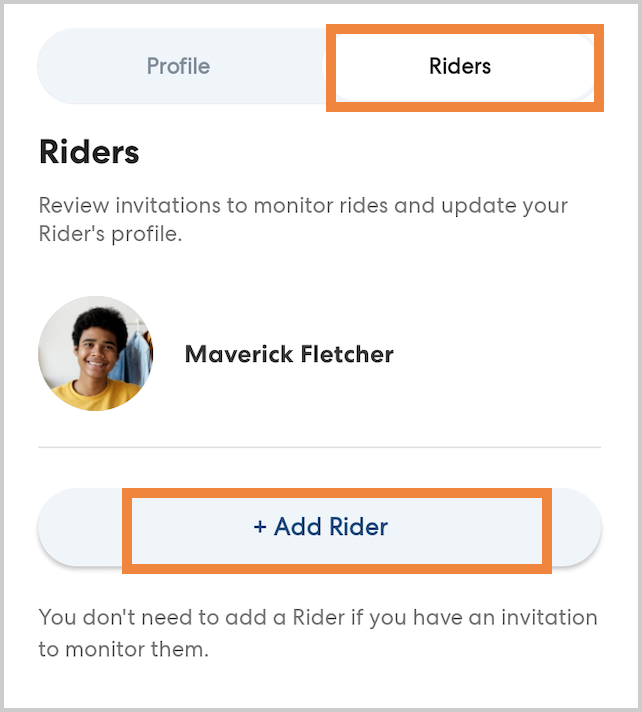
Tap Riders, then tap Add Rider.
-
Tap the icon at the top of the page to upload a photo of the rider. You can take a photo using your phone's camera, or upload a saved picture. A clear, recent photo showing the rider's face helps pickups go smoothly.

- Enter the rider's name and gender.
- Select the rider's birth date. This will be used to verify the rider's identity at pickup.
-
Optionally, you can add an email and phone number for the rider. When you add a rider phone number, CareDrivers can contact your rider using the app to help find them at pickup. Your rider's phone number is hidden and the CareDriver cannot contact them outside the app. Learn more here.
Rider emails are not currently used for communications from HopSkipDrive, but may be in the future. Learn more about how rider information is used here.
-
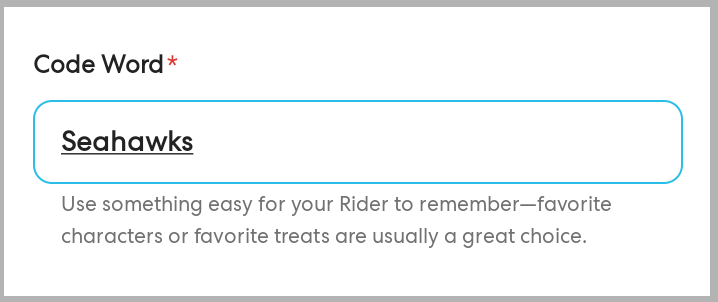
Type a secret code word that the rider will be able to remember. When the CareDriver arrives to pick up the rider, they will say this secret code word to confirm their identity.
-
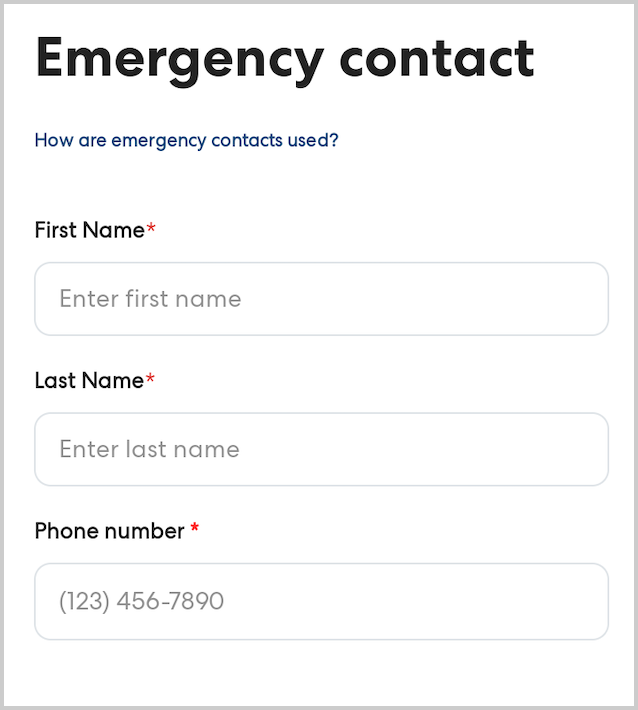
Add at least one emergency contact. HopSkipDrive support may contact this person if there is a concern or question about the ride and they are not able to reach you. Emergency contacts are not contacted by CareDrivers and will not receive ride updates via text.
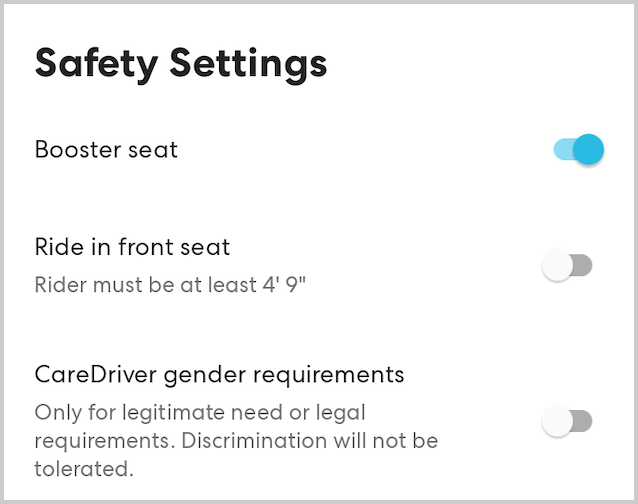
- Set the safety settings as desired:
-
Booster Seat: Switch this requirement on for riders under eight years old, or any other rider who requires a booster seat.
-
Ride in front seat: Switch this on if the rider is over 12 years old or at least 4'9" tall and can safely sit in the front passenger seat of the car. We encourage all riders to sit in the back seat if possible.
-
CareDriver Gender Requirements: In certain rare circumstances, a CareDriver of a specific gender may be required for legal or safety reasons. If this is the case, you can switch on CareDriver Gender Requirements and select the desired option. Please note that this setting is only for legitimate need. Discrimination will not be tolerated.
-
Booster Seat: Switch this requirement on for riders under eight years old, or any other rider who requires a booster seat.
- Tap Save. You can now schedule rides for your new rider.