If you need to cancel a large number of rides at once, you can do so by tag, date, or rider. A ride can be canceled any time before the CareDriver arrives at the first pickup location.
Cancel rides in bulk by date
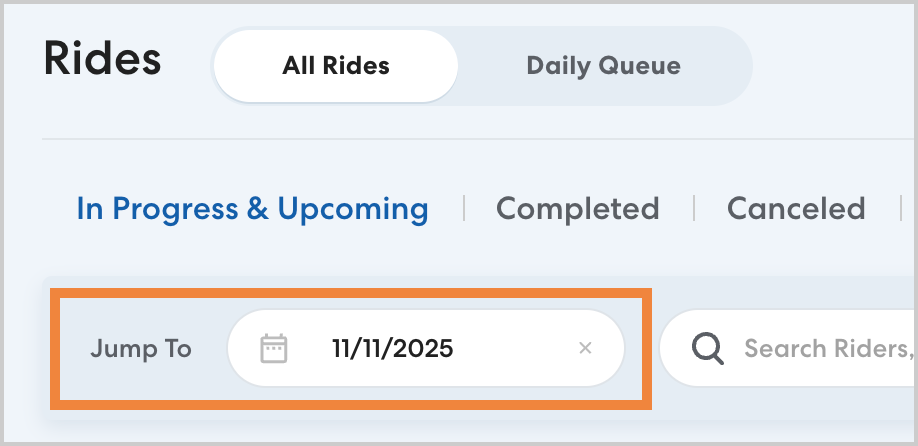
To cancel multiple rides on a certain date, follow the steps below:
- Enter the desired date in Jump To and press Enter.
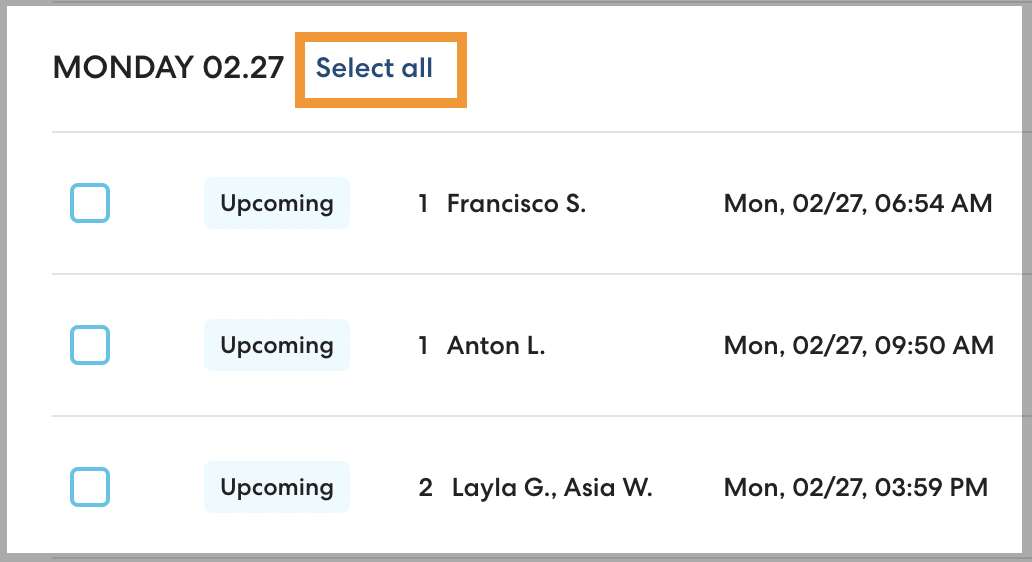
- Click the check box to select any rides you would like to cancel, or click Select all to select all rides on the selected date.
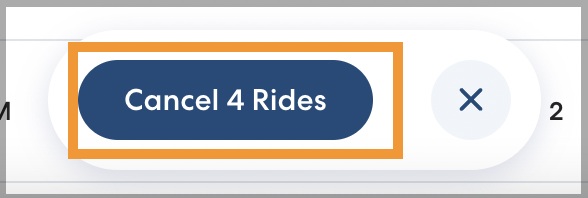
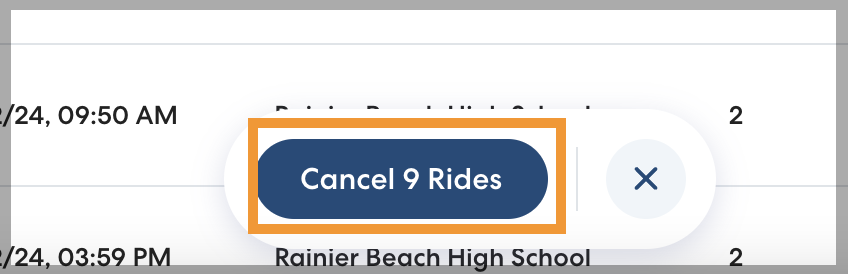
- Click Cancel [#] Rides.
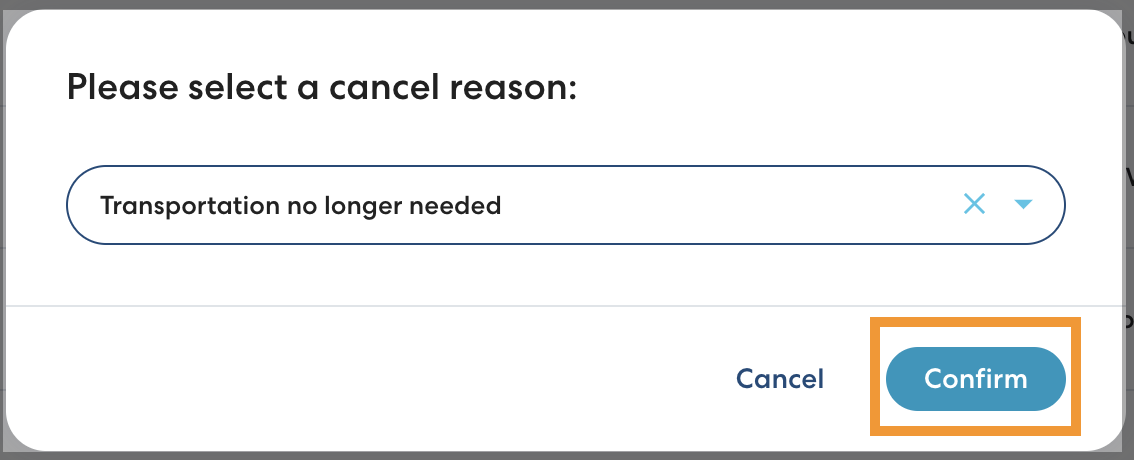
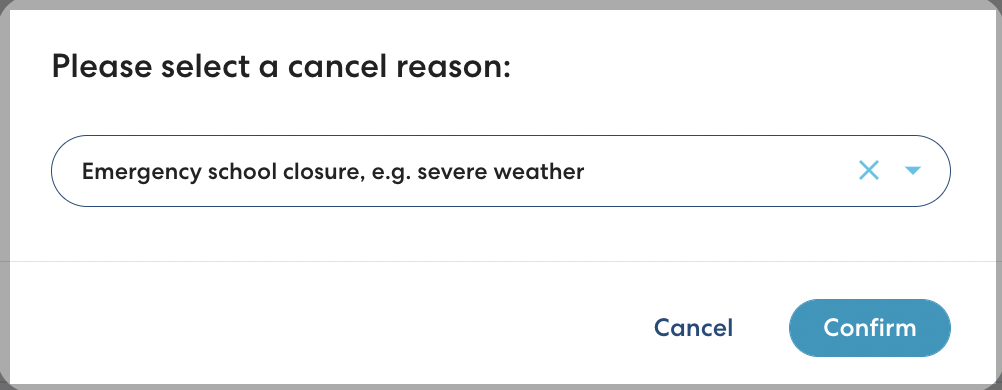
- Select the reason for the cancellation and click Confirm.
Cancel rides by rider
Follow the steps below to cancel all upcoming rides for a specific rider. For any multi-rider rides, the rider will be removed. Other riders' schedules will not be affected.
- Navigate to the rider's profile.
- Click Cancel All Rides.

- Click Confirm.
Cancel rides in bulk by tag
To cancel multiple rides for rides with a certain tag, follow the steps below:
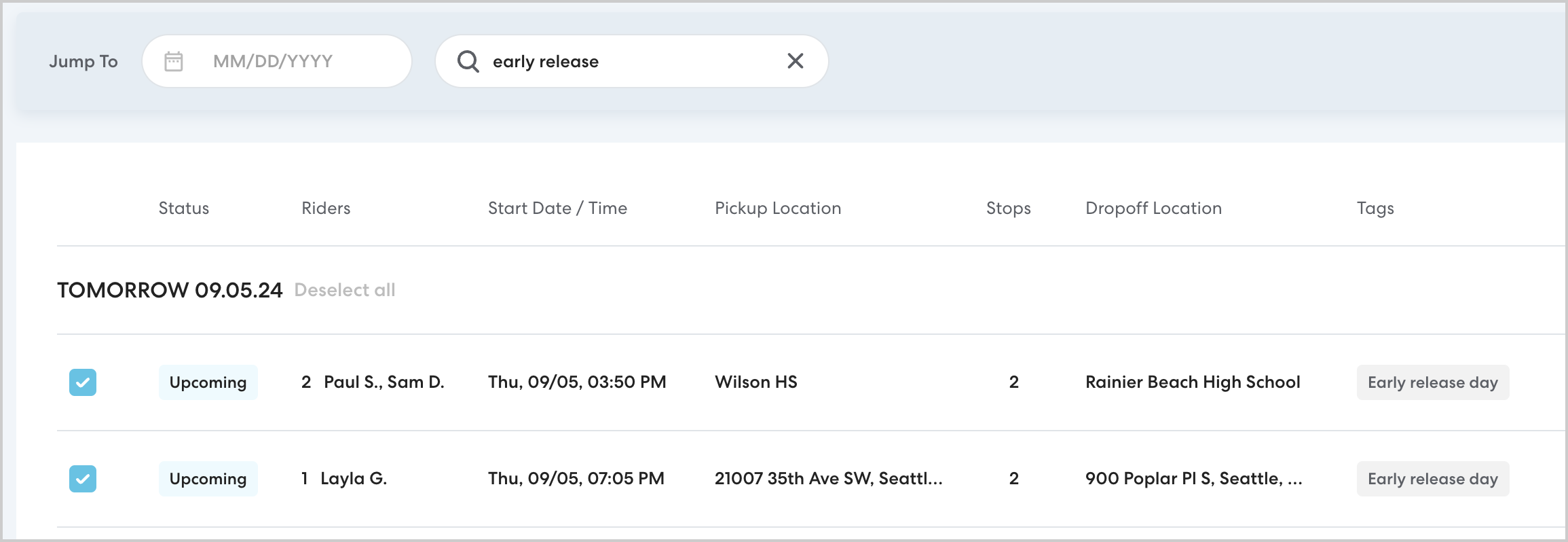
- On the Rides page, enter the desired tag in the search bar.
- Click the check box to select any rides you would like to cancel. Keep in mind you may need to scroll down to see all the rides.
- Click Cancel [#] Rides to cancel all the selected rides.
- Select a reason for canceling the rides, then click Confirm.