
When you set a Primary Residence for a rider, RideIQ will automatically set that address as the pickup location for rides. Below you'll find information about how to edit the Primary Residence address or remove it altogether.
In this article
Changing a rider's Primary Residence
Follow the steps below to change a rider's designated Primary Residence to a different address. Changing the Primary Residence will not impact any rides that are currently scheduled.
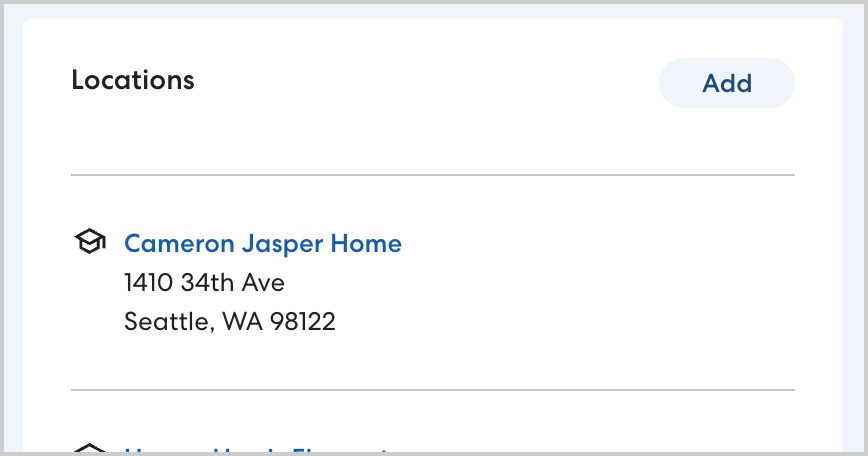
- On the rider's profile page, in Locations, select the desired new Primary Residence, or click Add to create a new location. In order to be a Primary Residence, the new location must have a type of Residence.
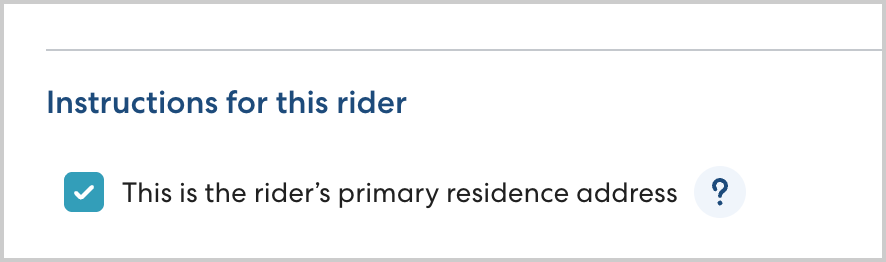
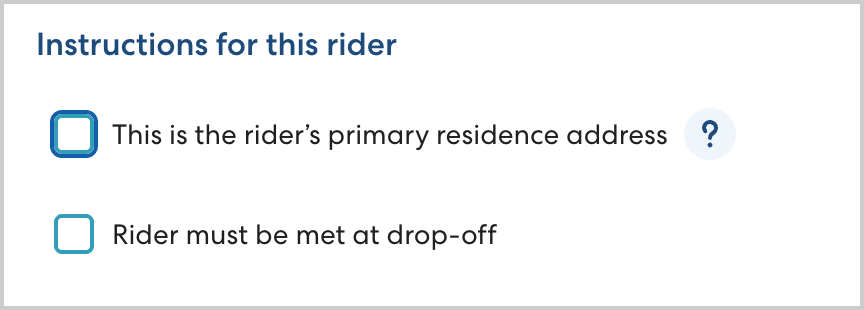
- In Instructions for this rider, select This is the rider's primary residence address.
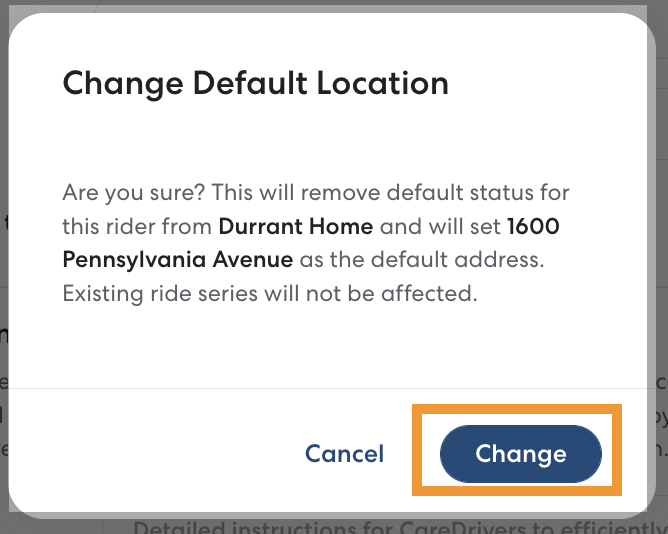
- Click Change to confirm that you want to change the Primary Residence.
- If you are replacing the Primary Residence address because the rider has moved, select Find and replace previously used Location to automatically replace the address in all rides after the date you select. Learn more about using Find and Replace in this article.

- Click Save.
Removing a rider's Primary Residence Address
When you remove the Primary Residence address you can keep saved locations assigned to the rider, but the address will no longer be automatically added to rides. Removing the Primary Residence will not affect any rides that are currently scheduled.
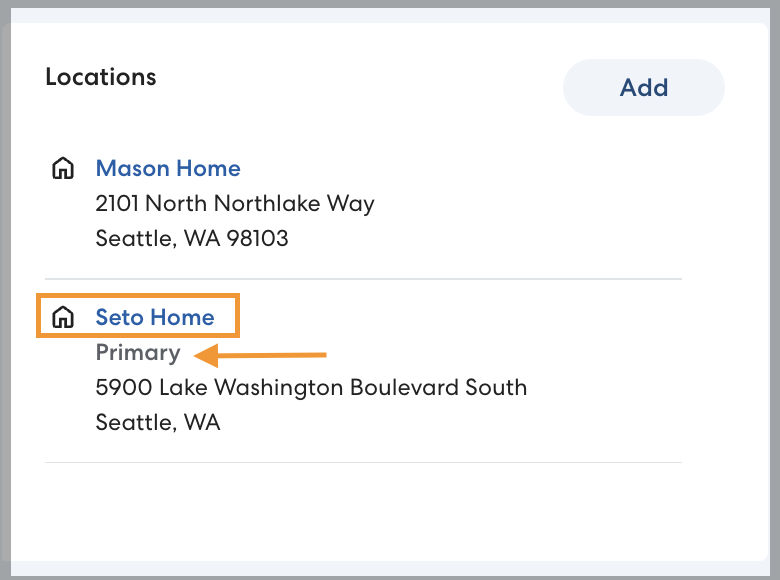
- On the rider's profile page, click the name of the Primary Residence. The rider's Primary Residence will be labeled Primary.
- To remove the Primary Residence designation from the location, click to clear This is the rider's primary residence address.
- Click Save.