Many rides start with a pickup from the rider's home or residence. To save time, you can designate that address as the rider's Primary Residence.
About Primary Residences
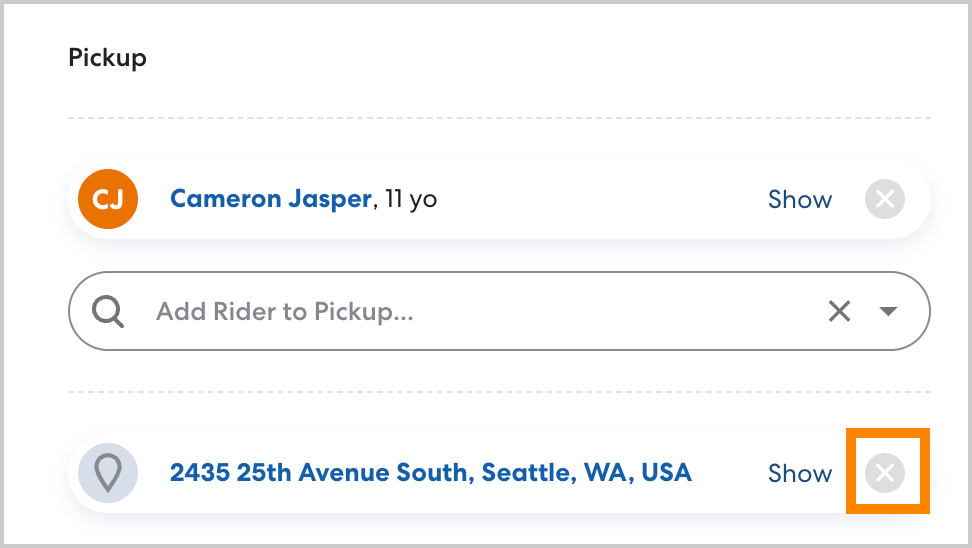
When you create a ride for a rider with a Primary Residence assigned, that address will automatically be set as their pickup location. For even more efficiency, you can also designate a Primary Destination for the rider, which will auto-populate as the drop-off location. With the Primary Destination and Residence set, you can quickly set up rides without needing to select locations. If you need to assign a different location, remove the auto-populated address by clicking the grey X and add a different location as usual.
How to assign a Primary Residence to an existing rider
To assign a Primary Residence to a rider, follow the steps below:
- Navigate to the rider's profile page. In Locations, select the location you want to designate as the Primary Residence and click Edit. If it does not appear on the list, click Add and type the desired address. Enter the location details, making sure to select Residence as the location type.
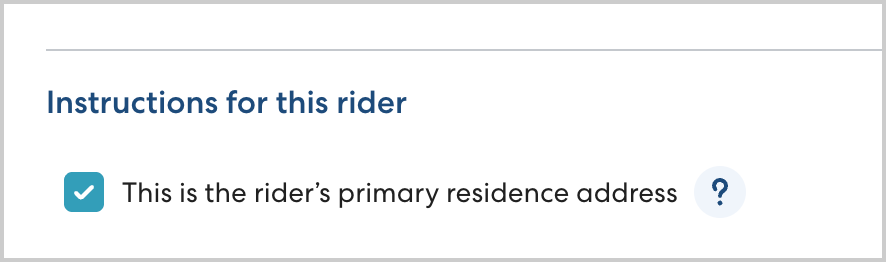
- In Instructions for this rider, select This is the rider's primary residence address, then click Save.