
Follow the steps below to schedule a ride:
- From the My Rides page, tap Schedule a ride.

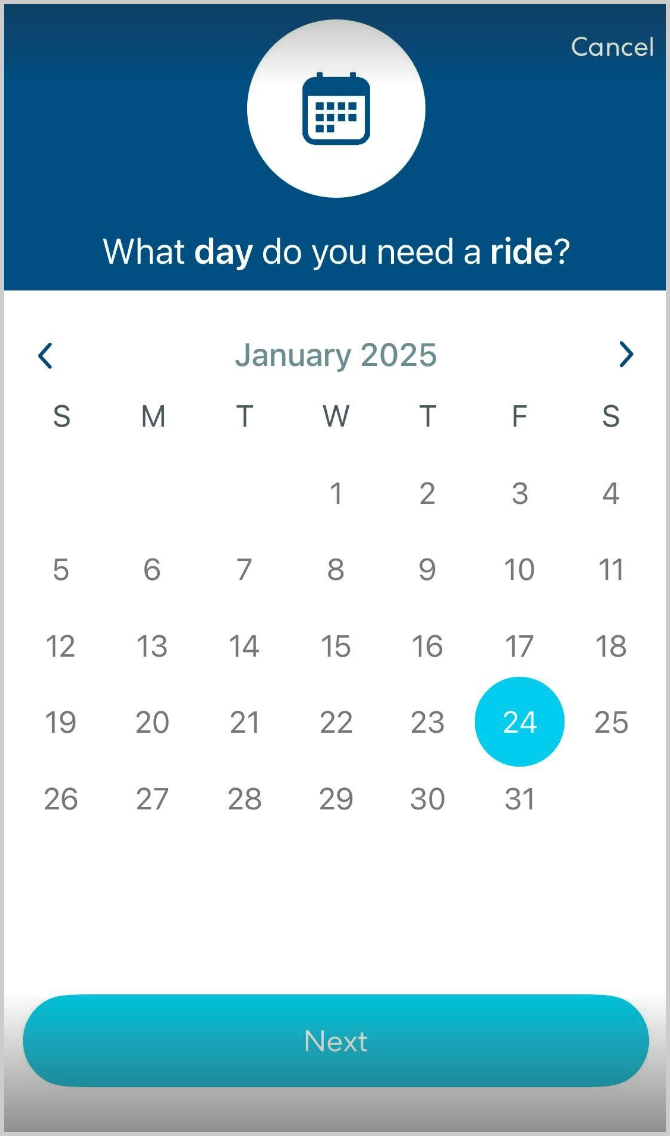
- Select the day you want to schedule the ride for, then tap Next. Remember that all rides must be scheduled no later than 7:00 PM the day before the ride if the ride will be before 10:00 AM, or at least 6 hours ahead of time for rides after 10:00 AM.
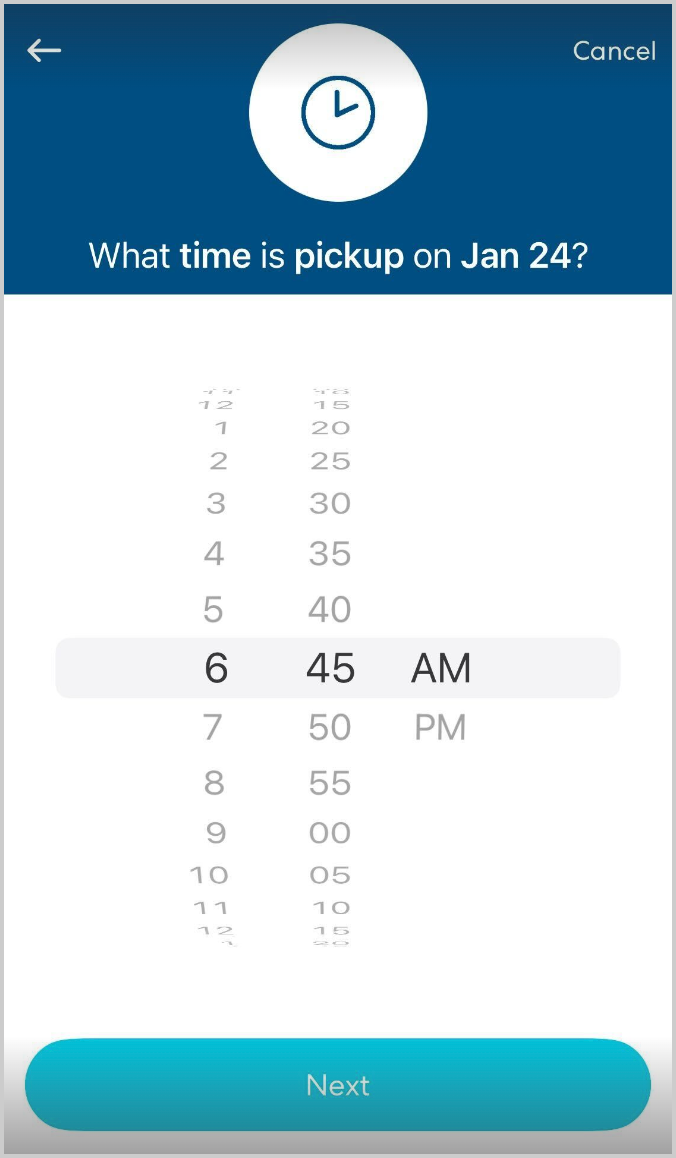
- Select the time your rider(s) need to be picked up, then tap Next.
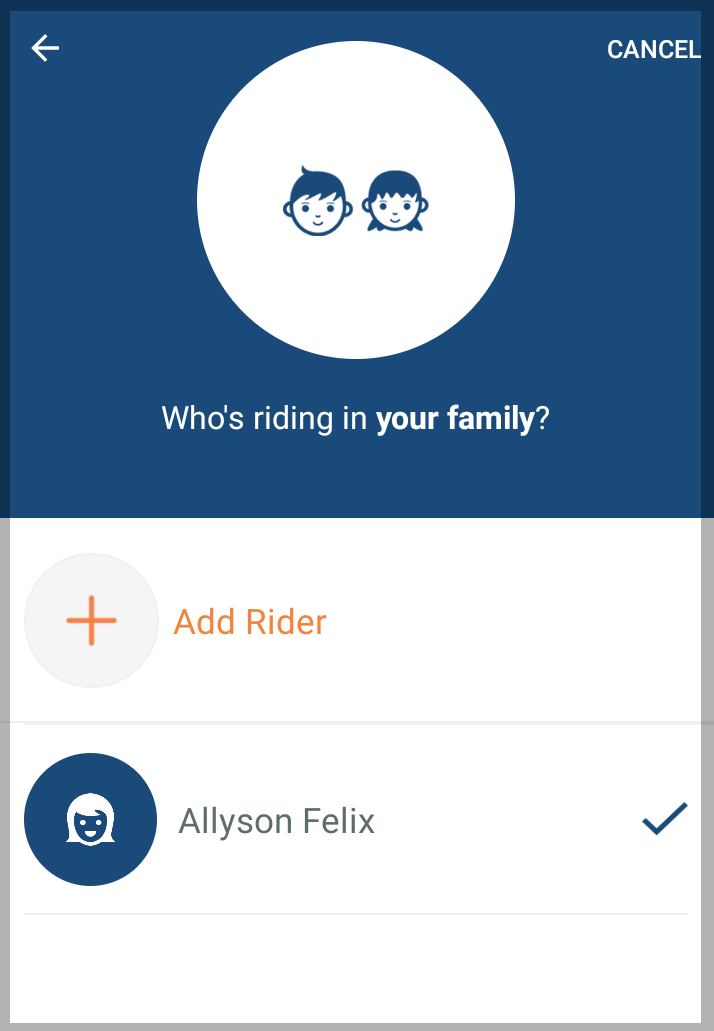
- Tap the rider(s) you want to add to the ride. If needed, you can create a new rider.
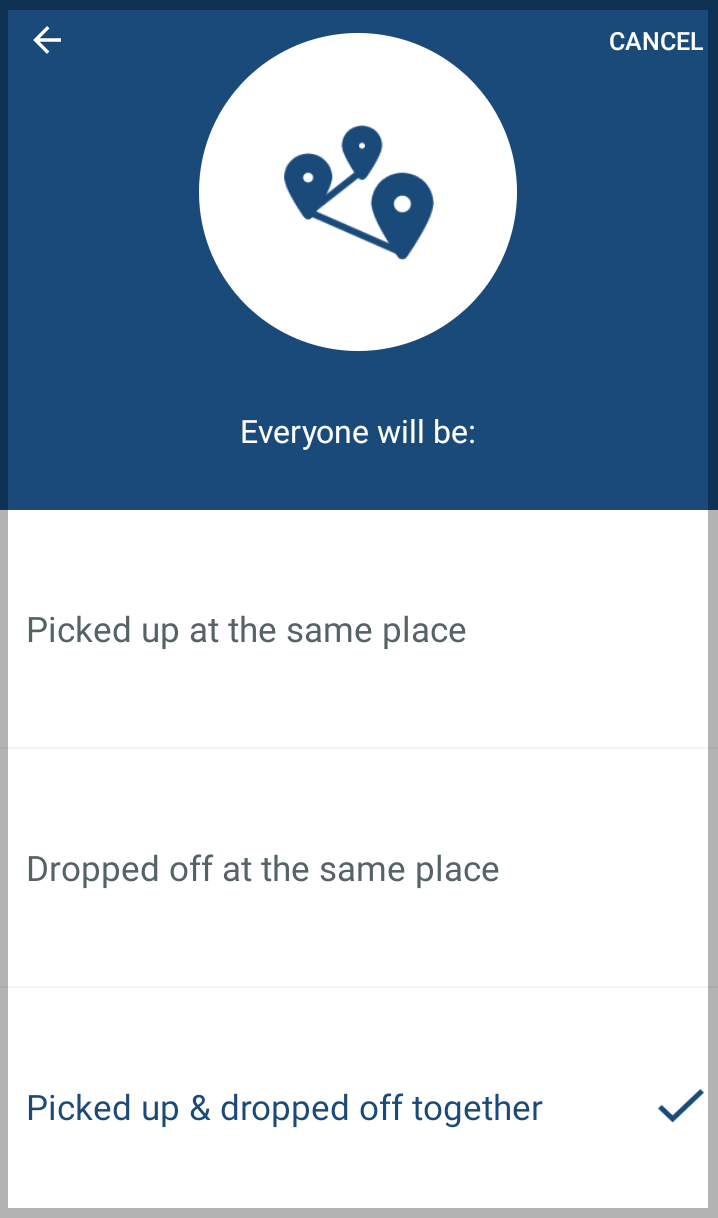
- If you are creating a ride for multiple riders, select the option that applies. You can choose:
- Everyone will be Picked up at the same place: Choose this option if all riders will be picked up together but dropped off at different places. This is typically what you would choose to have riders picked up from school and dropped off at their homes.
- Everyone will be Dropped off at the same place: Choose this option if the riders will be picked up from different locations but dropped off at the same place. This is typically the option you would choose to have riders picked up from their homes and dropped off at school. If you choose this option, you will be asked to set a drop-off time for the ride.
- Everyone will be Picked up and dropped off together: Choose this option if all riders will be picked up and dropped off at the same place. This is typically the option you would choose if you have multiple riders from the same household going to or from the same destination.
- Everyone will be Picked up at the same place: Choose this option if all riders will be picked up together but dropped off at different places. This is typically what you would choose to have riders picked up from school and dropped off at their homes.
- Select the place where the rider(s) will be picked up. You can choose from locations you saved previously, or add a new location if needed.
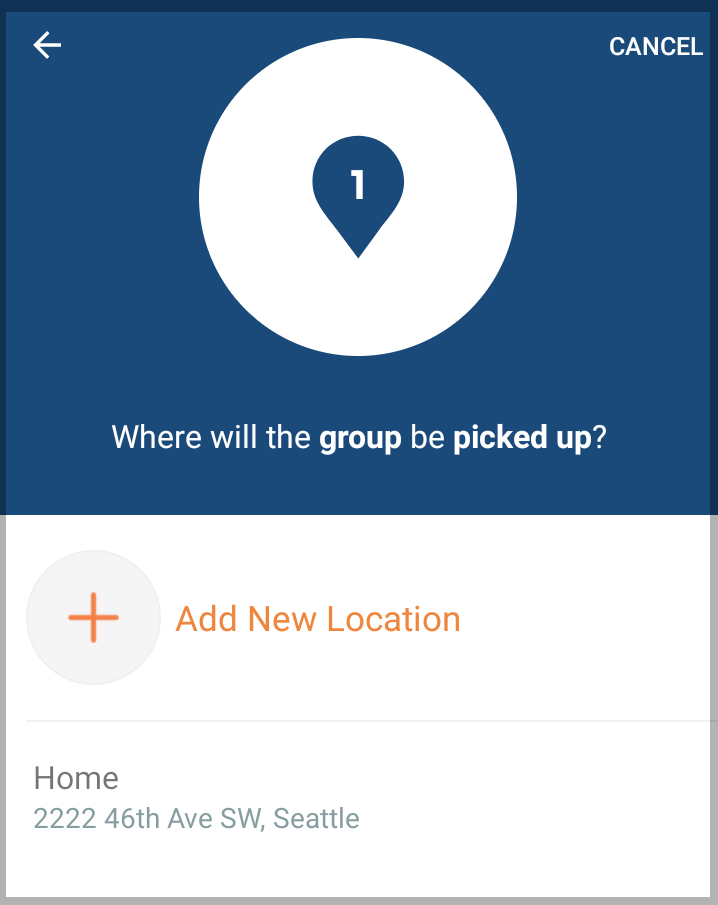
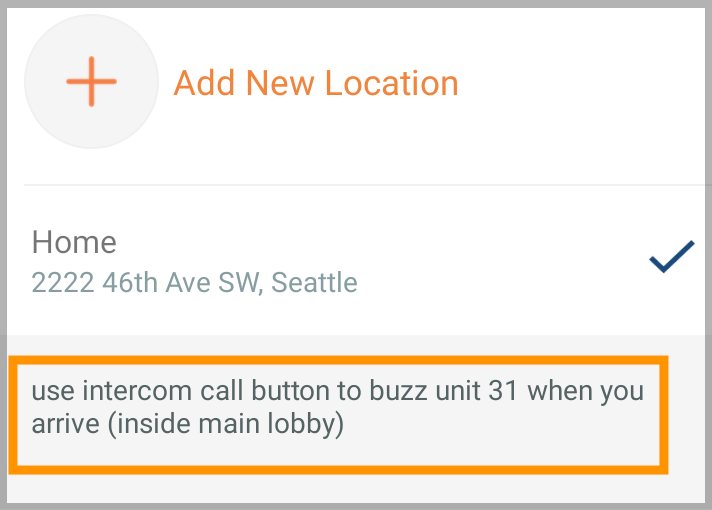
- Add detailed notes to help the CareDriver find the location and the rider(s). Please add as much specific information as possible. This could include tips about finding the location, apartment or unit numbers, or helpful information about parking.
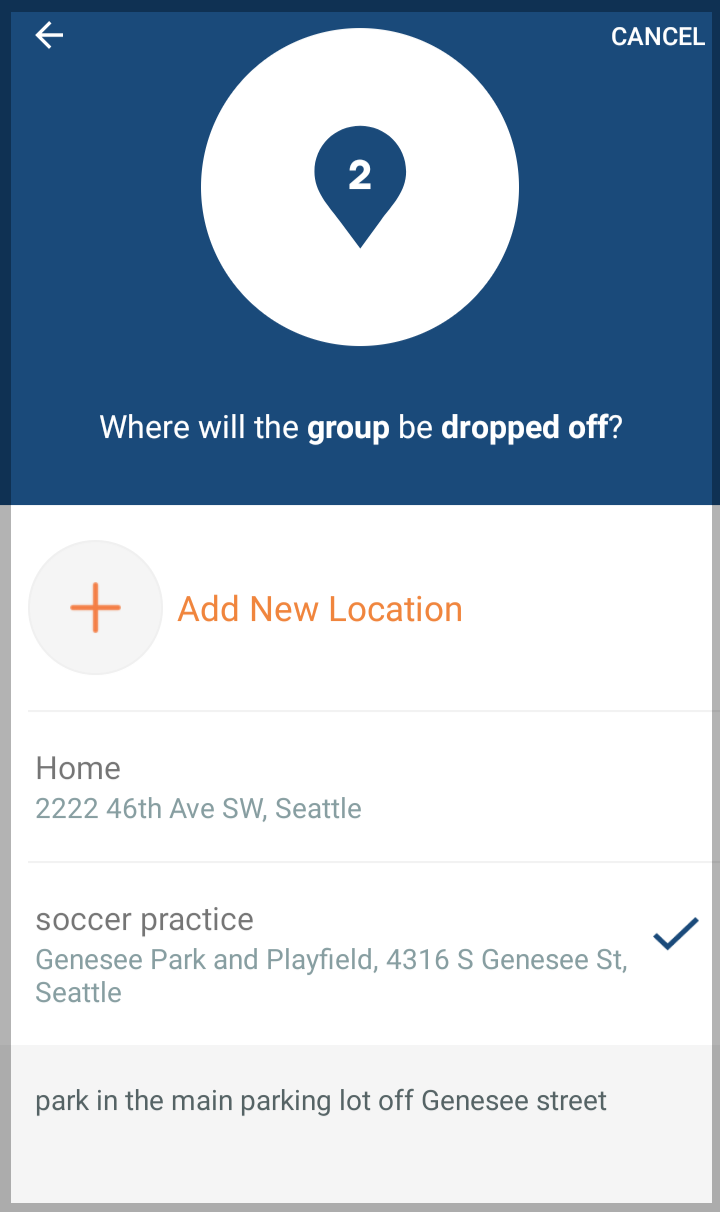
- Select or add the location where the rider(s) will be dropped off. Be sure to add notes to help the CareDriver find the location and safely drop off your rider(s). Tap Next.
- If you'd like to create a repeating ride, toggle Repeat this ride on, select the days of the week for the ride, and set an end date.
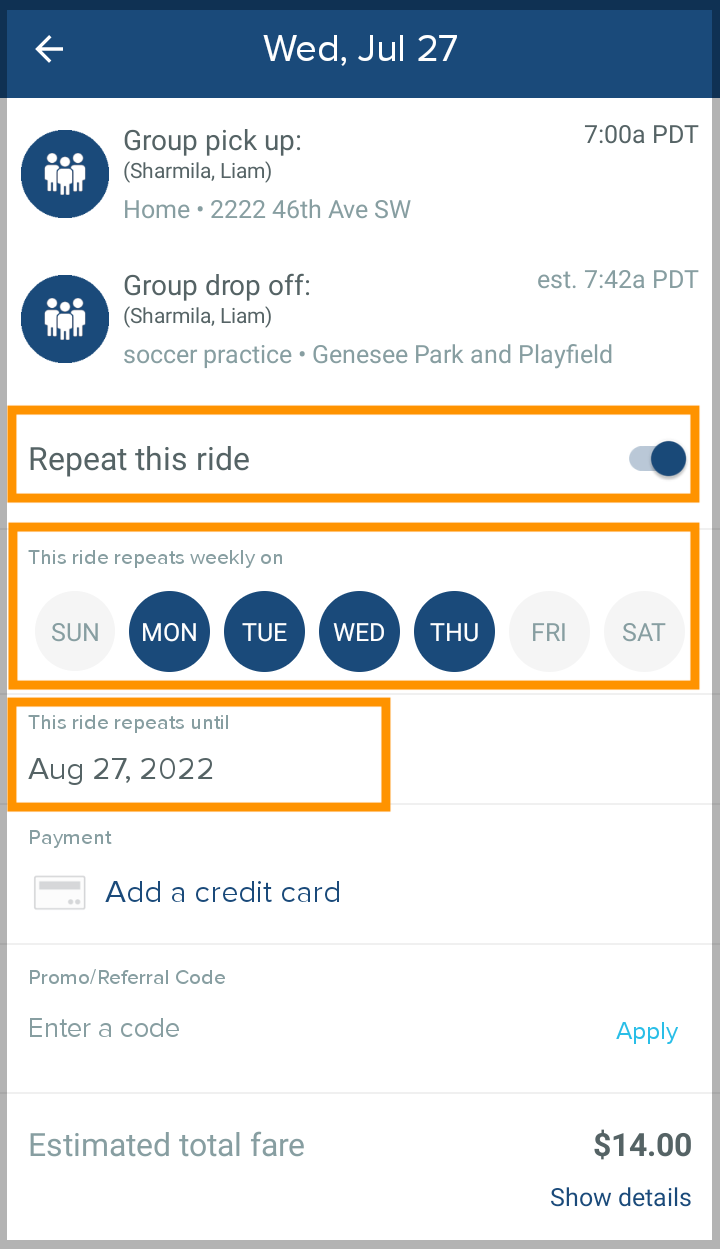
- Tap Book ride to schedule the ride and make it available for CareDrivers to claim.