
In RideIQ, you can review canceled rides by clicking Canceled on the main Rides page or the Rides section of any Rider profile.
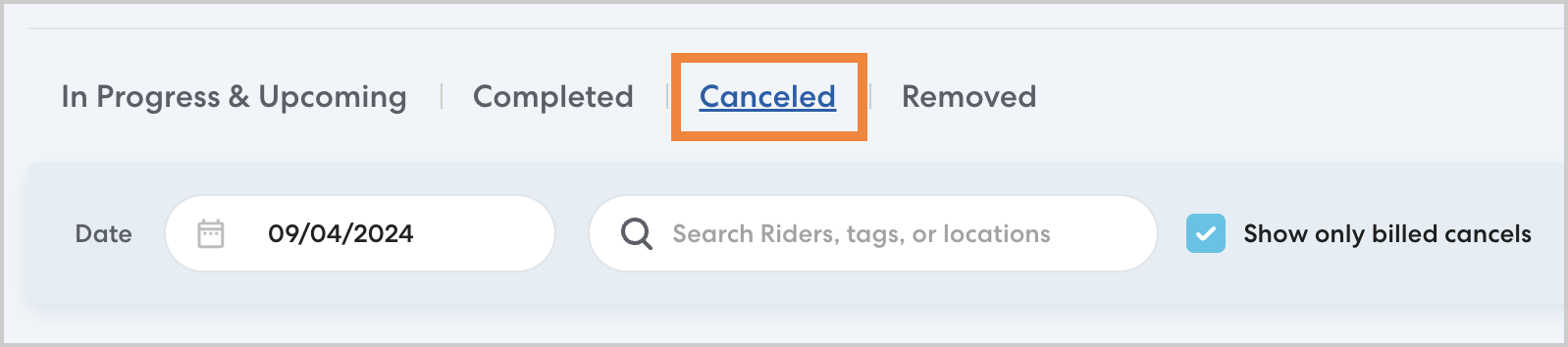
If you do not see a ride you expect to see on the Canceled rides list, it may be for one of the following reasons:
-
Show only billed cancels is selected:
By default, the Canceled rides list is filtered to only display canceled rides that your organization will be billed for. Click to clear Show only billed cancels. You will then be able to see all canceled rides.
-
The ride was canceled in the last four hours:
Rides can take up to four hours after they are canceled to appear on the Canceled list.
If you need to confirm that a ride was canceled, you can check the In progress & upcoming rides list on the Rider's profile to verify that the ride has been removed from their schedule.
Learn more
search terms: missing rides not showing canceled didn't show up