
You can download any report you create as a .csv file. To download a report, follow the steps below:
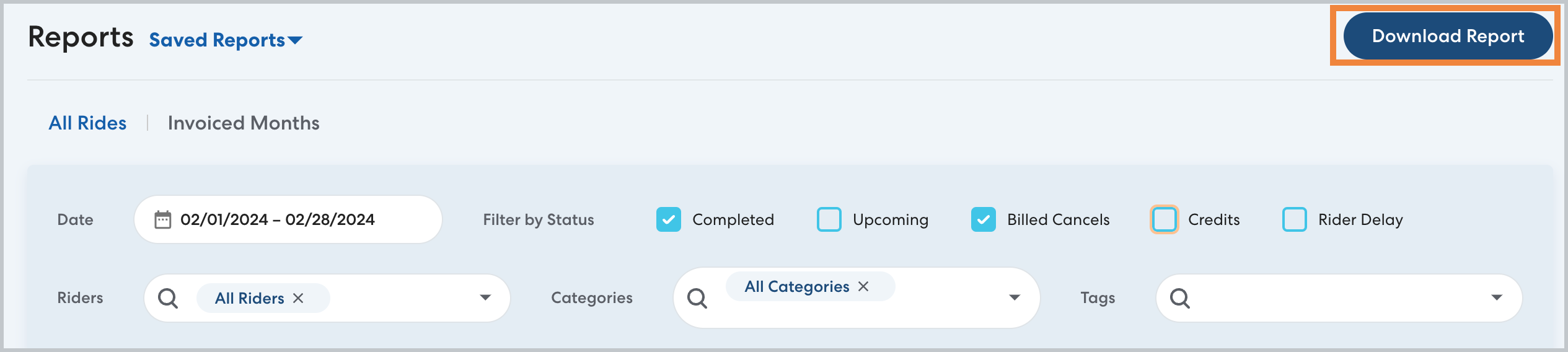
- After creating the report using the desired filters, click Download Report, then click OK to confirm.
- Check your email for a link to download the report as a .csv file. When you click the link, a new RideIQ window will open and the file will download automatically.