Any changes to scheduled or in-progress rides are recorded in the Ride Log. To view the Ride Log, select the desired ride and click the Ride Log tab.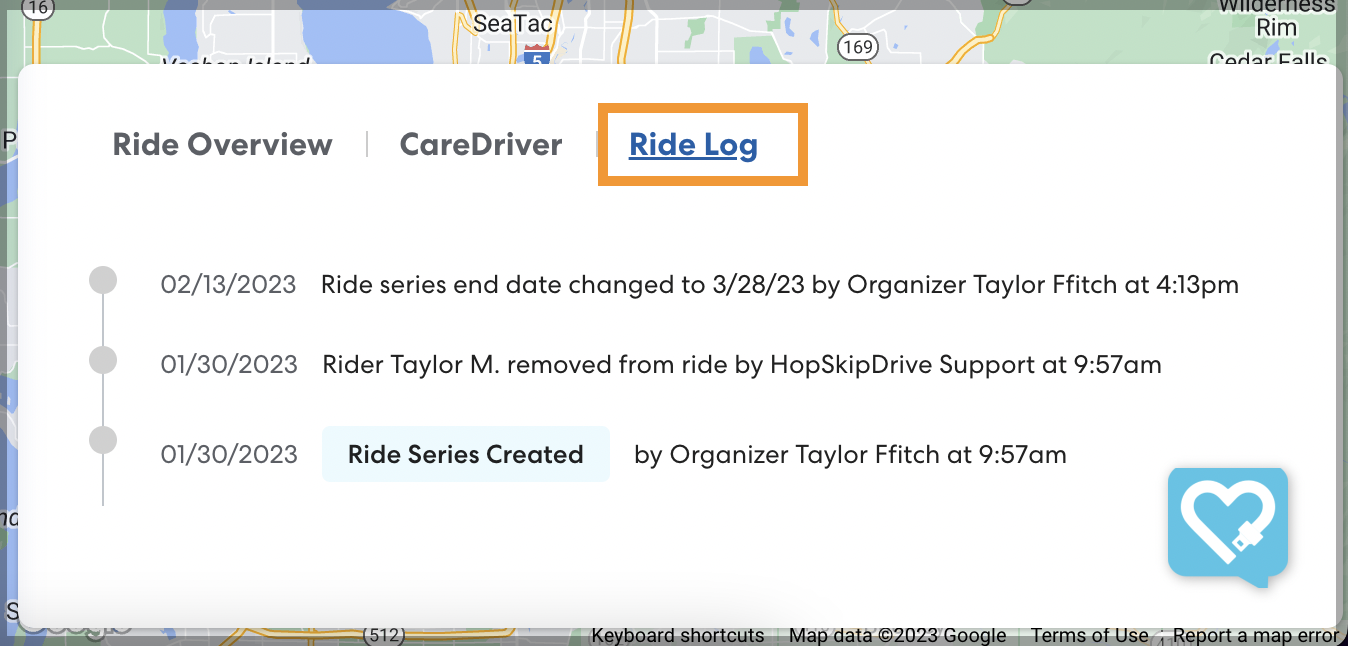
Changes to the ride are listed by date and time. You can see the name of the user who made the change if they are part of your organization, as well as any changes made by HopSkipDrive support.
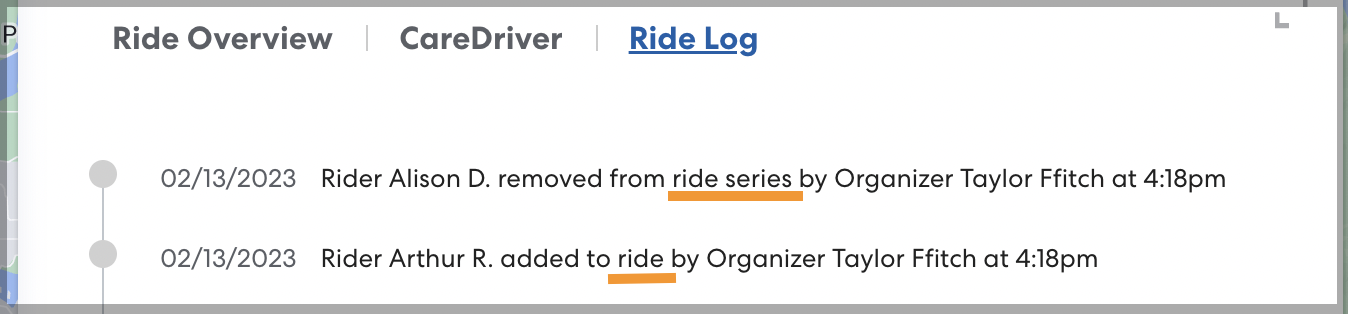
In the Ride Log for a ride that is part of a ride series, you can see when changes have been made to the entire series, or just to the ride you are currently viewing, as shown below.