
When you set a Primary Destination for a rider, RideIQ will automatically set that address as the drop-off location for rides. Below you'll find information about how to edit the Primary Destination address or remove it altogether.
In this article
Changing a rider's Primary Destination
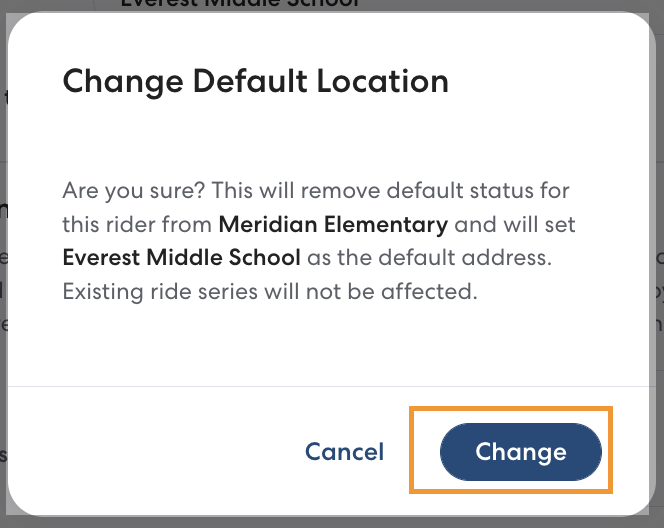
Follow the steps below to change a rider's designated Primary Destination to a different address. When you change the Primary Destination, no currently scheduled rides will be affected.
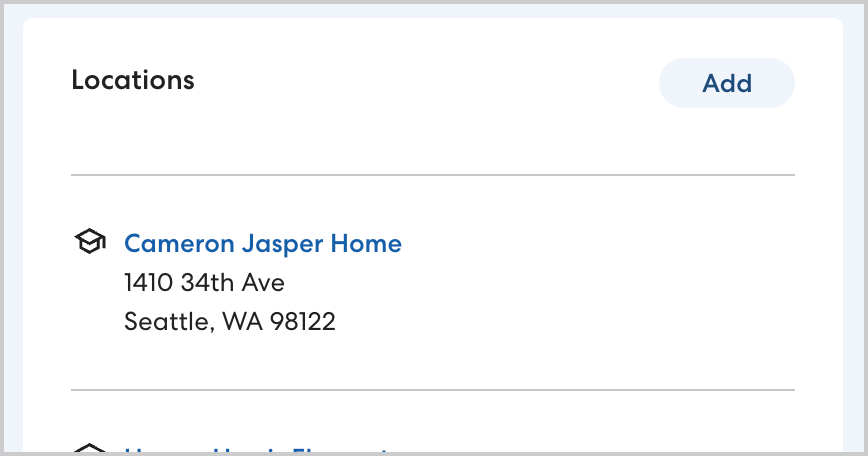
- On the rider's profile page, in Locations, select the location you'd like to set as the Primary Destination. If needed, you can create a new location by clicking Add. Enter the location details, making sure to select School as the location type.
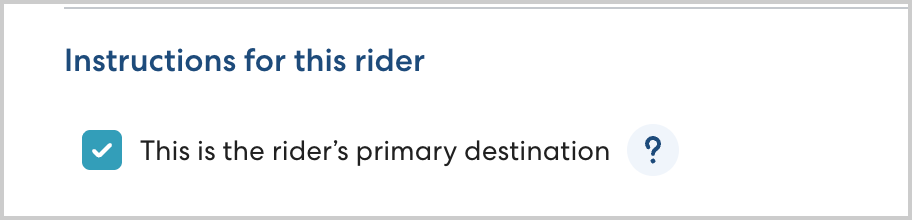
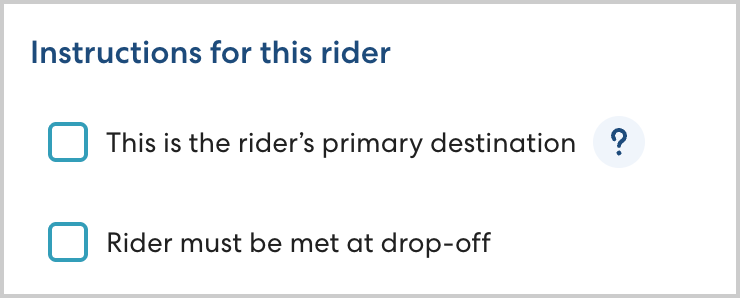
- In Instructions for this rider, select This is the rider's primary destination.
- Click Change to confirm that you want to change the Primary Destination.
Removing a rider's Primary Destination
If you no longer want any Primary Destination assigned to the rider, follow the steps below. Removing a Primary Destination location from a rider's profile means that the location will no longer auto-populate when you are creating rides. It will not remove the location from the rider's profile or impact any currently scheduled rides.
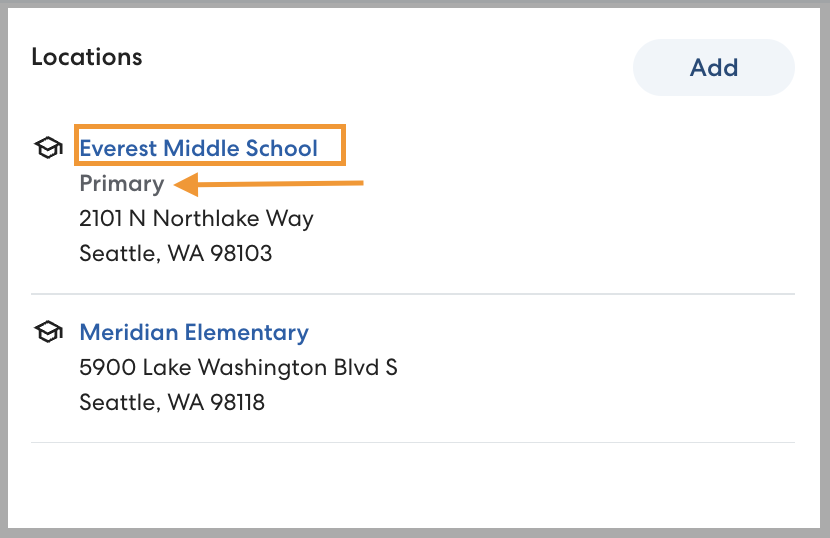
- On the rider's profile, in the Locations section, click the name of the Primary Destination. The rider's Primary Destination will be labeled Primary.
- Click to clear This is the rider's primary destination.
- Click Save to confirm your changes.