
When two districts share costs for a Rider, that Rider's charges are divided between the Attending District and the Residence District. You can learn more about how shared billing works in this article.
If the shared Rider moves or otherwise changes districts, the Attending District can update the contact information for the Residence District in RideIQ. Changes in RideIQ should be entered after communicating with both the previous and current Residence Districts.
Follow the steps below to change the Residence District for a Rider:
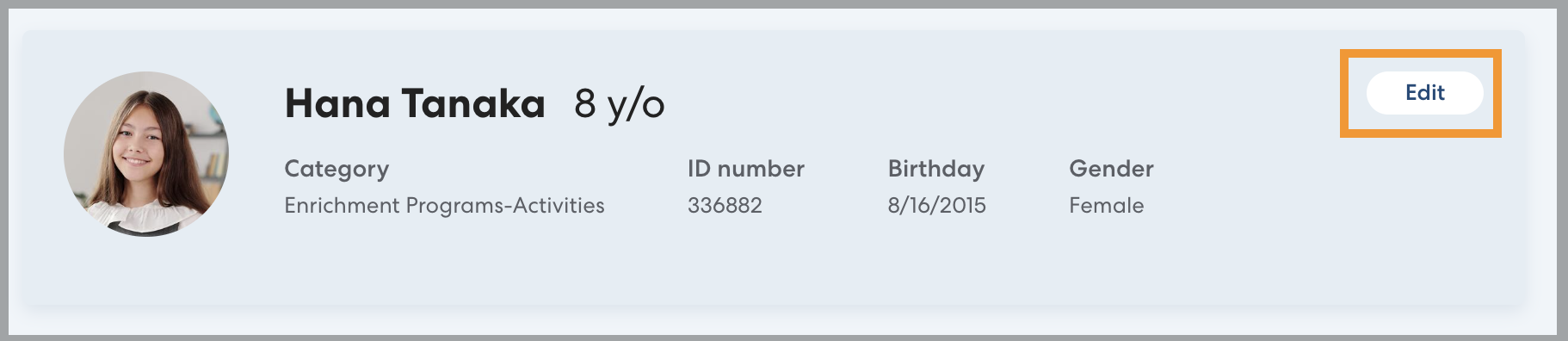
- On the Rider's profile, click Edit.
- Select the new district the Rider will be shared with. Enter the name and email of the contact person to receive invoices at the new Residence District. Click Save. The new Residence District and previous Residence District will each be notified of the change via email. Changes will take effect immediately for all future rides.
