
When you create a new ride or Ride series, you have the option to save the ride, save and duplicate the ride, or save and add a return ride.
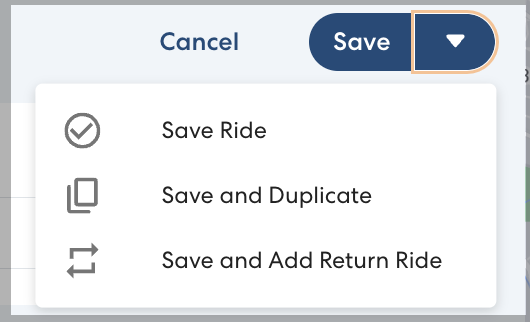
Save and Duplicate
This option creates a duplicate ride or Ride Series that is exactly the same as the original ride, but no date is set. This option allows you to efficiently create similar rides without re-entering all the information.
For example, you have a Ride Series to pick up two siblings after school every day. Next week, they are each attending a different after school camp. For each Rider, you can duplicate the existing pickup Ride Series, change the pickup location, and schedule the duplicate ride series to start and end next week. Instead of creating two new Ride Series from scratch, all you need to do is edit the pickup location.
Alternately, you may be scheduling a large number of morning drop-off rides for the same school. Instead of manually setting the same drop-off location and time for multiple rides, you can simply duplicate one drop-off ride and edit the Riders and pickup locations.
Save and Add Return Ride
This option allows you to efficiently create a round-trip ride. When you choose Save and Add Return Ride, RideIQ creates a duplicate ride or Ride Series with the pickup and drop-off locations switched. All other information from the original ride will be duplicated, except for the time.
Use this option when you need to schedule a round-trip ride. For example, when scheduling a morning drop-off Ride Series for a rider, you can use this feature to schedule their afternoon pickup without needing to re-enter any information.