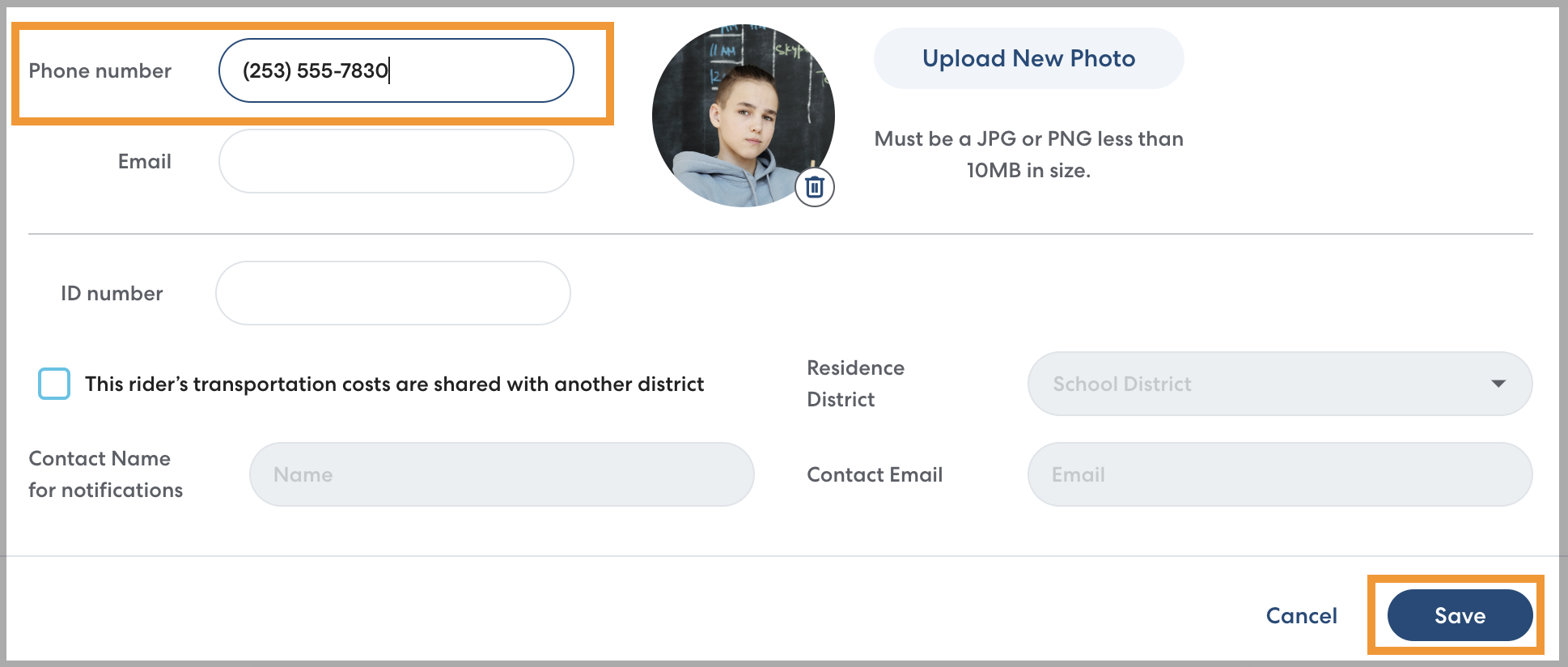
Adding a phone number to a rider's profile is optional, but when it is appropriate for the rider it can help ensure that pickups are safe and efficient.
- Before the ride, riders can receive text message updates with information about their ride schedule and details about the CareDriver who will be picking them up, as outlined here: What Information do Riders Receive?
- On the day of the ride, riders can receive a link to the Track My Ride page, which lets them view ride information and track ride progress in real time. Learn more about the Track My Ride page here.
- If the CareDriver has trouble finding the rider, they can also contact the rider directly via the app. Rider and CareDriver phone numbers are always anonymized so contact can only happen during an active ride.
Caregivers can also choose to add a rider phone number in the Caregiver app. Learn more here.
How to add a rider phone number:
- On the main header of the rider's profile, click Edit.

- Enter the Rider's phone number, then click Save. Ride updates will now be sent to the number you entered.