Pausing a rider temporarily stops HopSkipDrive transportation. When a rider is unpaused, their previously scheduled rides and Ride Series resume. Read more about how pausing a rider works in this article.
For predictable breaks in transportation, you can schedule a rider pause to start and end on set dates.
How to schedule a rider pause
How to schedule a rider pause:
- On the rider's profile, click Pause Rider.
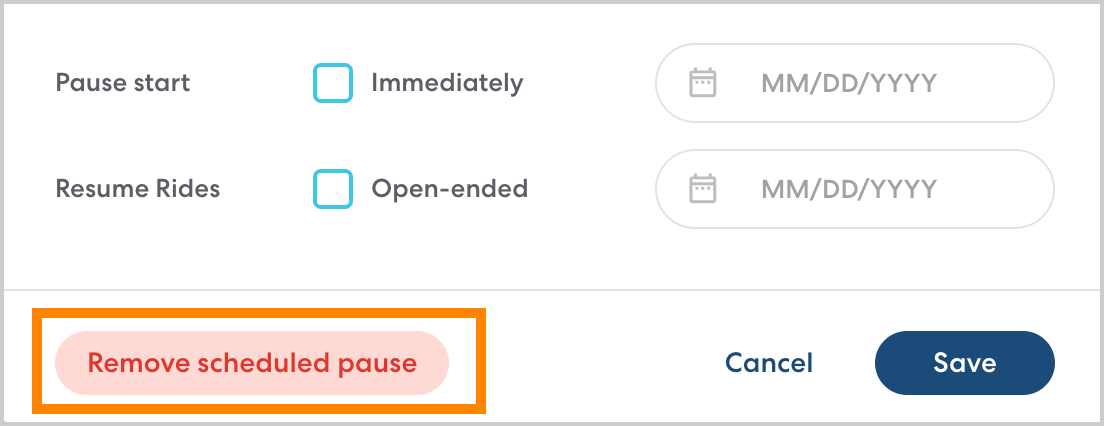
- In Pause start, select the first day you would like the rider to be paused.

- In Resume rides, select the day you would like rides to begin again. If you're not sure when transportation will resume, select Open-ended. You can always edit or add a date for rides to resume later if desired.

- Click Save.
Managing scheduled pauses
You can edit upcoming or active scheduled pauses at any time.
If the rider is currently paused:
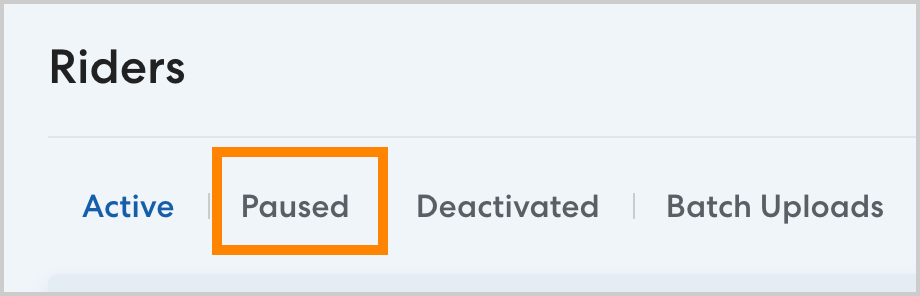
- navigate to the Riders page and click the Paused tab.
- Select the desired rider, then click Pause Options.
- Select a new date for rides to resume, or select Today. Click Save to confirm your changes.
If the pause is scheduled to start in the future:
- Select the desired rider. On the rider's profile, click Pause Options.
- Set the pause start and end dates as desired. To cancel an upcoming scheduled pause completely, click Remove scheduled pause.