
When you have a large number of saved custom reports, it can be inconvenient to scroll through a long list to find the reports you use most often. To display your most-used reports at the top of the list for easy access, you can mark them as favorites.
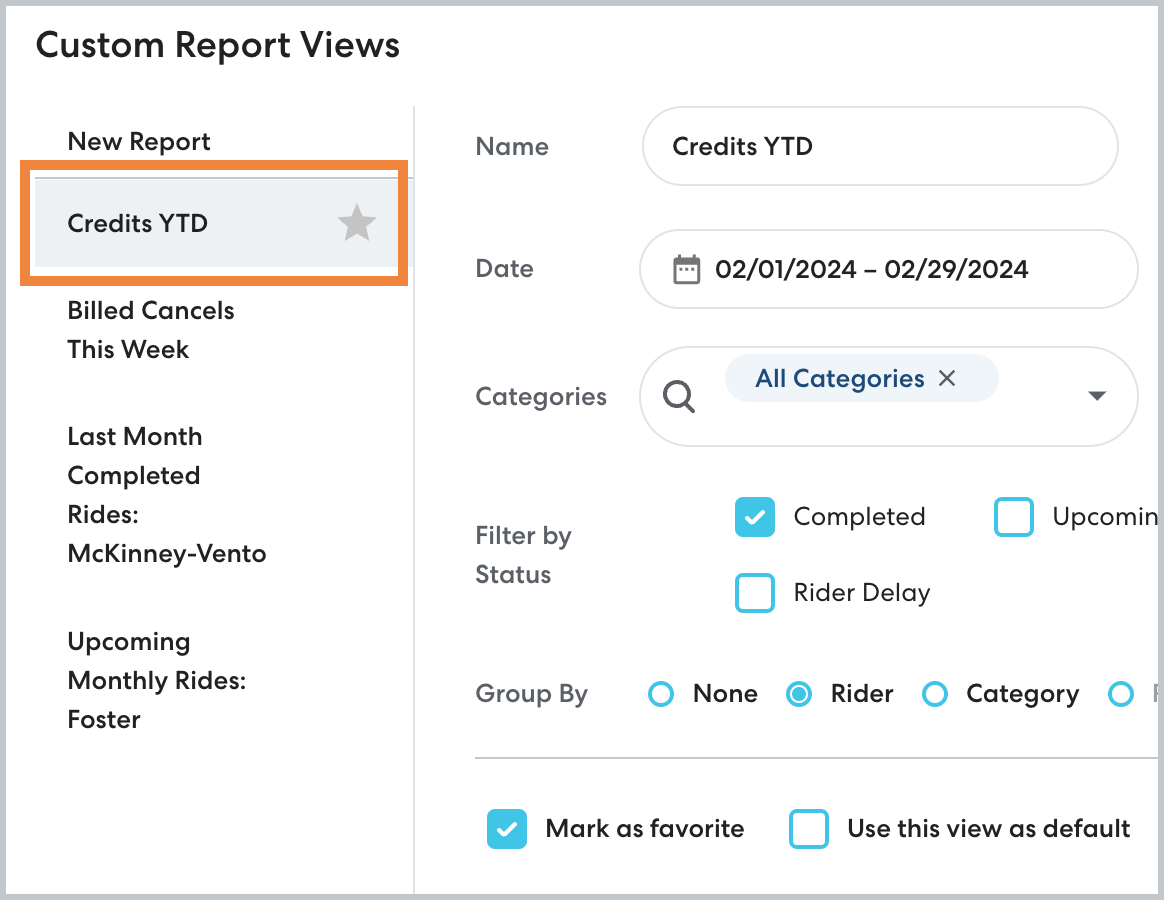
Favorites are specific to your account. Reports marked as favorite will appear at the top of the Custom Report Views list, marked with a star.
How to mark a report view as favorite
Follow the steps below to mark a report as favorite:
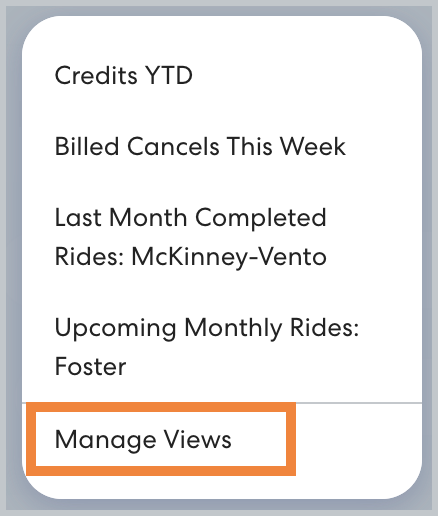
- On the Reports page, click Saved Reports, then click Manage Views.
- On the Custom Report Views list, select the report you want to mark as favorite.
- Select Mark as favorite.

- Click Save to confirm your changes.
You can add as many favorites as desired. To remove a report from your favorites, click to clear Mark as favorite.