If you no longer need a scheduled Ride Series, you can cancel all remaining rides in bulk.
Considerations when canceling a Ride Series
When cancelling a Ride Series, remember that you may need to cancel two ride series if you have scheduled round-trip transportation. For example, you may have a morning Ride Series to take your rider to school and an afternoon Ride Series to pick them up at the end of the day.
If you have more than one rider on the same series, it is not possible to remove an individual rider without canceling the series. If you need to remove one rider from all upcoming rides without canceling the series for other riders, you can do one of the following:
- Cancel the Ride Series and schedule a new Ride Series with the correct riders.
-
Edit individual rides to remove the rider. This option is best if you don't need to edit very many rides.
How to cancel a Ride Series
On the My Rides page, tap the first ride in the Ride Series you want to cancel.
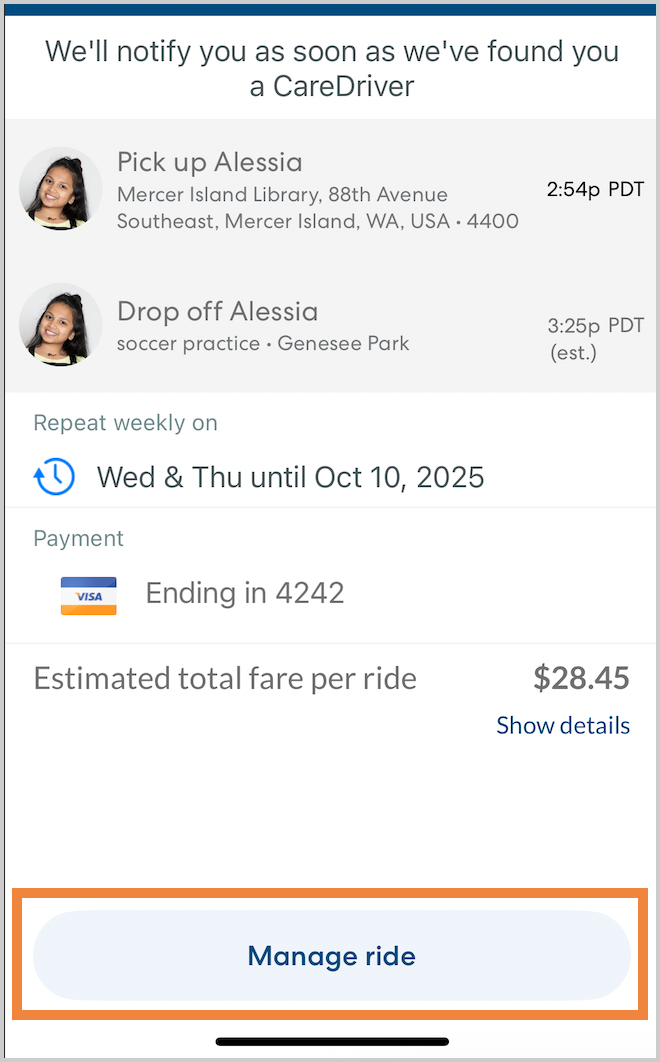
- Tap Manage ride.
-
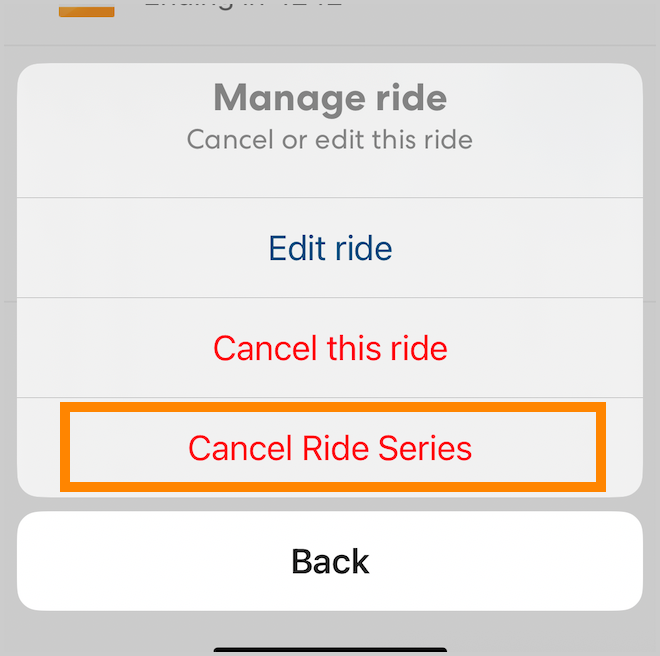
Tap Cancel Ride Series, then tap Yes, cancel all to confirm. The selected rides and all rides after that will be canceled.