
| Note: This information applies to Caregivers who schedule and manage rides for their Rider. If your Rider's rides are managed by a school district or other organization, that organization will manage location notes. |
When scheduling a ride or adding a Location in the Caregiver app, you are asked to add Pickup and Drop-off notes.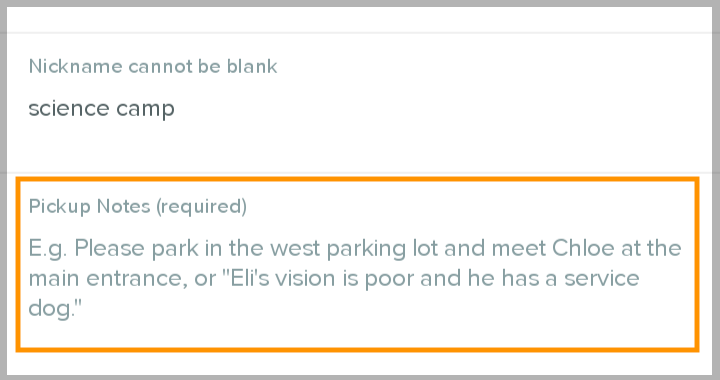
We strongly recommend adding as much detail as possible. These notes are displayed to CareDrivers as they drive the ride, and are an important way you can make sure the ride goes smoothly.
- Pickup notes are displayed to the CareDriver at pickup.
-
Drop-off notes are displayed to the CareDriver at drop-off.
What information should I include in pickup and drop-off notes?
You can use the questions below to help decide what information to include in the notes:
- Is there any kind of sign-out or sign-in process the CareDriver should follow?
- Should the CareDriver park? If so, where?
- Does your Rider have any specific needs the CareDriver should know about?
- Are there landmarks that could help the CareDriver find the right pickup or drop-off location?
- Does the CareDriver need to walk the Rider to or from the door?
In general, remember that in most cases the CareDriver will be driving to the location and meeting your Rider for the first time. Any details you can include will be helpful.