
Follow the steps below to access your fingerprint report and submit them to HopSkipDrive. In order to download a PDF copy of your results, you must use a computer, not a mobile device.
In This Article:
Step 1: Create an NBI Account
Within about an hour of completing your fingerprinting, you will receive an email from doNotReply@nbinformation.com with instructions for creating an NBI account and a 16-character access code.
- Go to www.nbinformation.com and click Login.
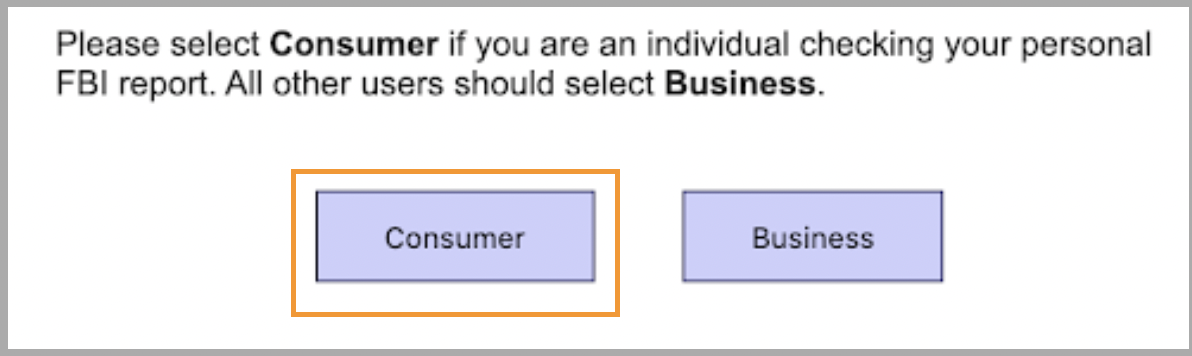
- Select Consumer, then click create an account.
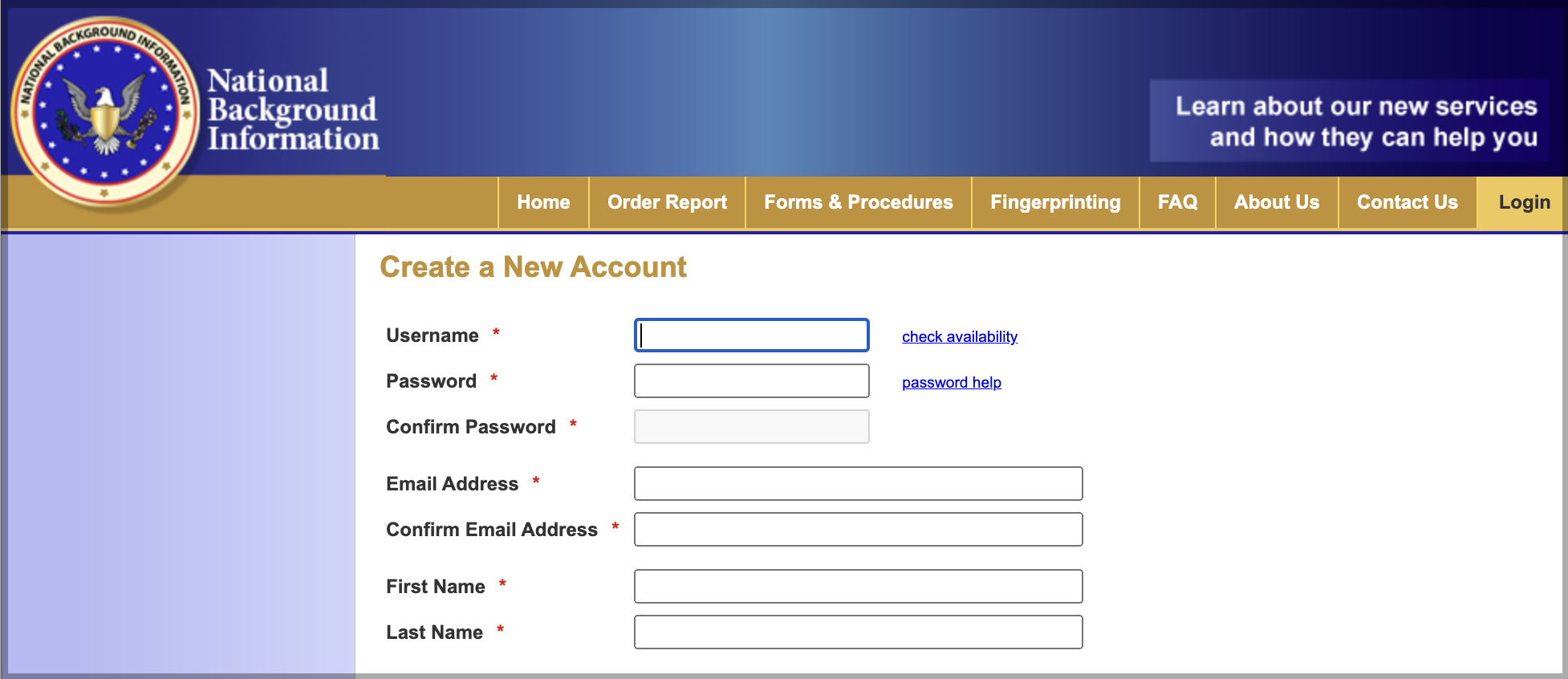
- Create a new Username and Password for your account. Enter your name and email address.
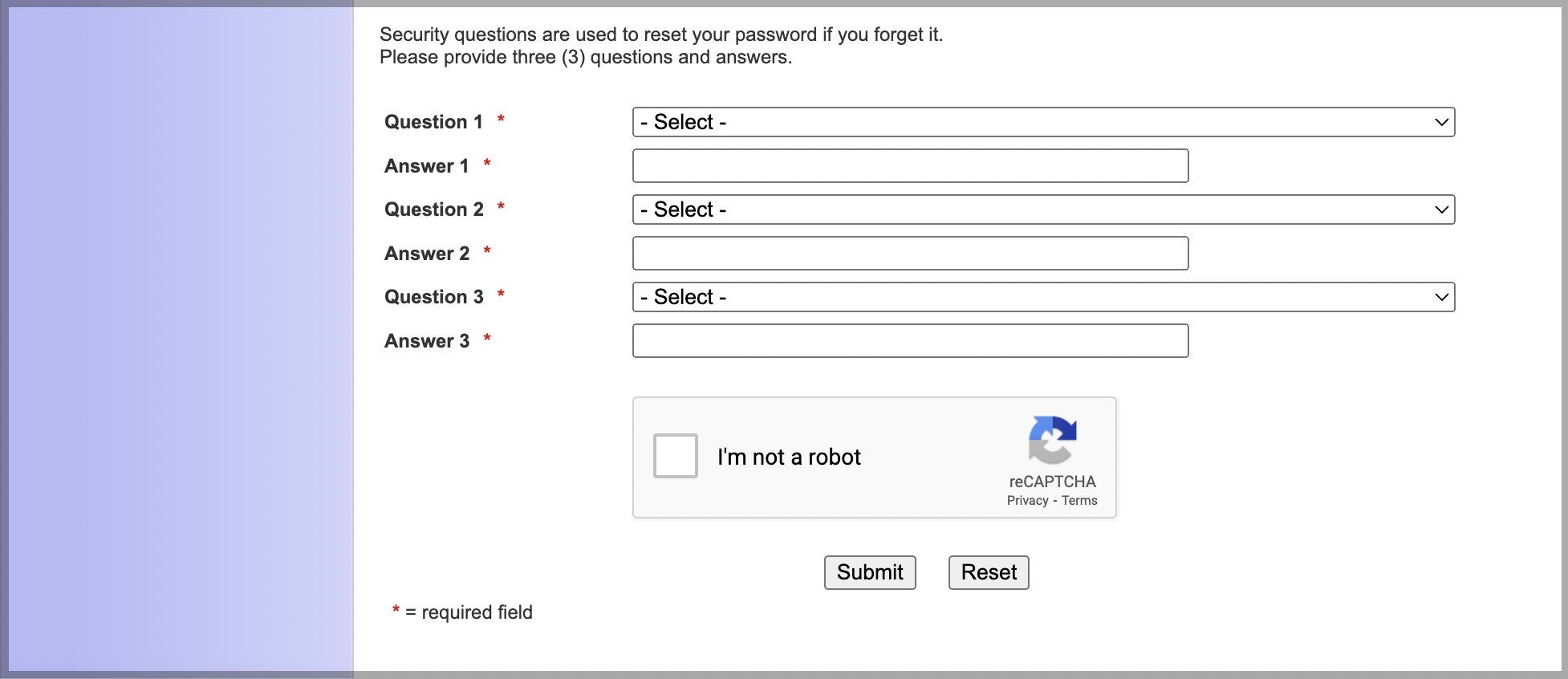
- Create three security questions and check I'm not a robot. Click Submit.
- Check your email for a new message from NBI. Click the link to Activate New Account. You will see confirmation that your account is active.
- Log in to your account using the username and password you created.
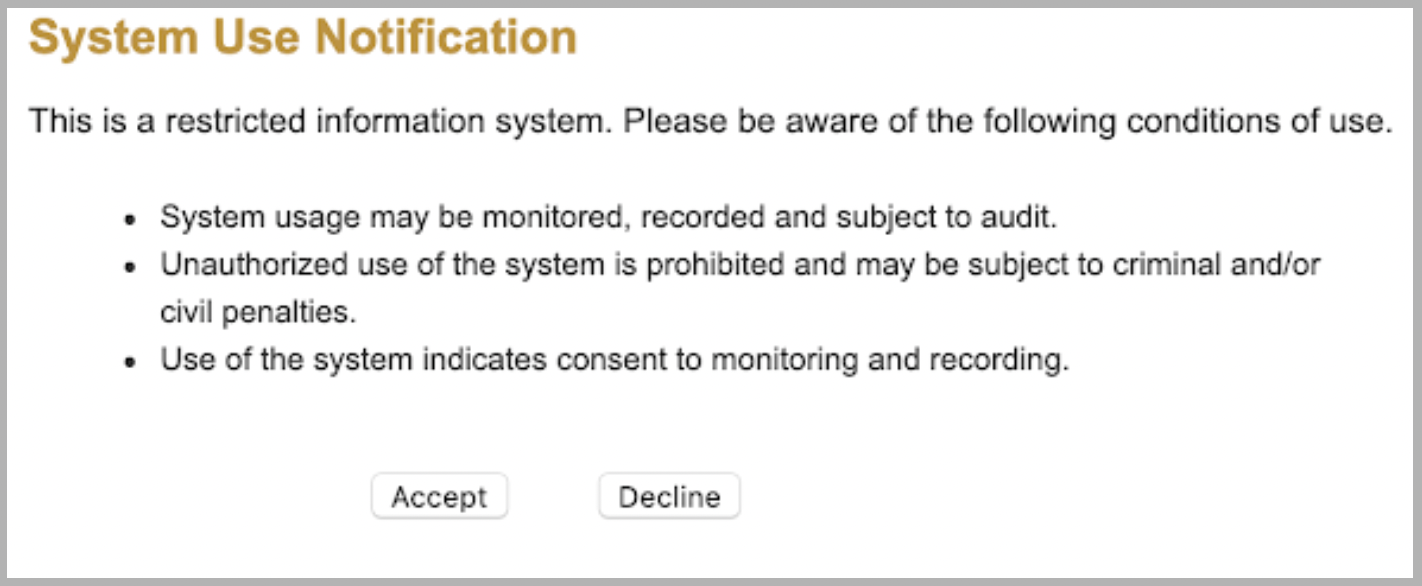
- On the system use notification, click Accept to continue if you accept the conditions.
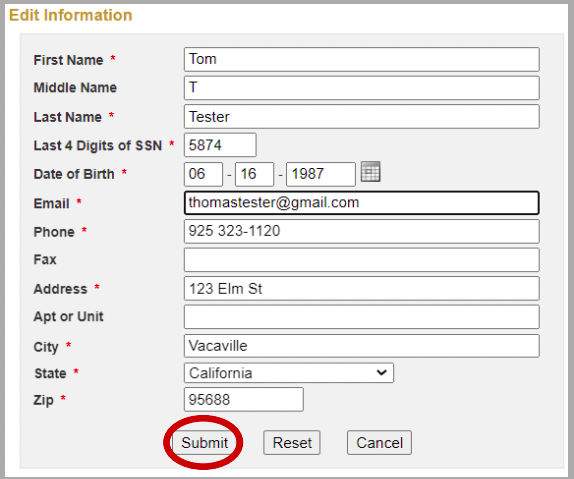
- Enter your personal information. This information must match the information you gave when you filled out your fingerprinting paperwork. Click Submit.
Step 2: Download Your Results
- When your fingerprint results are available to view, you will receive an email with your Online Access Code.
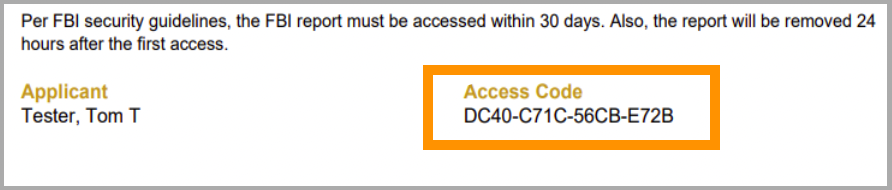
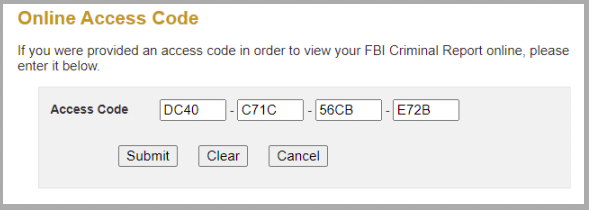
- Log in to your account and enter the online access code from the email. Click Submit.
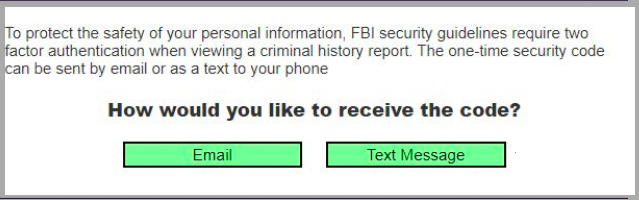
- To protect your privacy, two-factor authentication is required to access your report. Select whether you would like to receive your one-time secuirty code via email or phone. Once you receive the code, type it in the box and click Verify.
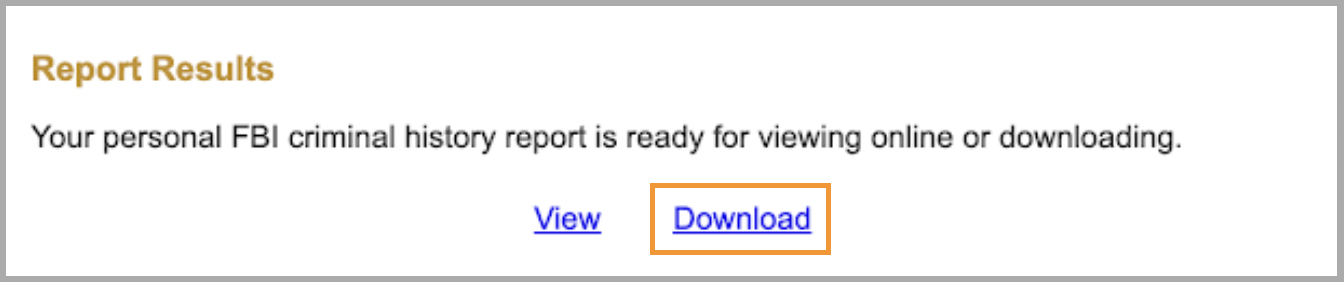
- Click Download to download a PDF of your fingerprint report. It is important to save this report because it will be deleted from the NBI website 24 hours after you access it.
-
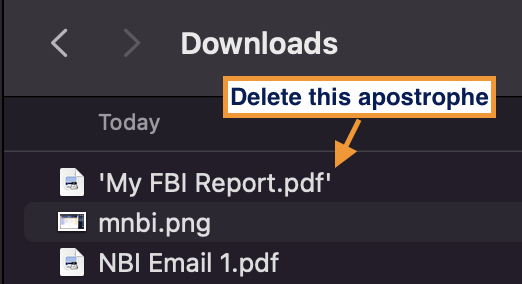
Trouble opening the file? Open your downloads folder and check the file name. Occasionally, the file has an extra apostrophe after the .pdf ending. This will make the file impossible to open. To resolve this, click the file once to rename it. Delete the apostrophe and try opening it again.
Step 3: Upload Your Fingerprint Report
Refer to the email or text you received from HopSkipDrive for a link to upload your fingerprint results to your portal. If you have questions or need further assistance, email seattlecaredriver@hopskipdrive.com.
Learn More
Search terms: huellas