
As you arrive at a pickup or drop-off while performing a ride, you may see a message like the one below after tapping I've arrived:
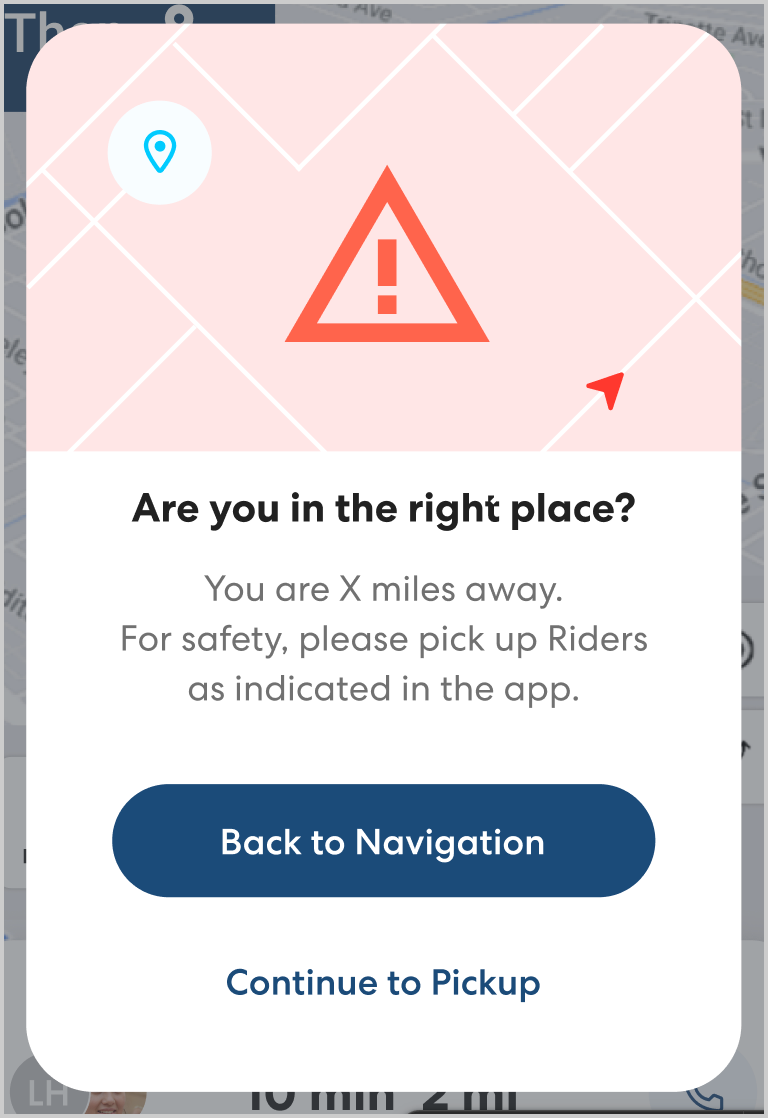
The CareDriver app will show this warning when you are not in the mapped location. This warning is to ensure you are in the correct location before you attempt to pick up or drop off any riders.
When you see this warning, please check that you are in the correct location. This is especially important if you are significant distance from the mapped location. Keep in mind that routes you have driven before may have been changed by the ride organizer.
- If you are not in the correct location or tapped I've arrived accidentally, tap Continue navigation and follow the directions to the correct location.
- If you are confident you are in the correct location, tap Continue to Drop-off/pickup to continue the pickup or drop-off process. In some cases you will see this warning when you are in the correct place but at the far end of a large parking lot or opposite side of the block. Please review all notes in the app to confirm you are in the correct location and have followed any required steps.