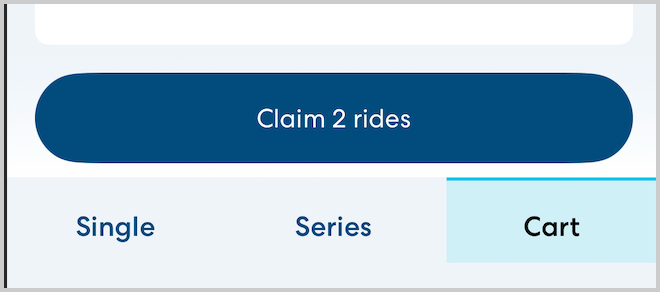
The cart feature allows you to compile a list of rides you are considering without yet claiming them. While rides are in your cart, they cannot be claimed by another CareDriver. After 5 minutes, any unclaimed rides in your cart will be returned to the marketplace for other CareDrivers to claim.
Add a ride to your cart
To add a ride to your cart, tap the ride in the Available Rides list. At the bottom of the page, tap Add to Cart.

After you have added a ride to your cart, you'll see a timer showing how much time is left before the ride is returned to the marketplace.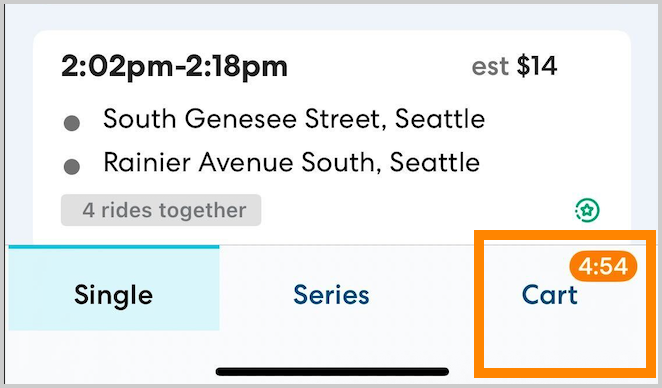
Review and claim rides in your cart
To review and claim rides in your cart, follow the steps below:
- In the lower right, tap Cart.
- Review the ride(s) in your cart. For any rides you don't want to claim, tap Remove.
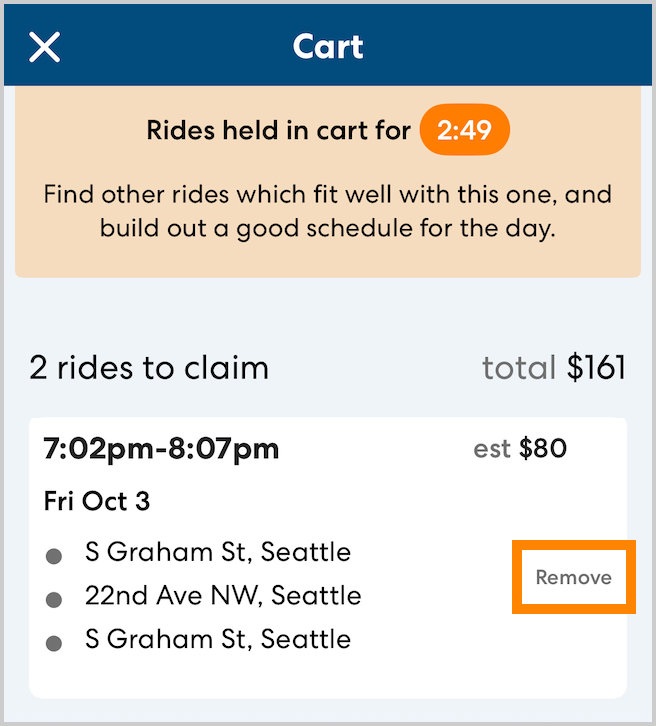
- When you have removed all the rides you don't want to claim, tap Claim # rides to claim all remaining rides in the cart.