When applying to be a CareDriver, you can upload documents by taking a picture on your phone and uploading them using the CareDriver app.
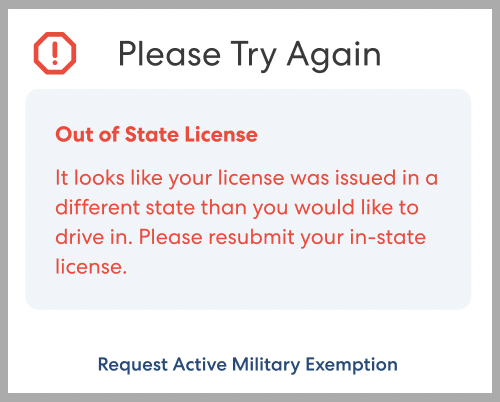
When uploading documents, you may see an Out of State License error.
Why Am I Seeing This Error?
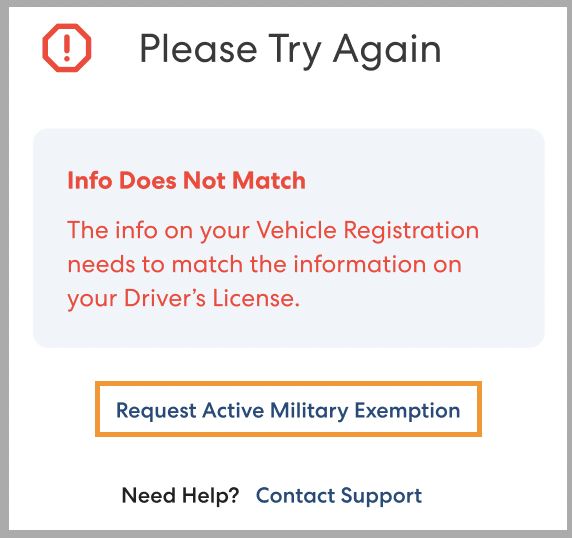
You'll see this error message when the state your driver's license was issued in does not match the state your vehicle is registered in. CareDrivers in some states are required to have a valid driver's license and up to date vehicle registration for the state they will be driving in.
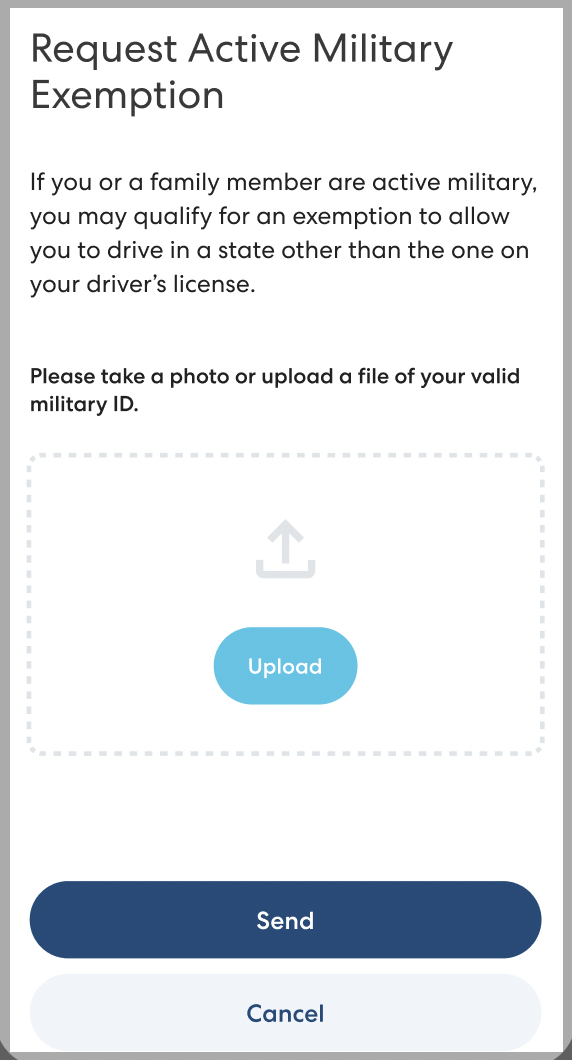
If your license was not issued in the state you will be driving in because you or an immediate family member are in the military, you can request an active military exemption.
Request an Active Military Exemption
Active military and their immediate family may request an exemption to this requirement. Follow the steps below to request an exemption:
- Tap Try Again.
- Tap Request Active Military Exemption.
- Tap Upload and upload a valid military ID.
- Tap Send.