
While driving to pickup, you may receive a message like the one below:
HopSkipDrive: It looks like you tapped I've Arrived before reaching the next stop. Please continue to the address listed in the app or contact Support for help.
You'll receive this message when you tap I've arrived but are more than a mile away from the next stop. If you tapped I've arrived accidentally, continue driving to the next stop as planned.
Restarting navigation
Tapping I've arrived stops the in-app navigation. To get directions to the next stop, you can:
- Copy the address at the top of the screen into a different navigation app.
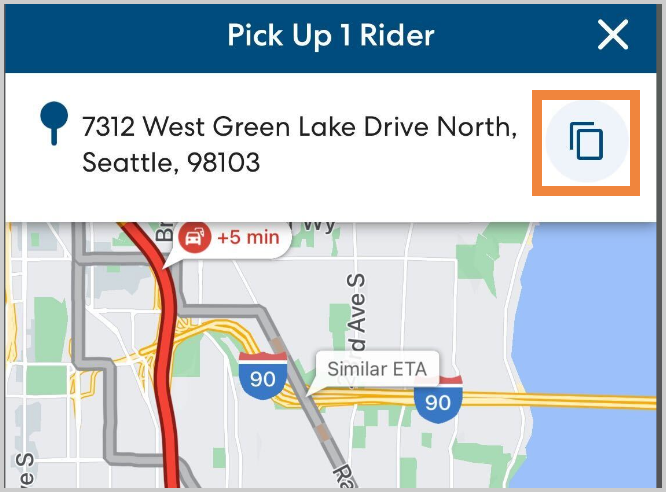
- Call 844-HOPSKIP and ask for the ride status to be reverted back to In progress. This will allow you to re-start in-app navigation.