
When using the in-app navigation, you'll see the speed limit displayed as you drive. The speed limit will turn red when you are driving more than 5 miles an hour over the limit. Occasionally, the speed limit in the app does not match the posted speed limit, and the app may incorrectly show that you are speeding.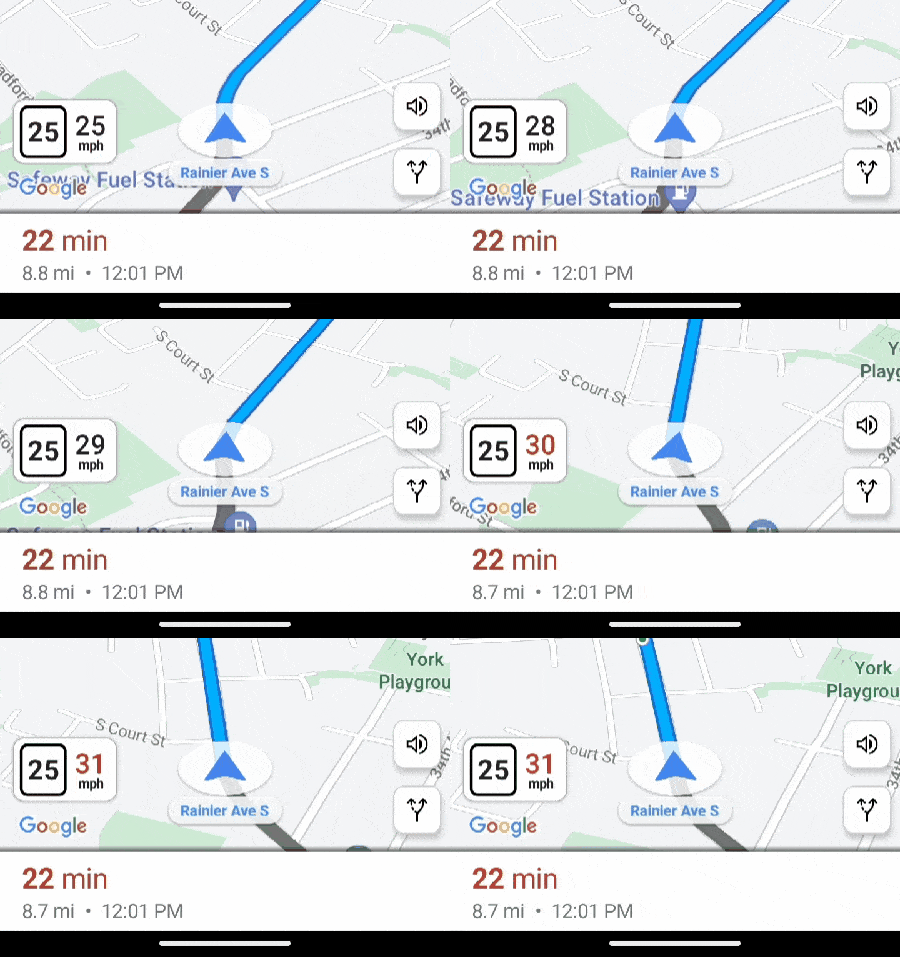
Incorrect speed limits and CareDriver Trends
The speed limit you see in the app comes from Google Maps. HopSkipDrive uses a separate telematics provider to track speeding for CareDriver Trends.
The telematics provider does not use the same speed limit information as Google Maps. This means that the incorrect speed limits shown in Google Maps will not necessarily impact your CareDriver Trends rating.
However, if you believe an incorrect speed limit impacted your Trends rating, please use this form to report it. We share these reports with the provider so they can be corrected for future rides.