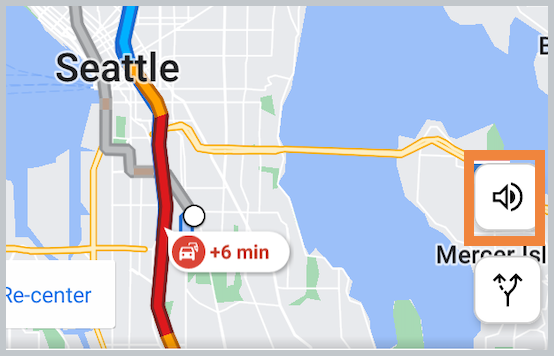
If you do not want to hear turn-by-turn directions while completing the ride you can mute the audio directions in the CareDriver app.
Mute audio for all rides:
To change the default settings to muted, follow the steps below:
- Open your profile, then tap Settings.
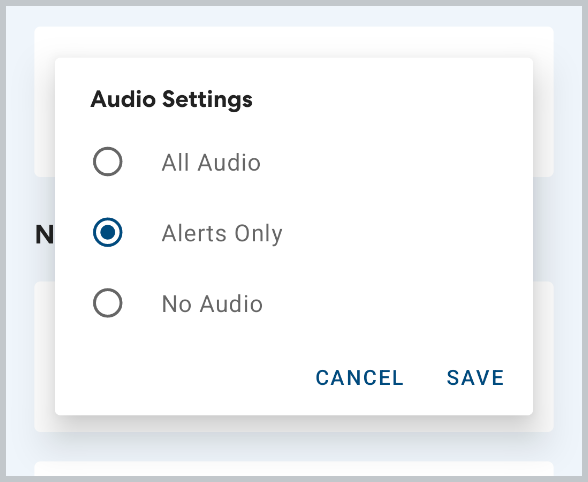
- Tap Audio Settings.
- Select Alerts only to hear notifications about traffic or route changes, or choose No audio to mute all navigation audio.
Mute audio for the current ride only:
If you'd like to mute the audio for your current ride without changing the default settings, tap the speaker icon on the map.