You must be checked in for every ride 60-90 minutes before the ride begins. As a driver, you can check in using the app. Alternately, a dispatcher may check you in remotely.
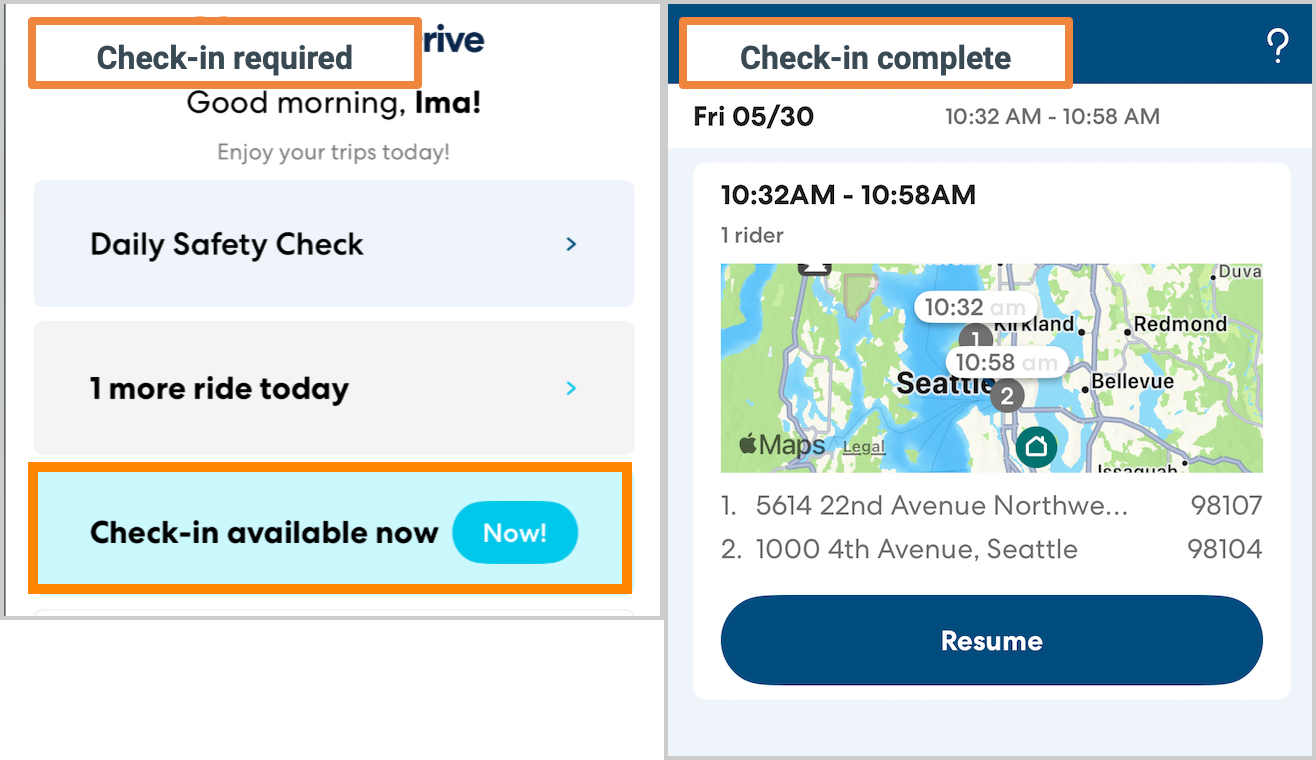
Check-in reminders
You will receive reminders to check in via push notification and text message. Just before the end of the check-in window you will also receive an automated phone call prompting you to check in. However, you can check in using the app as early as 90 minutes before the ride. You do not need to wait for the phone call to check in.
How to check in for a ride
Follow the steps below to check in for a ride.
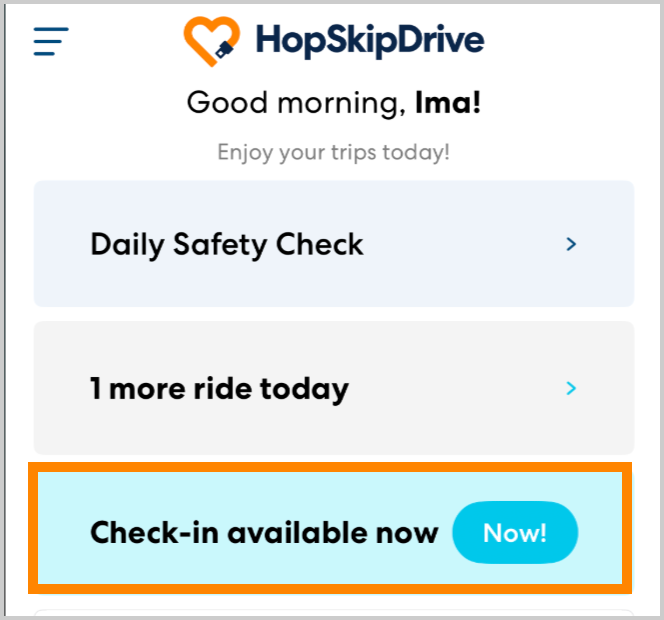
- From the Home screen, tap Check-in Available. If you see a time listed instead of the word Now, wait until that time to check in.
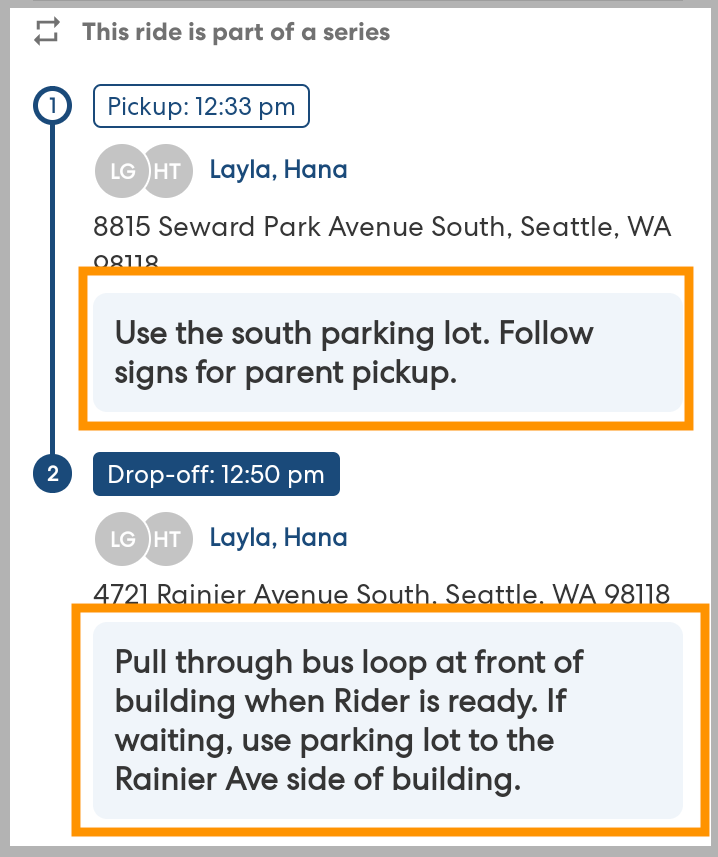
- Review the details of the ride. Pay particular attention to the Location Instructions. This is where you will see specific information to help you pick up and drop off riders. Always follow the Location instructions and rider notes when performing a ride.
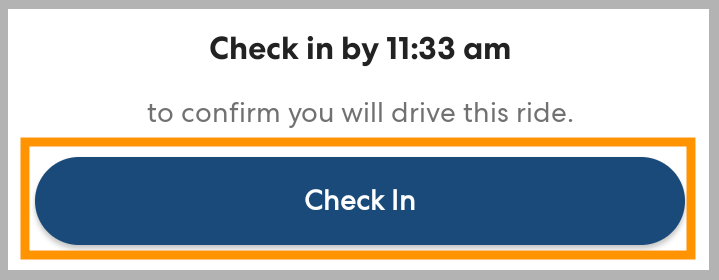
- Scroll to the bottom of the screen. Tap Check In.
- On the Ride Details screen, check the suggested leave time to help you plan.
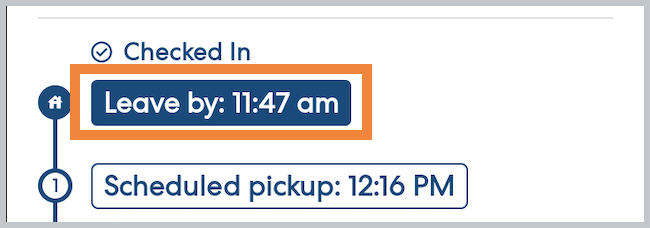
You are now checked in for the ride. You can close the app until it is time to leave.
When it's time to go, tap I'm On my Way! to start the ride and open navigation.