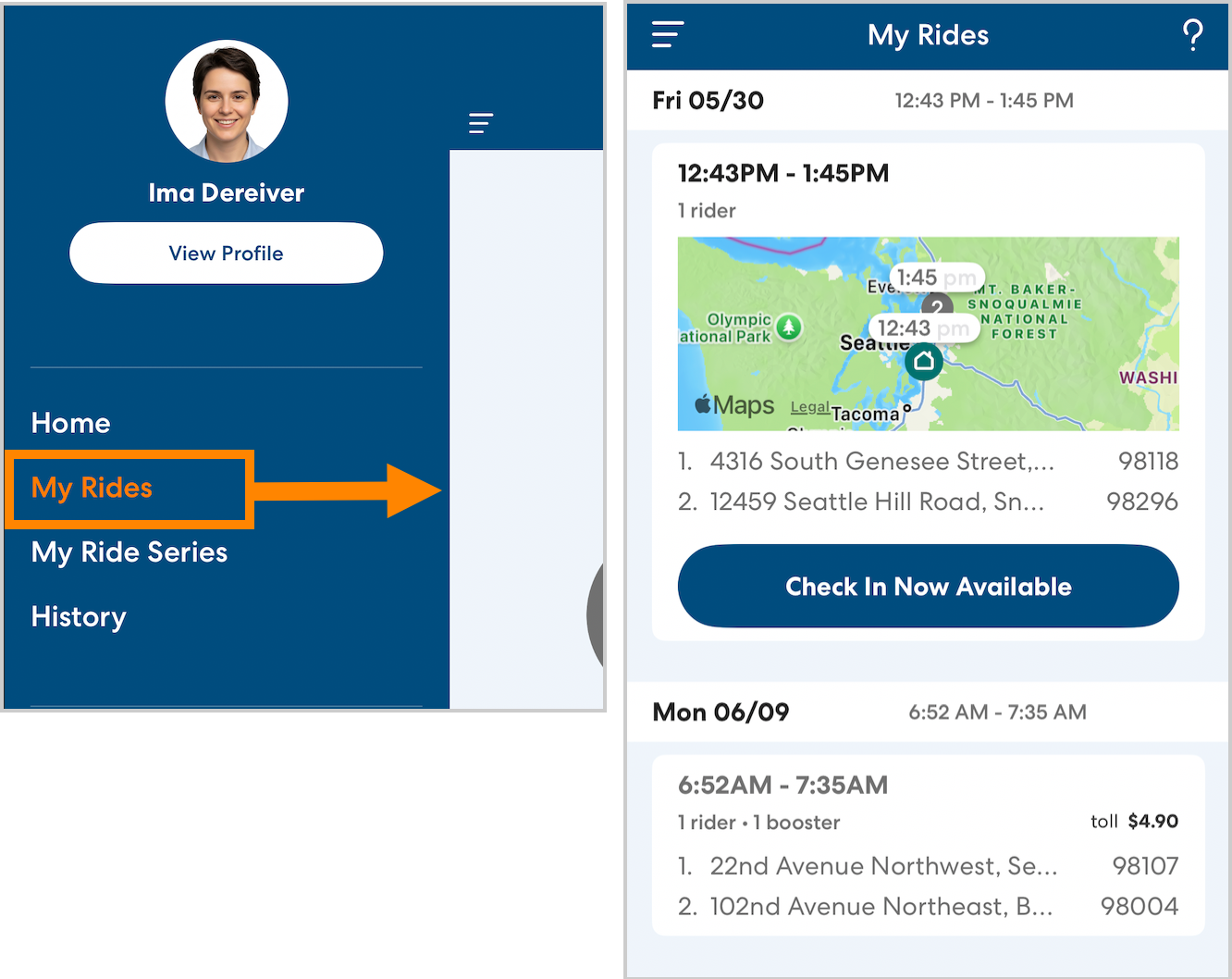
You can see upcoming rides assigned to you on the My Rides page of the app.
Ride details
Tap an individual ride to see more details, including:
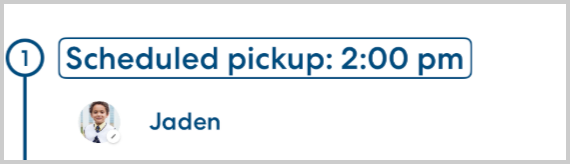
- Scheduled pickup and drop-off times
- Rider names and photos (if available)
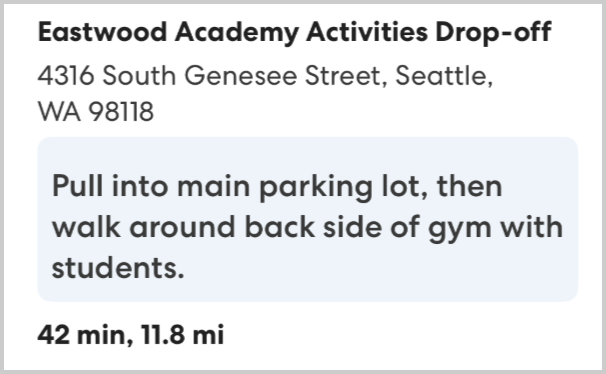
- Pickup and drop-off addresses
- Pickup and drop-off notes
- Travel distance and estimated time between stops.
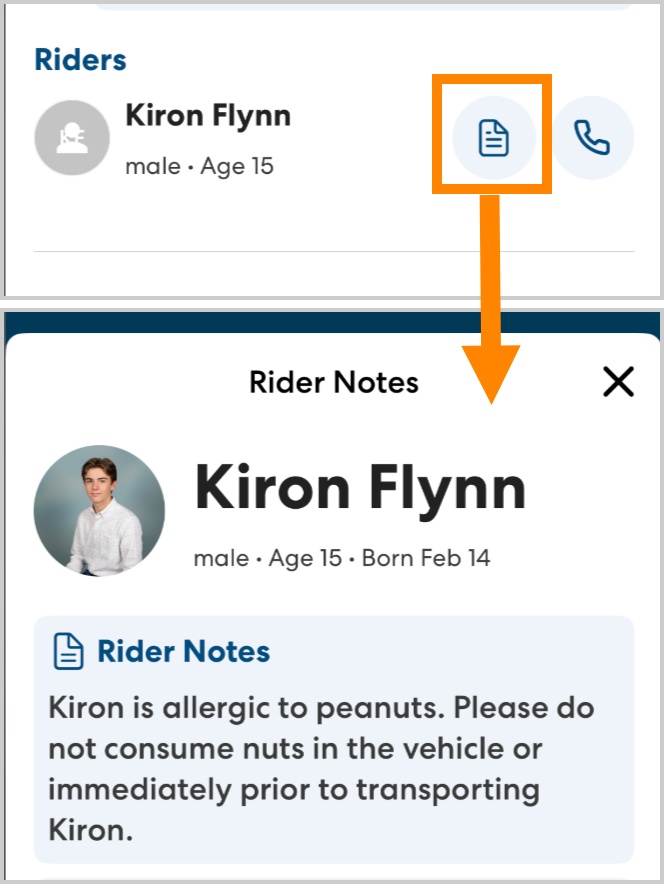
Rider information
To see more information about the riders you will be transporting, scroll to the bottom of the page. Tap the notes icon to see rider notes. Rider notes include information about the rider that may be relevant during the ride. These notes are also visible once you begin the ride.