
At each pickup location, you may be picking up one or more riders. For each rider, follow the steps in the app to confirm the rider's identity and record the successful pickup.
Starting the ride
Follow the steps below to start the ride. It is important to record each step of the ride in the app for monitoring purposes.
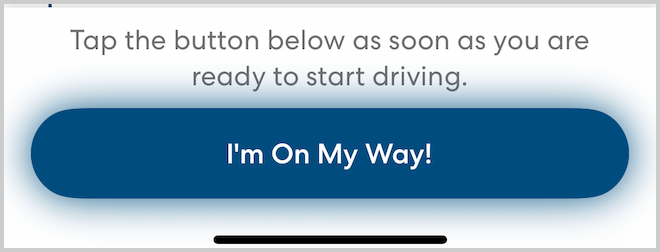
- When you are ready to start driving, tap I'm On My Way!
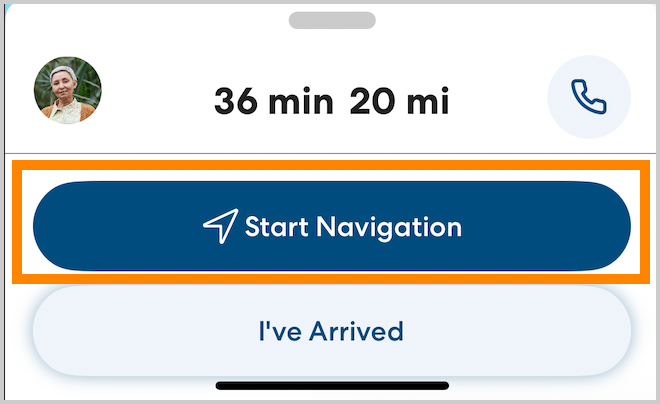
- Tap Start Navigation. Follow the in-app navigation to the destination.
How to pick up a rider
Follow these steps to pick up a rider:
- When you reach the pickup location, park in a safe place, then tap I've Arrived.
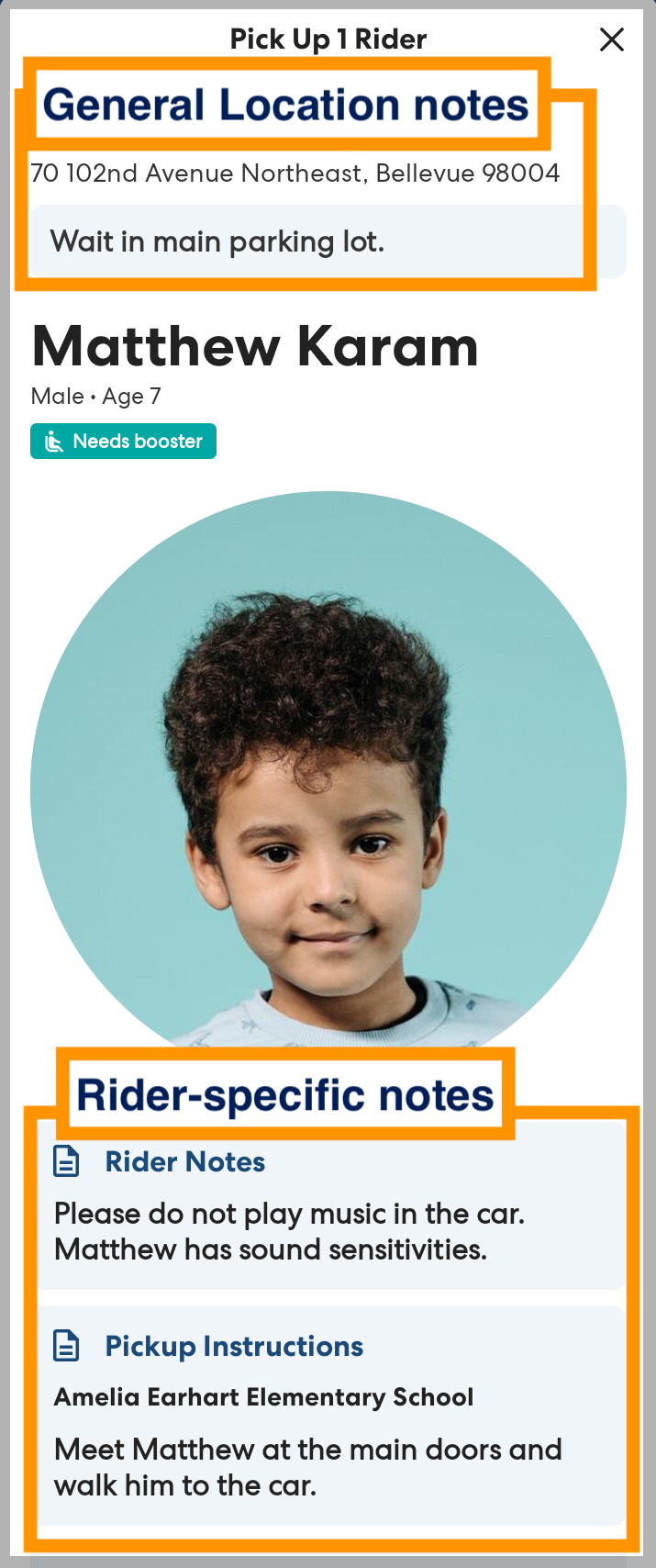
- Carefully read and follow any instructions and notes. The location and rider notes will help you understand where to meet the rider and any special needs they may have.
-
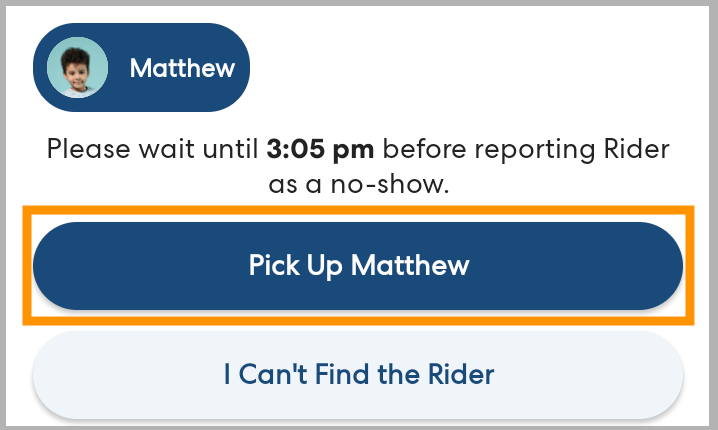
Tap Pick Up [rider].
Can't find a rider?
If you're having trouble finding a rider, tap I can't find the rider to get help and report the issue. Learn more here: What Do I Do if I Can't Find a rider?
-
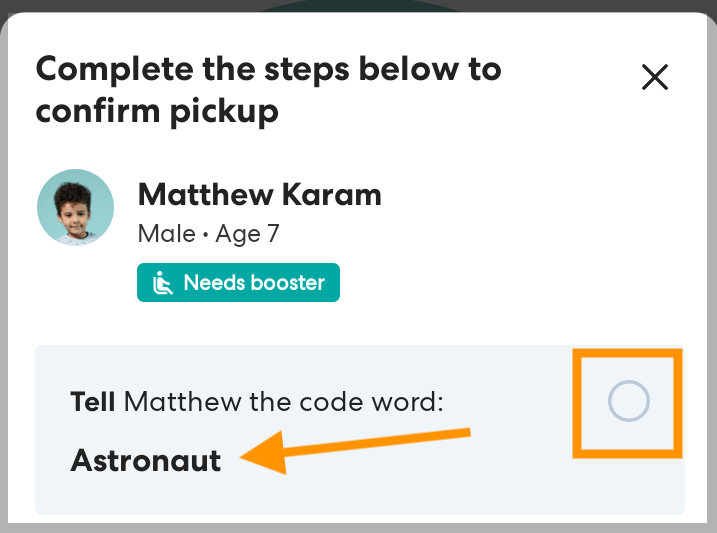
Tell the rider the code word. By telling the rider the code word you are confirming to the rider that you are the correct driver. If the rider confirms that the secret word you gave them is correct, tap the circle to check Tell [rider] the code word.
-
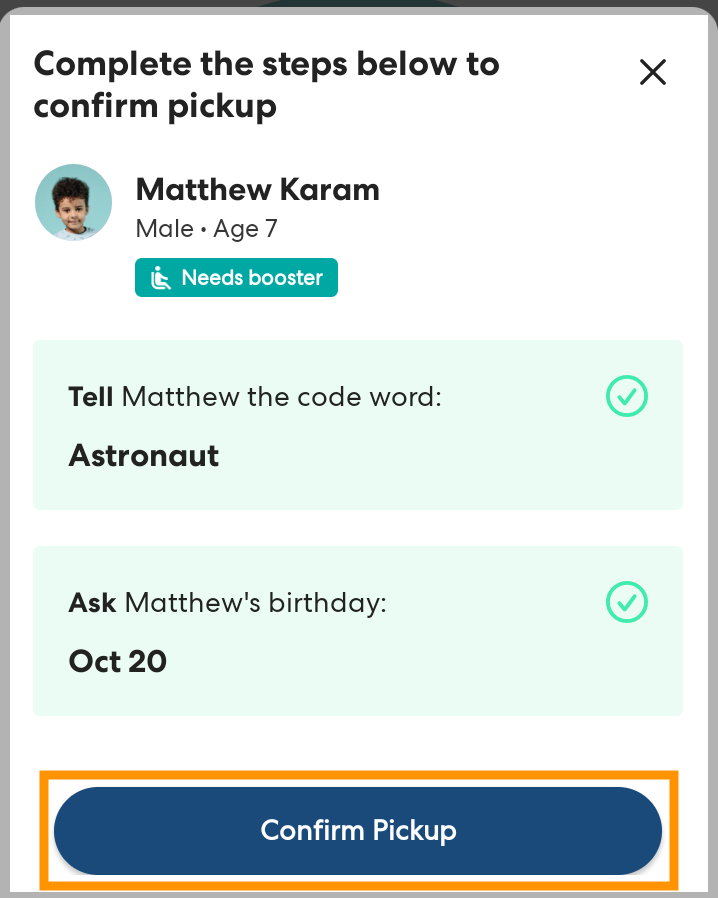
Ask the rider for their birthday. If the rider's answer matches what is listed in the app, tap the circle to check off Ask [rider's] birthday.

- Once you have confirmed that you have the correct rider, tap Confirm pickup.
- Repeat this process as needed for additional riders.
Once you have all riders safely in your vehicle, you're ready to drive to the next stop.